Why Choosing a Security Camera System in Las Vegas Takes More Thought Than You’d Expect
Most buyers approach security cameras like any consumer electronics purchase — pick the highest-rated product on Amazon and call it done. But Las Vegas presents unique challenges that generic buying guides completely miss.
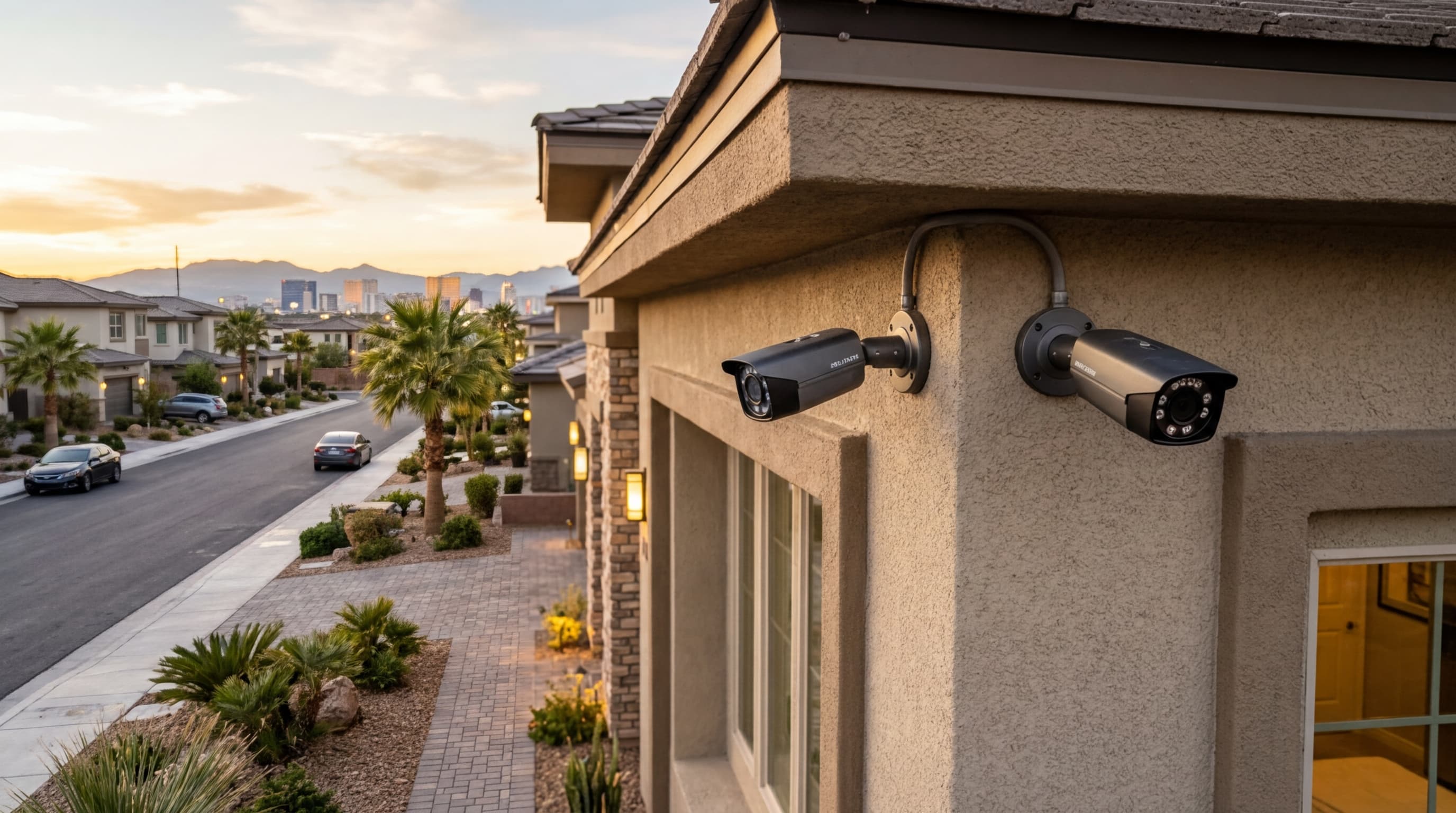
Extreme heat. Sun angles that wash out west-facing cameras for hours every afternoon. HOA restrictions on visible equipment in master-planned communities. And burglars who have learned to look for blind spots in DIY installations.
This guide covers everything you need to know to make the right decision — whether you’re protecting a home in Summerlin, a business near the Strip, or a rental property in Henderson. For a hands-on assessment, schedule a free camera consultation with our team.
- Heat and sun angle significantly affect camera performance and placement in Las Vegas
- Coverage mapping before purchase prevents expensive blind spots
- HOA restrictions apply in many Las Vegas communities — check before installing
- Wired PoE systems outperform wireless for permanent residential and commercial use
- Local professional installation catches placement problems that DIY buyers miss
Step 1: Map Your Coverage Areas Before Buying Anything
The biggest mistake homeowners make is buying cameras first and planning coverage second. Start with a rough sketch of your property and identify:
- Primary entry points: Front door, back door, garage, side gates
- High-value exterior areas: Driveway, backyard, HVAC units, pool equipment
- Blind spots: Corners of the property not visible from any existing vantage point
- Interior checkpoints: Entry hallways, main living area, home office if applicable
Most homes need a minimum of 4–6 cameras for adequate coverage. Businesses typically need more depending on square footage and the number of entry points. Our security camera service page outlines standard configurations for different property types.
Step 2: Understand Las Vegas-Specific Environmental Factors
Heat Tolerance
Las Vegas summers regularly exceed 115°F. Cameras mounted on south or west-facing walls under direct sun can see surface temperatures well above ambient air temperature. Look for cameras rated for operation at or above 140°F (60°C). Cheaper cameras rated only to 122°F (50°C) can fail or produce degraded image quality during peak summer months.
Sun Glare and West-Facing Cameras
West-facing cameras are washed out by direct afternoon sun for several hours daily during summer. Solutions:
- Mount under an eave or overhang that shades the camera lens from direct sun
- Choose cameras with wide dynamic range (WDR) that handle high-contrast lighting better
- Use a camera with a sun shield attachment
Night Vision Requirements
The majority of residential burglaries happen after dark. Night vision is non-negotiable. For driveways and entry areas, color night vision (which uses ambient light sources) produces more useful footage than standard infrared.
Step 3: Choose the Right Camera Type for Each Location
Not every camera is right for every location. Here’s a practical breakdown:
Bullet cameras: Best for long-range, directional coverage (driveways, parking areas). Easy to point but more visible.
Dome cameras: Best for entry points and indoor use. Harder to tamper with because the lens direction isn’t obvious.
Turret cameras: Versatile hybrid that works well in most residential locations. Good field of view, low profile.
PTZ (pan-tilt-zoom) cameras: Best for large commercial spaces that need active monitoring. Overkill for most homes.
For most Las Vegas residential properties, a mix of turret cameras at entry points and bullet cameras covering the driveway and backyard provides the best balance of coverage and value.
Step 4: Decide Between Wired and Wireless
This question comes up constantly. The short answer for permanent installations is: go wired.
Wired PoE systems draw power and transmit data over a single Ethernet cable. They’re not subject to Wi-Fi interference, battery drain, or the signal disruption that wireless systems can experience. For Las Vegas homes — especially those with thick stucco walls that attenuate Wi-Fi signals — wired systems are significantly more reliable.
Wireless systems make sense for renters, for temporary coverage, or for locations where running cable is genuinely impractical.
Our residential security team can advise on the right configuration for your specific property.
Step 5: Plan Your Storage Strategy
You have three options: local storage (NVR/DVR), cloud storage, or both.
- Local NVR: Continuous recording, no monthly fees, footage accessible on-site. Vulnerable if the recorder is stolen.
- Cloud: Accessible from anywhere, protected even if equipment is stolen. Requires a monthly subscription.
- Hybrid: Best of both. Store continuously locally; back up critical motion-triggered clips to the cloud.
For most residential customers, a 2TB NVR with 7–14 days of retention plus a cloud backup subscription for motion events is the sweet spot.
Step 6: Check HOA Restrictions Before Installing
Many Las Vegas master-planned communities — Summerlin, Seven Hills, Lake Las Vegas, and others — have CC&R restrictions on externally visible security equipment. Rules vary widely:
- Some HOAs prohibit cameras visible from the street
- Others require specific mounting heights or camera colors
- Many require prior approval from the architectural committee
ASAP Security has worked extensively with HOA communities across the Las Vegas valley. We can help you design a compliant system that meets your security needs without running afoul of your HOA.
Step 7: Choose a Reputable Local Installer
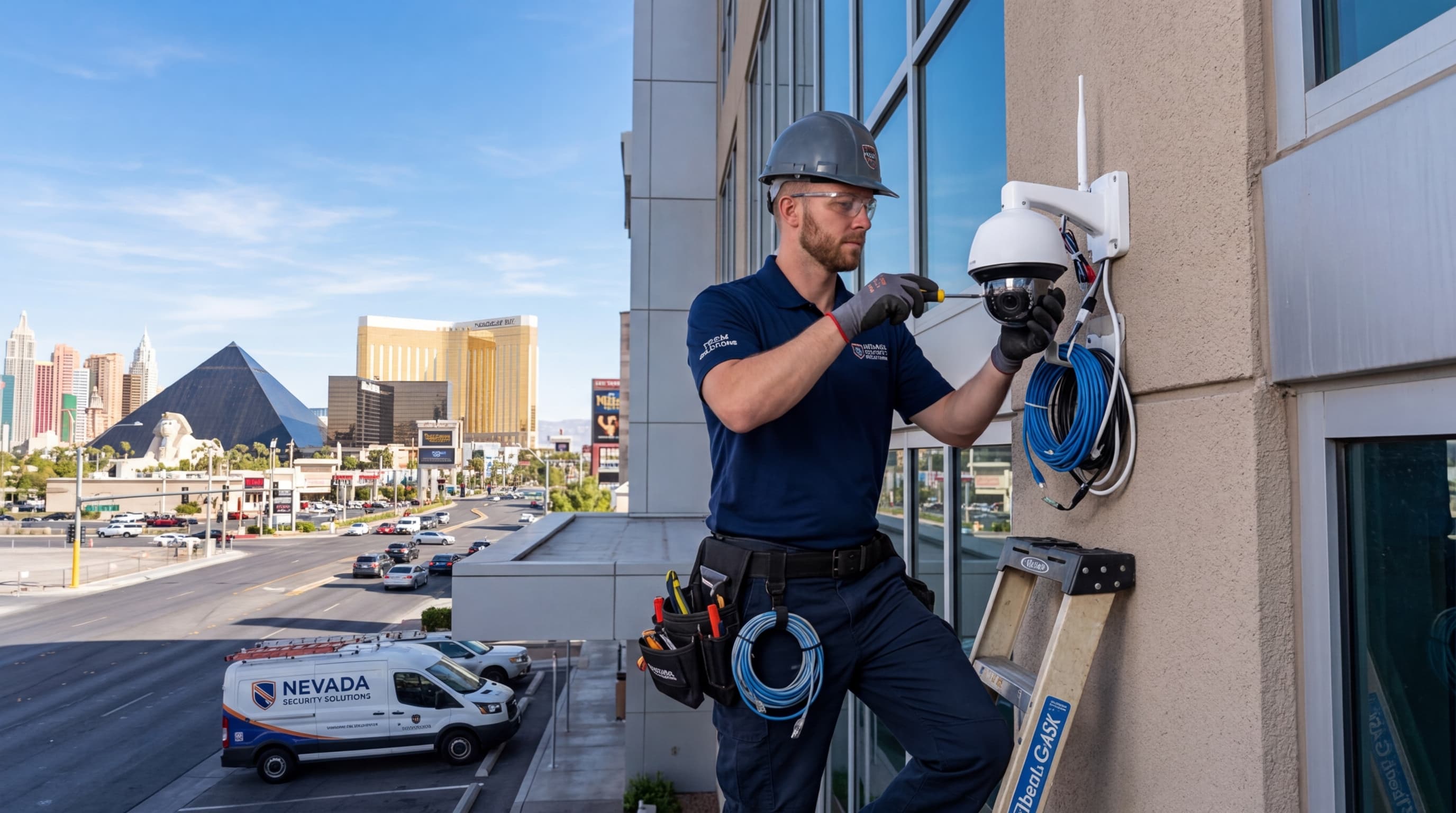
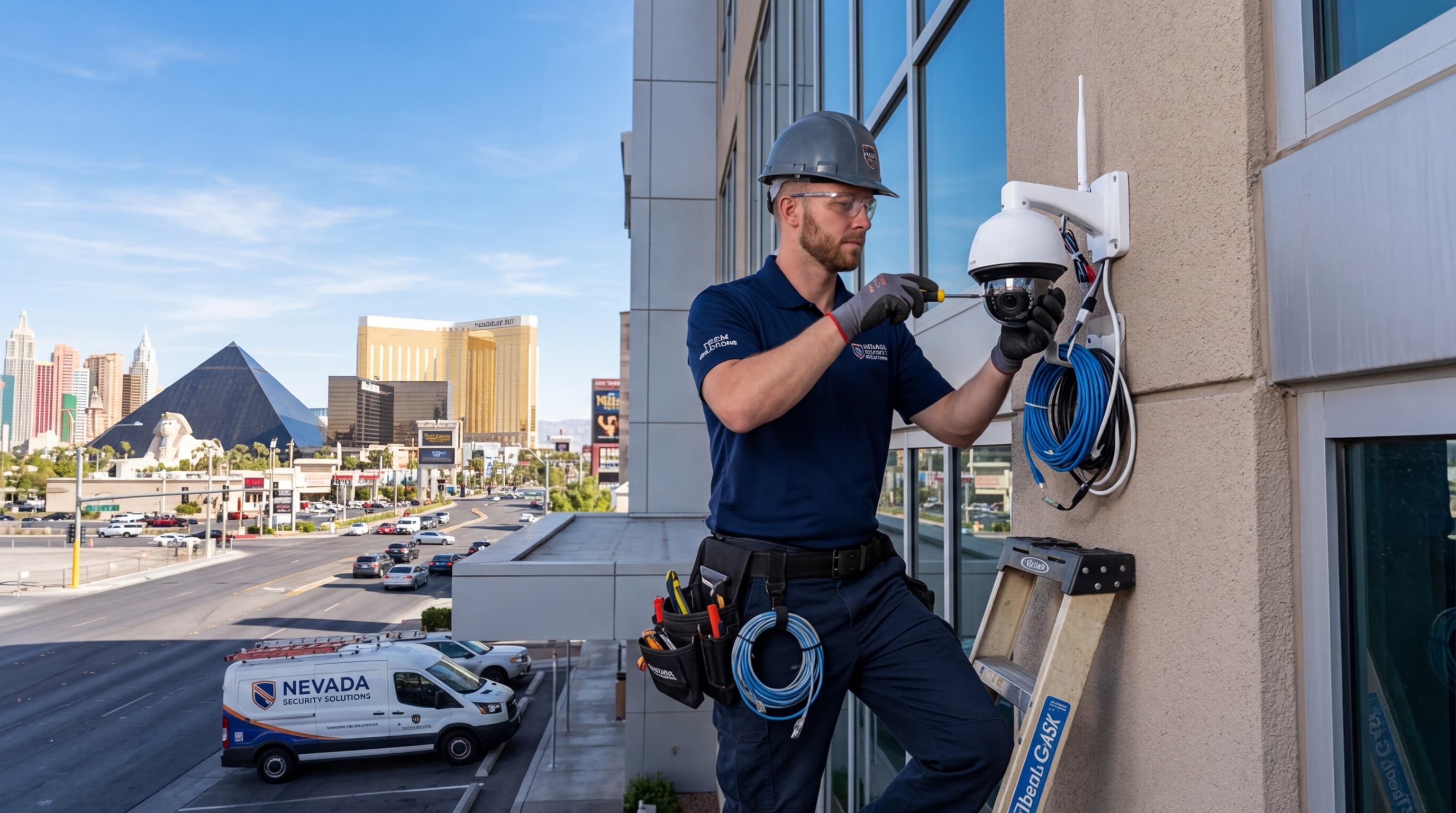
DIY installation is possible, but professional installation catches problems that most homeowners miss: coverage blind spots, poor cable routing, inadequate weatherproofing, and suboptimal camera angles.
A local installer also matters for ongoing support. National chains dispatch technicians on 2–3 week timelines. ASAP Security has been serving Las Vegas since 2003 — we can typically respond same-day or next-day when something needs attention.
Contact us for a free camera system assessment and let’s design the right setup for your property.