Smart Security Is Only Smart If It’s Set Up Right
The consumer smart home security market has exploded. You can buy a video doorbell, a few wireless sensors, and a hub for a few hundred dollars and have something running in an afternoon. That’s genuinely impressive progress.
The problem is that most homeowners stop there. They buy the hardware, stick sensors in obvious places, and consider themselves covered — without understanding the gaps in what they’ve built.
This guide is about doing smart home security right. These seven tips come from decades of professional installation experience in Las Vegas, and they apply whether you’re expanding a DIY system or planning a professional installation from scratch. ASAP Security offers free consultations if you’d like a professional eye on your current setup.
- Most smart security gaps come from installation decisions, not equipment quality
- Sensor placement is the most important and most underestimated factor
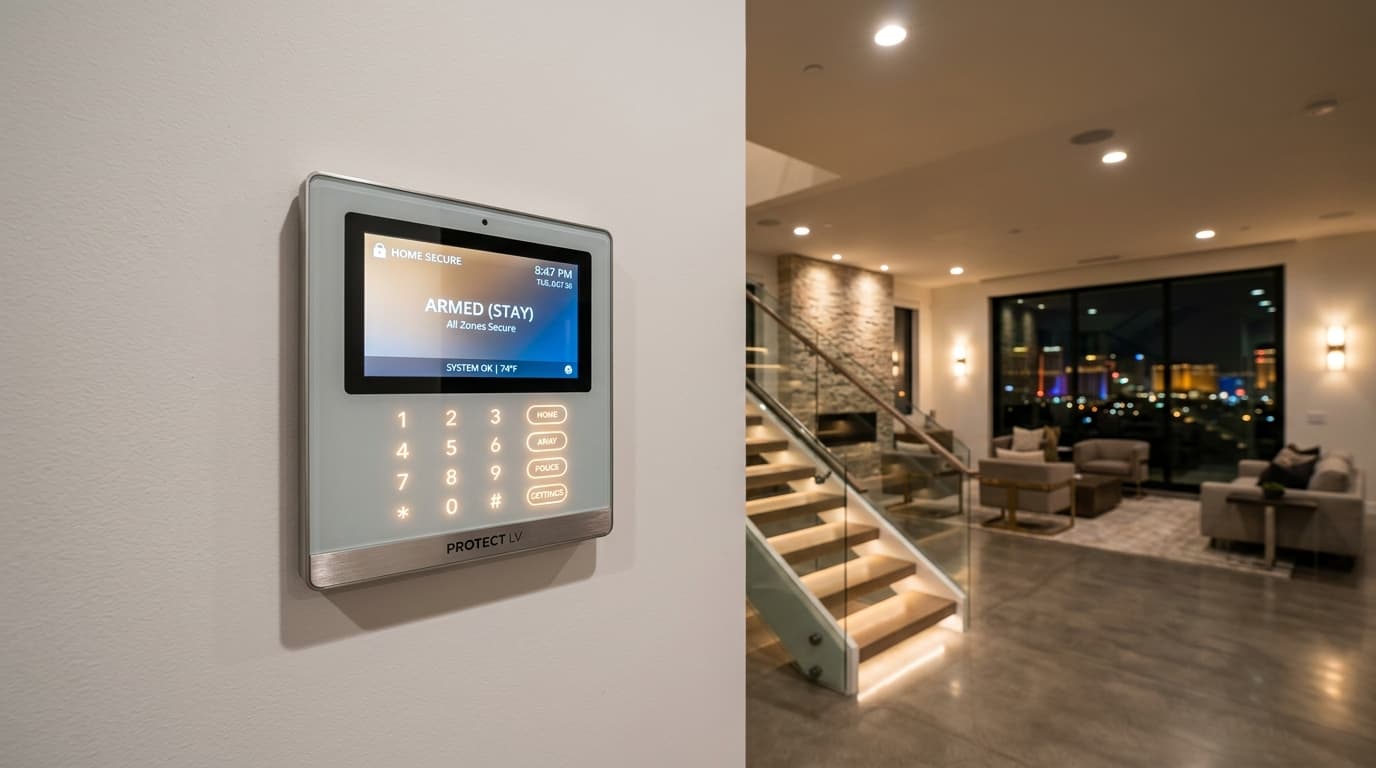
- Smart locks should be integrated with your alarm, not treated as a separate system
- Professional monitoring closes the most critical gap in any DIY setup
- Las Vegas heat affects sensor accuracy — equipment selection matters
Tip 1: Cover Every Entry Point, Not Just the Front Door
Most homes have more entry points than homeowners realize. A front door sensor is a start — but burglars rarely use the front door if they can avoid it.
Every home in Las Vegas should have sensors on:
- All exterior doors: Front, back, side, garage entry into the home
- Ground-floor windows: Especially those concealed by shrubs or fences
- Garage door: Both the main door and any side entry
- Sliding glass doors: These often have weaker locks and are a common entry point
Our residential security installations include a full entry point audit before any sensors are placed — mapping every potential access route before deciding where hardware goes.
Tip 2: Position Motion Sensors for Maximum Coverage
Motion sensors are most effective when placed to catch movement through “choke points” — areas an intruder would have to pass through to reach the rest of the home.
Best locations:
- At the top of stairs (covers access to sleeping areas)
- At the end of main hallways
- In corners of large open living spaces, angled to cover the widest area
- Near valuable items like a home office or safe location
Common mistakes:
- Placing sensors where they’re triggered by pets (place higher on the wall or choose pet-immune sensors)
- Aiming sensors at windows where sunlight changes can trigger false alarms
- Leaving large rooms uncovered because one sensor isn’t enough
Tip 3: Use Smart Locks as Part of Your System — Not Separately
Smart locks are one of the best upgrades available for Las Vegas homeowners, but most people treat them as a standalone convenience device rather than a security component.
When integrated with your alarm system, a smart lock can:
- Trigger an alert if a door is unlocked outside normal hours
- Automatically lock after a set period — eliminating the “did I lock the door?” problem
- Provide an audit log of every entry with individual codes per person
- Integrate with your camera system so you can see who used a code and when
For households with kids, elderly family members, or frequent contractors, this level of access management is invaluable. See our locksmith services page for smart lock options we install and support.
Tip 4: Add Professional Monitoring to Whatever System You Have
This is the single highest-impact improvement most Las Vegas homeowners can make. If your current system only sends you a notification, you have a meaningful gap: someone has to be awake, have phone service, and respond fast enough to make a difference.
Professional monitoring means a trained operator receives your alarm 24/7, attempts verification (using two-way audio or camera access if available), and dispatches police — typically within 30–45 seconds.
You can add professional monitoring to many existing systems. Contact ASAP Security to find out if your current equipment is compatible with our monitoring service.
Tip 5: Account for Las Vegas Heat in Sensor Selection and Placement
Standard PIR (passive infrared) motion sensors detect body heat against a background temperature. In Las Vegas summer, when ambient temperatures exceed 105–115°F, the contrast between body heat and background is reduced — which means lower sensitivity and potential missed detections.
Mitigation strategies:
- Choose dual-technology sensors (PIR + microwave) that require both motion and heat change to trigger
- Install temperature-compensating sensors rated for high-ambient-temperature environments
- For outdoor motion sensors, ensure they’re shaded from direct sun to maintain accurate baseline readings
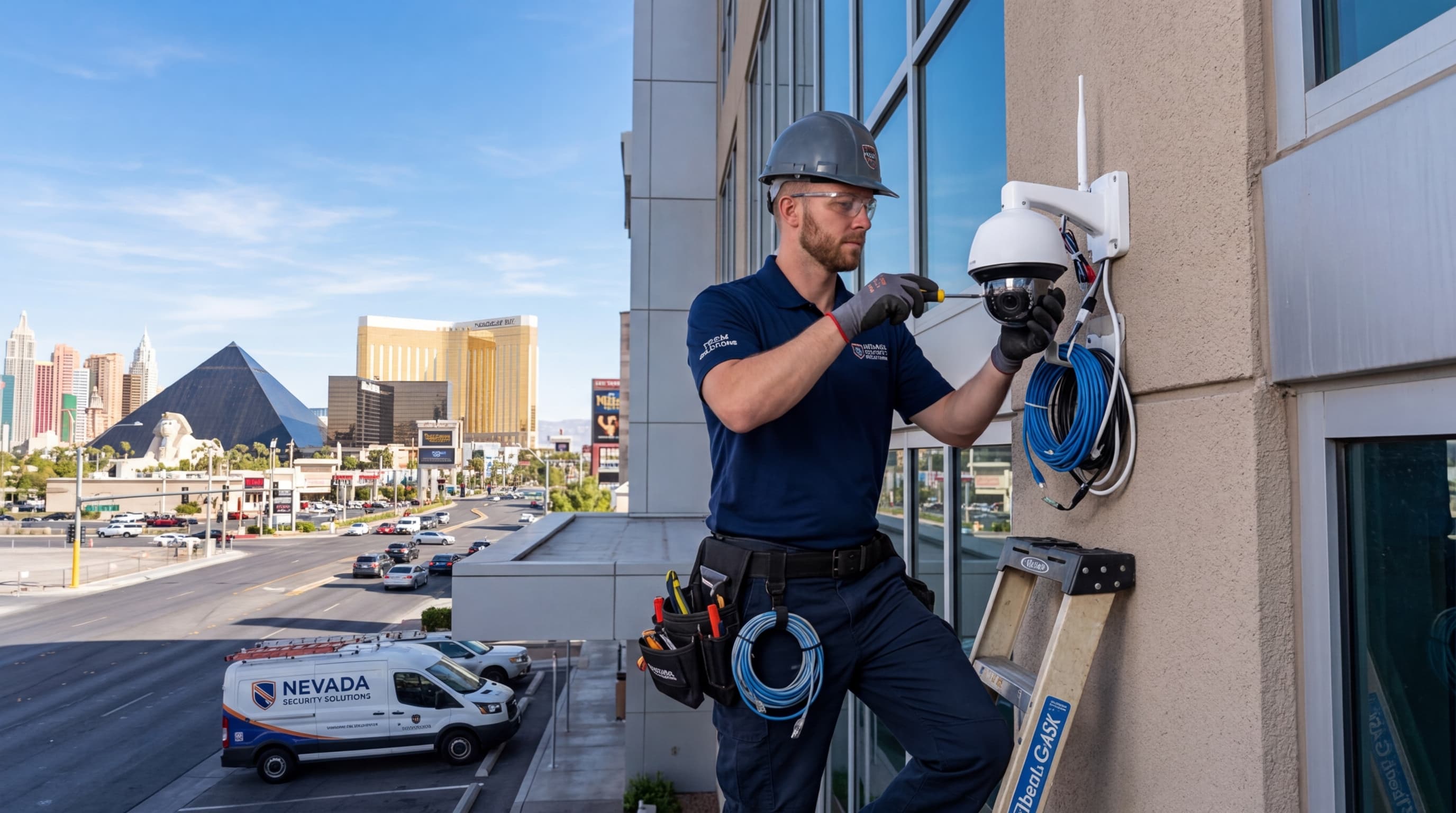
Our technical team selects Las Vegas-appropriate sensors for all installations — this is one of many reasons professional installation outperforms big-box DIY kits.
Tip 6: Integrate Your Security Cameras with Your Alarm
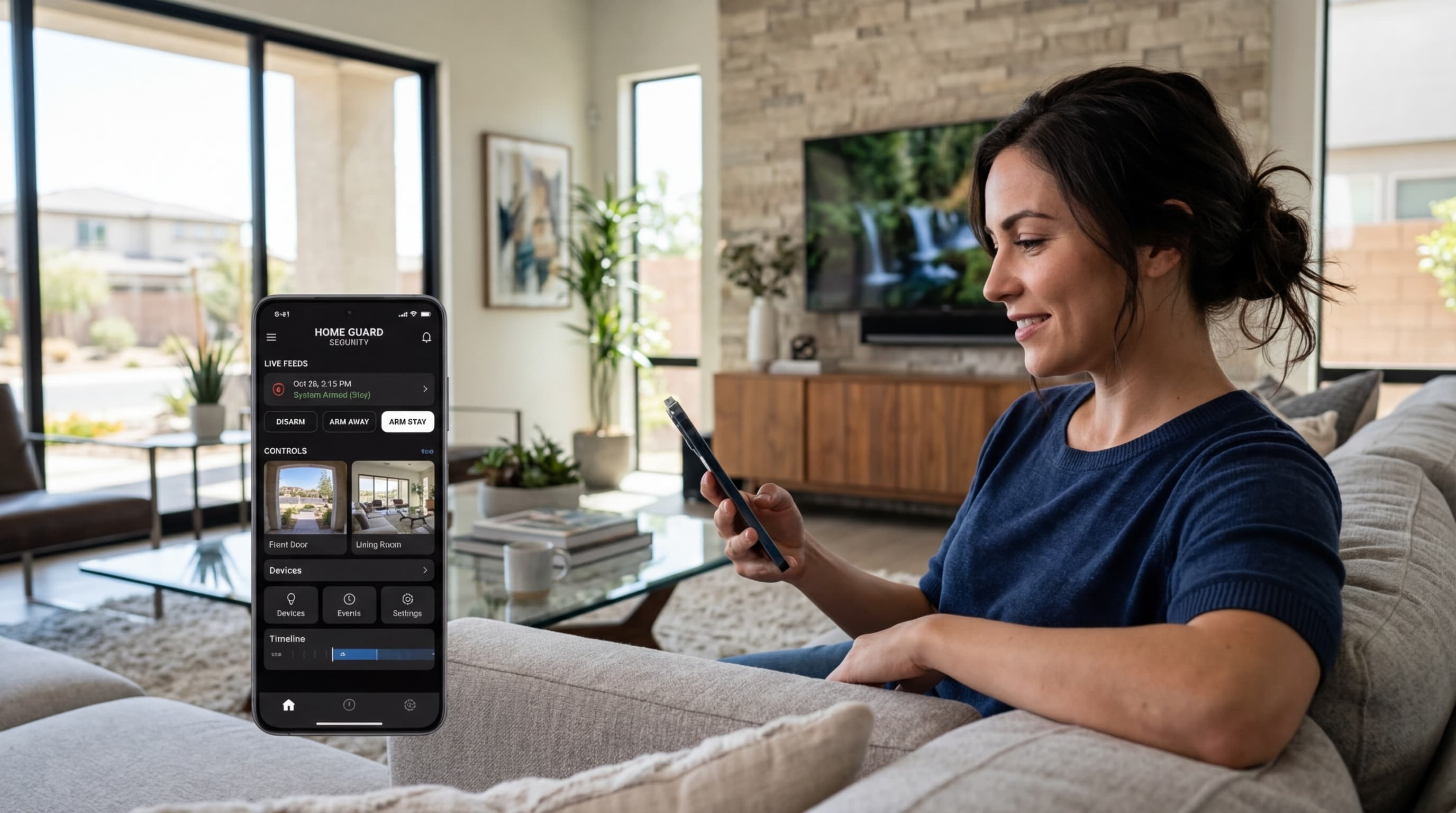
Cameras and alarms are most effective when they work together. When your alarm triggers, your monitoring center — or you, via the app — should be able to pull up camera footage instantly to assess whether it’s a real threat.
This integration also enables:
- Video verification: Before police are dispatched, a real human can visually confirm an intrusion is in progress, which improves police response priority and reduces false alarm fees
- Motion-triggered recording: Cameras start recording when the alarm is armed and a sensor triggers
- Timeline review: After an incident, you can sync alarm events with camera footage for a complete picture
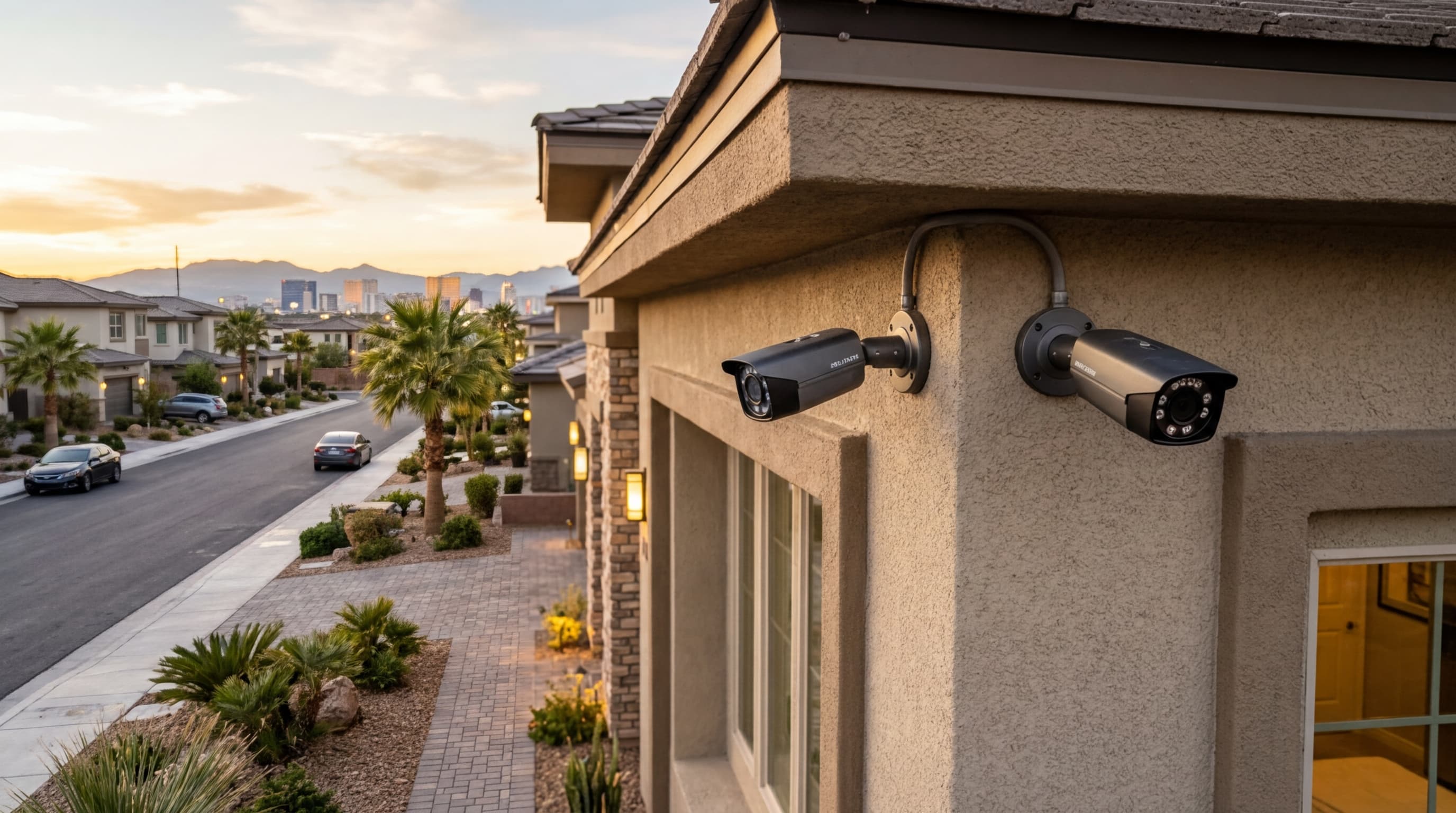
Our security camera installations are designed for full integration with our alarm monitoring platform.
Tip 7: Test Your System Regularly
A security system that hasn’t been tested recently may not be working correctly. Equipment fails silently — a disconnected sensor or a low battery doesn’t always announce itself before an actual emergency.
Monthly checks:
- Open each protected door or window to verify the sensor triggers
- Walk past each motion sensor to confirm it’s responsive
- Check the app to verify all devices show as online
Quarterly checks:
- Trigger a full alarm test (notify your monitoring company first) to confirm end-to-end communication
- Check camera footage quality to ensure lenses are clean and angles haven’t shifted
- Verify battery status on all wireless devices
Annual checks:
- Schedule a professional system inspection — we’ll check equipment health, replace aging components, and update firmware on smart devices
Contact ASAP Security to schedule your annual system check or to upgrade your current setup to a fully integrated monitored system.