
Most Las Vegas business owners think about access control as a single decision — cameras, alarm, done — until an employee quits and someone has to figure out which of the twelve people holding a copy of the front door key still has one. Access control credentials solve that problem, but choosing the wrong type for how your business actually operates creates its own headaches. ASAP Security has installed and serviced access control systems for Las Vegas Valley businesses since 2003, and the credential decision is one of the first questions we walk through with every commercial client.
- Key fobs and cards are reliable and easy to deactivate individually, but cost more per user
- Keypads are cheap to deploy but harder to control once a shared PIN is widely known
- Mobile credentials cut hardware cost and allow instant remote revocation
- Biometrics add a strong layer for high-security doors, not every entrance
- Most Las Vegas businesses end up using two or three credential types across different doors
Why Access Control Credential Choice Matters for Las Vegas Businesses
The credential you choose determines how much control you actually have day to day — not just at installation, but a year later when staff has turned over, a vendor needs temporary access, or a door needs a different security level than the rest of the building. Getting this wrong doesn’t usually show up immediately. It shows up six months in, when nobody remembers who still has an active fob or what the keypad code even changed to.
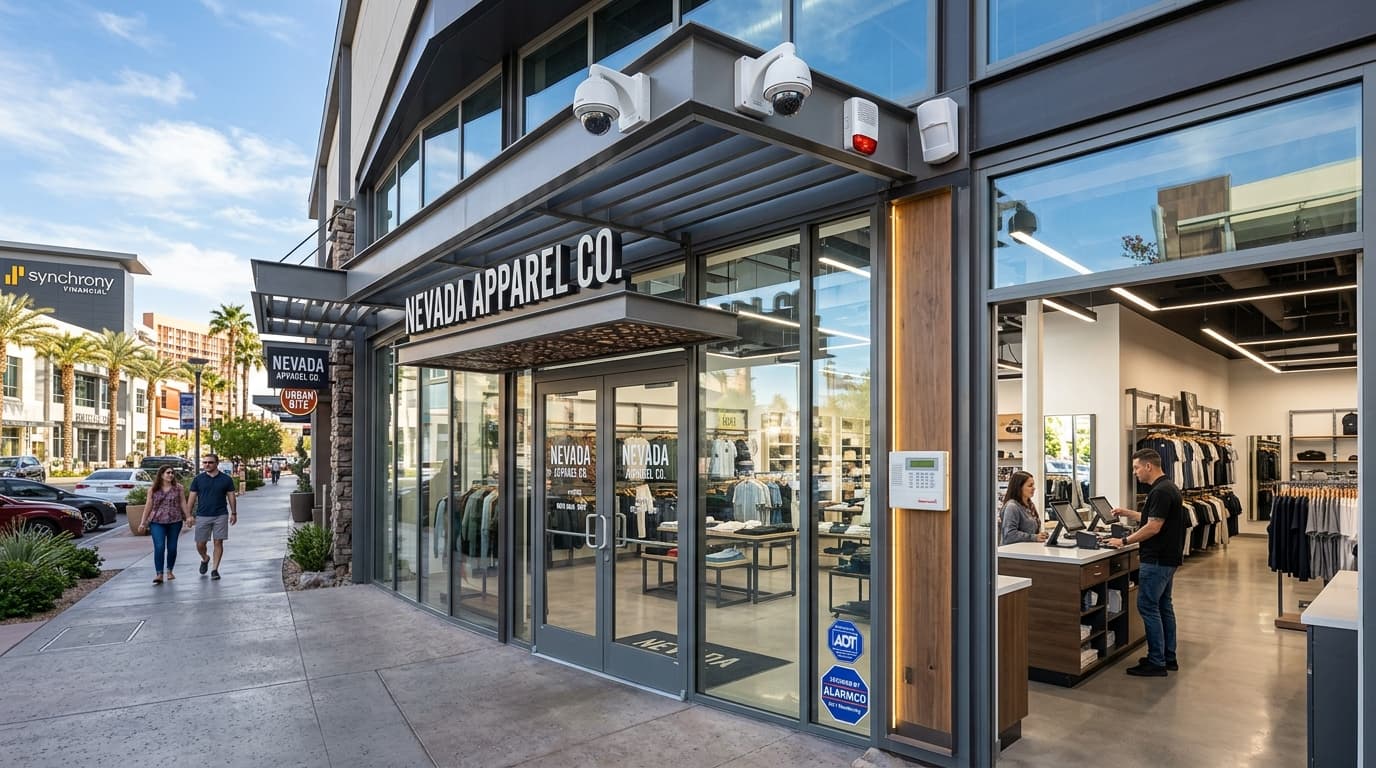
Our commercial security team designs access control around how a business actually staffs and operates, not a generic package sized to square footage. A 24-hour warehouse, a dental office with a small front-desk staff, and a multi-tenant office building all need a different mix of credentials, even if the door hardware looks similar.
Key Fobs and Proximity Cards: Reliable, But What to Watch For
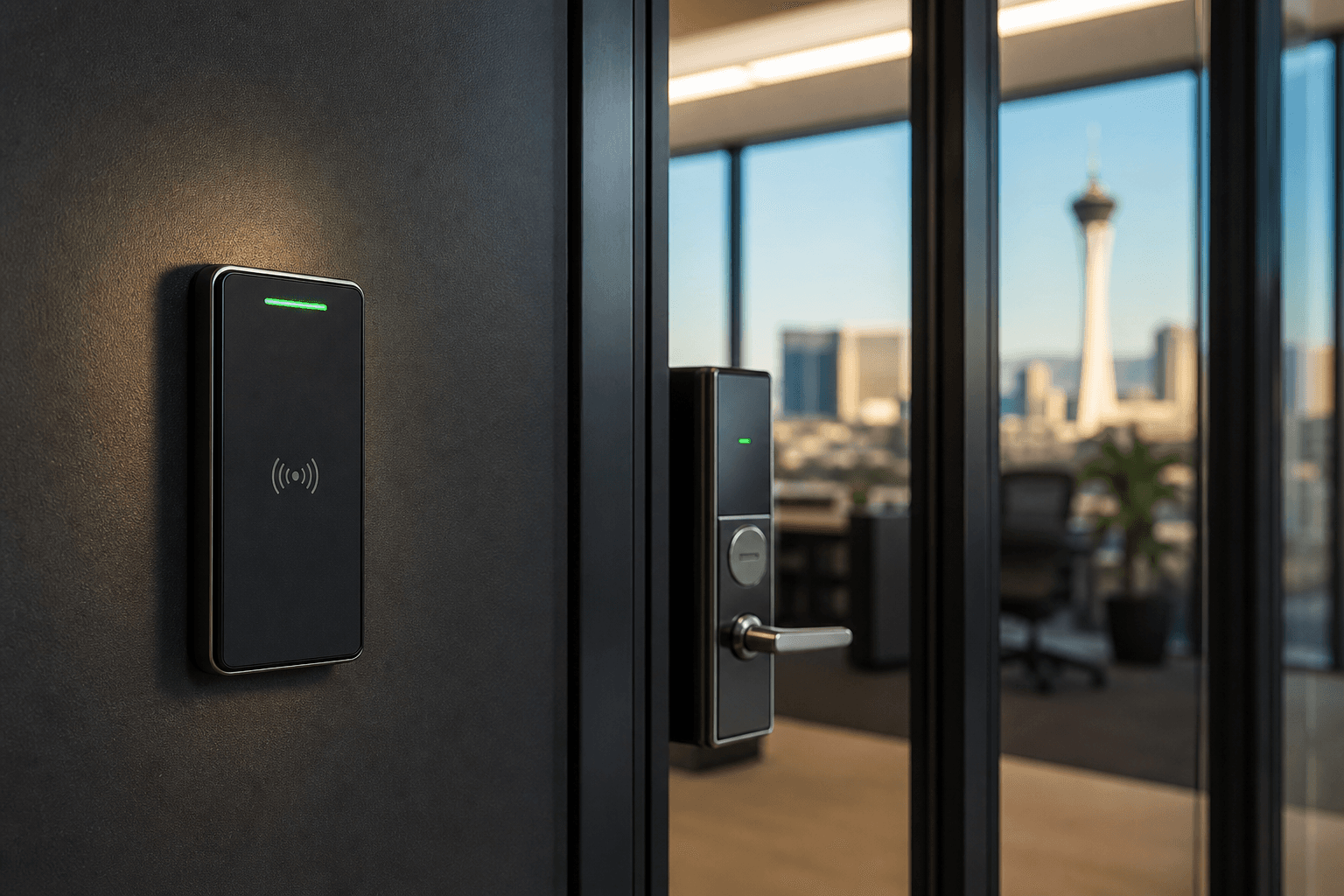
Fobs and proximity cards remain the most common commercial access control credential, and for good reason — they’re durable, fast to use, and each one can be deactivated individually the moment someone leaves without touching anyone else’s access.
The tradeoffs worth knowing before you commit:
- Per-user hardware cost adds up for businesses with frequent turnover, since every new hire needs a physical card programmed and issued
- Lost or stolen cards are a real risk — a fob sitting in a drawer at a coffee shop is a credential someone else could use until it’s deactivated
- Cloning risk exists on older low-frequency cards; newer encrypted formats close that gap and are worth the small cost difference
Fobs work best for businesses with a stable core staff and moderate turnover — offices, retail locations, and multi-tenant buildings where each tenant needs its own set of credentials.
Keypad and PIN-Based Access Control
Keypads are the lowest-cost way to add access control to a door, and they work well for spaces with a small, consistent group of authorized users — a back office, a storage room, or a single shared entrance for a small retail crew.
The catch is control. A PIN is only as secure as how many people know it and how often it changes. Once five or six employees share a single code, deactivating access for one person means changing the code for everyone else too — which is exactly the problem access control was supposed to solve in the first place.

Keypads work best paired with individual PINs rather than one shared code, on systems that support it. That gives you the low hardware cost of a keypad with the per-person control you’d otherwise only get from fobs.
Mobile Credentials for Access Control: The Fastest-Growing Option
Mobile credentials — access managed through an app on an employee’s own smartphone — have become one of the fastest-growing options we install for Las Vegas offices and retail spaces. There’s no card to issue, no fob to replace when it’s lost, and access can be revoked the instant someone leaves, from a management dashboard rather than a physical handoff.
The tradeoff is dependency on the phone itself. Every authorized person needs a compatible smartphone, a charged battery, and the app installed and working. For a business with maintenance staff, delivery drivers, or older team members who don’t want work apps on a personal phone, that’s a real limitation — one more reason most of our commercial clients end up using mobile credentials for staff and a fob or keypad for anyone outside that core group.
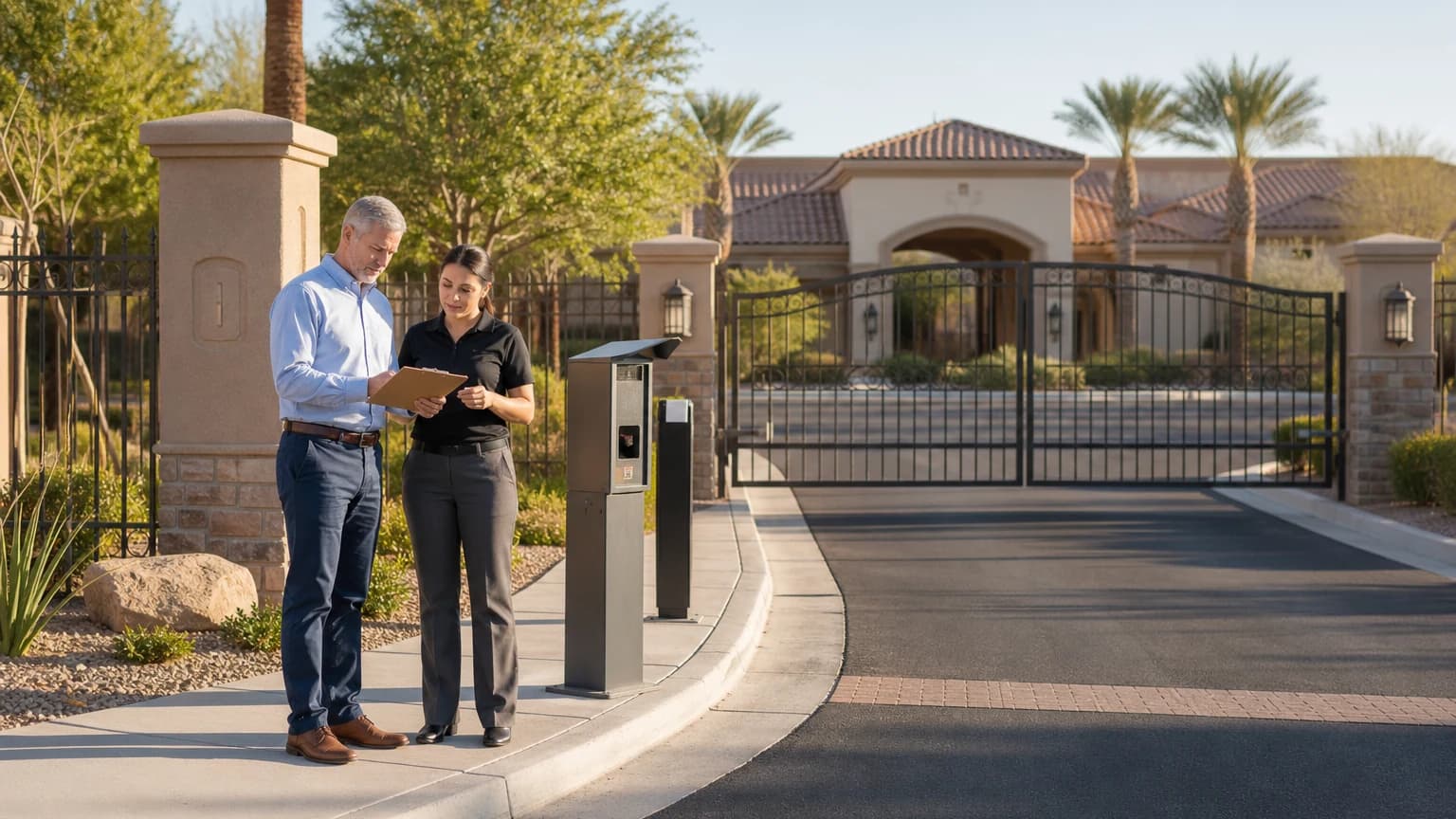
Related reading: our guide to access control systems for Las Vegas businesses covers how credential choice fits into a full commercial security plan, and the same tradeoffs come up for HOA and gated communities deciding between resident fobs and app-based gate entry.
Biometric Access Control: When It Makes Sense
Biometric credentials — fingerprint or facial recognition — solve a problem the other three can’t: they can’t be lent, shared, or handed off. That makes them worth the added cost for a server room, a pharmacy storage area, or any door where “only this specific person” actually matters, rather than “anyone from this department.”
For most doors in a typical Las Vegas business, biometrics are overkill. They cost more per reader, and enrollment takes longer than handing someone a fob. We recommend reserving biometric credentials for the one or two doors in a building that genuinely need that level of control, and using fobs, keypads, or mobile credentials everywhere else.
Heat, Power, and Other Las Vegas Factors for Credential Readers
Credential readers mounted outdoors or on exterior-facing doors deal with the same environmental stress as any other equipment exposed to a Las Vegas summer, and it’s worth planning for before installation rather than after a reader fails in July.
A few local factors that affect reader selection and placement:
- Heat tolerance: exterior readers in direct sun should carry an operating rating well above the 100°F+ ambient temperatures common in a Las Vegas Valley summer
- Battery backup: control panels and electrified door strikes need backup power sized for the outages that come with monsoon storms and peak summer grid demand, so credentials still work when the power doesn’t
- Dust exposure: keypad and card reader contacts in exposed outdoor locations benefit from periodic cleaning, especially near construction sites or unpaved lots
- Direct sun on mobile readers: Bluetooth and NFC mobile credential readers mounted in full sun can experience slower response times in extreme heat; shaded mounting improves reliability
Choosing the Right Access Control Credentials for Your Property
Most Las Vegas businesses don’t end up choosing one credential type — they end up with two or three, matched to how each door actually gets used:
- Mobile credentials or fobs for daily staff at the main entrance, where turnover and remote revocation matter most
- Keypads with individual PINs for shared spaces like a loading dock or storage room with a small, stable crew
- Biometrics reserved for the one or two doors — a server room, a pharmacy cage, a cash office — where “only this person” is a hard requirement
Our top business security mistakes guide covers a related issue we see often: businesses that install access control and then never audit who still has active credentials. Whatever credential mix you choose, plan for a quarterly review of who has access to what — that habit prevents more incidents than the hardware itself.
During a free on-site assessment, our team maps every door against how your business actually staffs it, then recommends a credential mix instead of a single default. That’s a different starting point than a generic access control quote sized only to door count.

Frequently Asked Questions
What are access control credentials?
Access control credentials are the method a person uses to prove they’re authorized to enter — a key fob or card, a PIN typed into a keypad, a mobile credential on a smartphone, or a biometric scan like a fingerprint. Most Las Vegas businesses end up using a mix rather than a single type, depending on the door and who needs access.
Are key fobs or keypads better for a small Las Vegas business?
It depends on turnover and budget. Keypads cost less upfront and need no physical hardware to issue, but a shared PIN is harder to control once several employees know it. Fobs and cards cost more per user but let you deactivate one person’s access instantly without changing a code everyone else relies on.
Can mobile credentials replace key fobs entirely?
For many offices and retail spaces, yes. Mobile credentials remove the cost of issuing physical cards and let you revoke access remotely the moment someone leaves. The tradeoff is that every user needs a compatible smartphone and app, which can be a barrier for maintenance staff, vendors, or older systems that weren’t built with a phone in mind.
Do access control credentials work during a power outage in Las Vegas?
That depends on the door hardware, not the credential type. Battery backup on the control panel and door strikes is what keeps a system functional during a summer grid outage — a real consideration during peak Las Vegas heat months. We size backup power into every commercial access control installation for this reason.
Secure Your Las Vegas Business With the Right Access Control Credentials
ASAP Security is locally owned and has served Southern Nevada businesses since 2003. The company is a First Alert PRO / Resideo partner, holds Nevada Contractor License #0058622 and Locksmith License LV L0600194-E107635, maintains a BBB A+ rating, and is based at 3170 Polaris Avenue, Suite 4, Las Vegas, NV 89102.
If you’re weighing fobs, keypads, mobile credentials, or biometrics for your building, request a free on-site assessment or call (702) 870-8880 to talk through your doors, staffing, and budget.