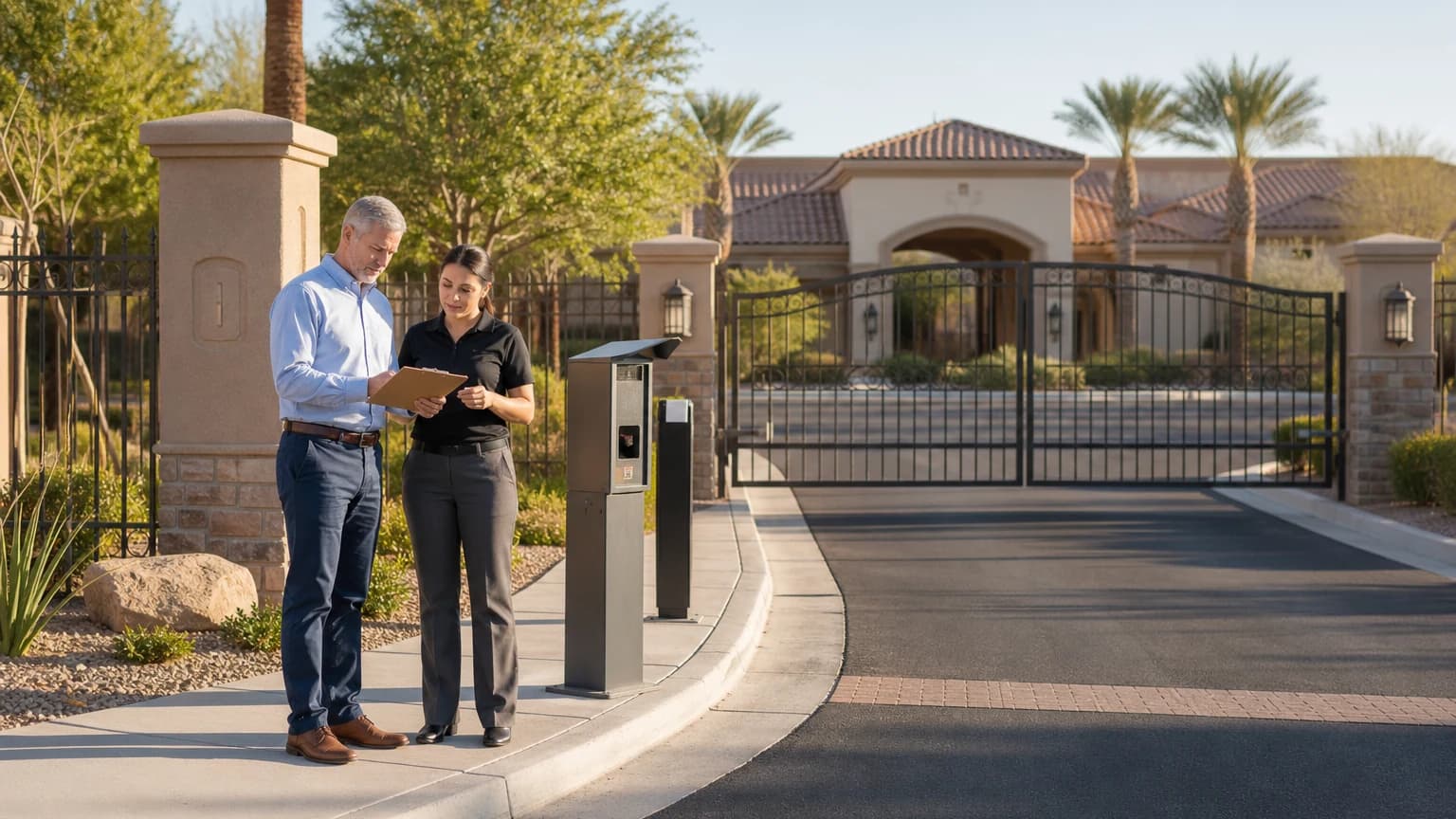
HOA access control systems Las Vegas communities depend on should begin with a board-approved operating plan, not a catalog of gates, readers, and credentials. The useful first question is not “Which device should we buy?” It is “Who needs access to which opening, under what conditions, and who is responsible for keeping that access current?”
ASAP Security’s HOA and community security services support associations that need to review vehicle gates, pedestrian entries, amenity access, cameras, alarms, and related security layers. Before requesting proposals, a board can reduce uncertainty by documenting its entry points, users, current equipment, approval path, and day-to-day management expectations.
- Inventory every controlled vehicle, pedestrian, amenity, staff, and service entry before discussing equipment
- Define resident, tenant, guest, vendor, staff, emergency, and management workflows separately
- Assign clear ownership for credential issuance, removal, records, system administration, and support
- Give every provider the same written baseline and compare itemized scope, not product names alone
- Require a tested handoff with administrator access, records, training, documentation, and open-item tracking
HOA Access Control Systems Las Vegas Boards: Map the Community First
Walk the property and create one controlled-opening inventory. Include vehicle entrances and exits, pedestrian gates, pool and clubhouse doors, fitness rooms, mail or package areas, maintenance spaces, management offices, utility access, and any opening currently controlled by a key, code, remote, card, fob, mobile credential, intercom, or staff action.
For each opening, record:
- The opening name and physical location
- Normal operating hours
- Current lock, gate operator, reader, intercom, or control equipment
- Who uses it and how often
- How guests, deliveries, contractors, and emergency personnel are handled
- Whether the opening is expected to lock or release on a schedule
- Known reliability, visibility, power, network, drainage, or vehicle-flow concerns
- Existing cameras, lighting, signage, and communication equipment nearby
- The records, diagrams, keys, codes, remotes, or credential lists currently available
Photograph the opening and label the image to match the inventory. A written map prevents a proposal for the “main gate” from silently excluding the exit lane, pedestrian entrance, clubhouse, or management workflow the board assumed was included.
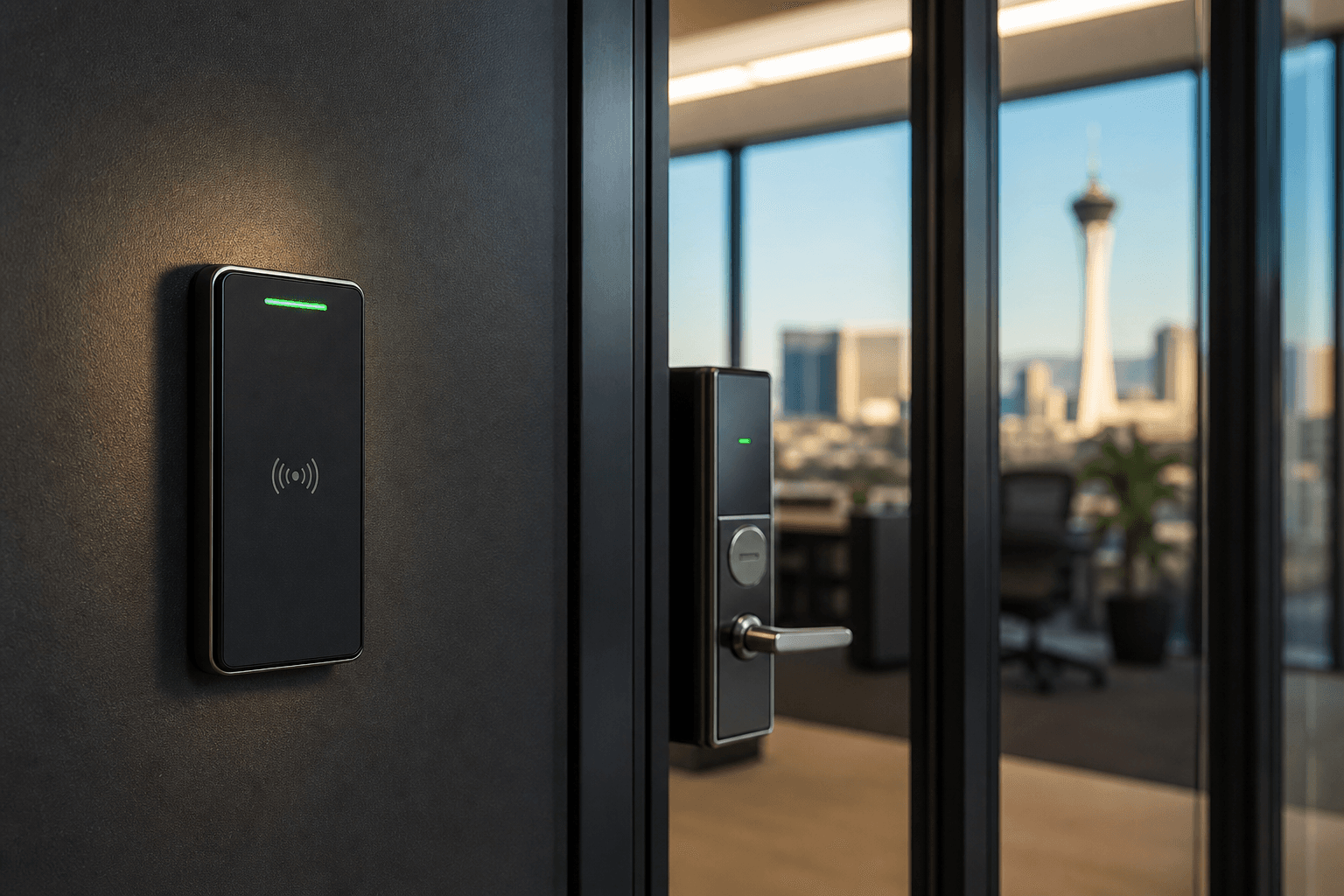
This survey is also the time to separate access control from broader security. An entry credential determines whether a user is authorized; a camera provides a view; lighting improves visibility; an intercom supports communication; and an alarm can report selected conditions. The Las Vegas commercial security overview shows how those layers can be coordinated without treating one product as the entire plan.
Define Users and Access Rules Before Choosing Credentials
Create user groups based on real community operations. A homeowner, tenant, property manager, board administrator, landscaper, pool vendor, delivery driver, and short-term contractor do not necessarily need the same access, schedule, or credential lifespan.
For each group, answer:
- Which openings should this group use?
- During what days and hours?
- Is access permanent, seasonal, recurring, or temporary?
- Who approves it?
- Who issues the credential and verifies receipt?
- What happens when it is lost, shared, damaged, or not returned?
- Who disables access when a resident moves, a tenant changes, or a vendor relationship ends?
- What record does the association retain?
Only after those rules are clear should the board compare remotes, cards, fobs, keypads, mobile options, physical keys, or combinations. Ask providers to explain how the proposed system supports the approved workflows for the exact openings and user volumes involved. Avoid assuming that one credential type is ideal for every location simply because it is familiar.
The board should also decide whether individual accountability is important for a specific entry. Shared codes can be simple to distribute but may be difficult to retire selectively. Individually assigned credentials may provide more administrative control, but they require accurate records and a consistent process. The right choice depends on the association’s operating needs and the capabilities of the proposed system.
Document Vehicle, Pedestrian, and Amenity Workflows Separately
A vehicle gate is not a larger pedestrian door. It involves lane position, approach distance, vehicle detection, queuing, tailgating concerns, gate movement, driver interaction, visitor communication, and safe service access. Ask the provider to walk through normal resident entry, visitor arrival, deliveries, rideshare, moving trucks, contractors, and after-hours support.
Pedestrian gates have different questions. Review latch and closer behavior, accessible operation, credential-reader position, lighting, weather exposure, door or gate alignment, and how residents leave the property. Amenity doors add schedules, guest policies, staff access, and the association’s rules for opening and closing shared spaces.
Do not force all three workflows into one diagram. Use a short scenario for each:
- A resident returns through the vehicle gate after normal office hours
- A guest arrives without a resident in the vehicle
- A delivery or service provider needs limited entry
- A resident walks through a pedestrian gate with groceries or a stroller
- Management grants temporary clubhouse access for an approved event
- A credential must be disabled immediately after being reported lost
Ask the provider to demonstrate how the proposed design handles each scenario and which steps remain the responsibility of management or residents. A product feature is only useful when the association understands who operates it and what happens when the normal process fails.
Establish Board, Management, and Vendor Responsibilities
Access control continues after installation. Someone must approve users, issue and remove credentials, maintain records, respond to resident questions, manage administrator accounts, coordinate service, and review recurring problems. If those responsibilities are unclear, the system can become difficult to govern even when the hardware works.
Create a responsibility table covering:
- Policy approval and rule changes
- Resident and tenant eligibility verification
- Credential issuance, replacement, and deactivation
- Vendor and contractor access
- Administrator account ownership and authorized backups
- Routine record review
- Resident communication and support routing
- Service-call authorization
- Invoice and change-order approval
- Documentation retention and board transition
Use named roles rather than only personal names. For example, “community manager” or “board-authorized administrator” survives a personnel change more reliably than a process built around one volunteer’s personal email address or phone.
Require separate authorized administrator accounts where the platform supports them. Do not build the association’s control around one shared password. The board should know who owns the primary account, how another authorized administrator can regain access, and how a departing manager or vendor is removed without disrupting residents.
Compare Proposals on the Same Written Scope
Give each provider the same opening inventory, workflow summary, user groups, known constraints, and desired outcomes. Ask for an itemized proposal that identifies what is included, what is excluded, and which assumptions could change the price or schedule.
The written scope should address:
- Each opening, lane, door, gate, reader, controller, intercom, and related device
- Reuse, removal, replacement, or repair of existing equipment
- Power, low-voltage wiring, network, trenching, conduit, mounting, and surface restoration responsibilities
- Credential types, quantities, enrollment, and replacement process
- Software, subscriptions, accounts, licensing, and ongoing service dependencies
- Gate, lock, operator, reader, and controller compatibility
- Permits, inspections, property approvals, and coordination responsibilities where applicable
- Testing, resident migration, training, documentation, cleanup, and support
- Warranty and service terms in writing
- Allowances, exclusions, options, and change-order approval
Compare scope before comparing totals. A lower proposal may exclude trenching, network work, gate repair, credential enrollment, resident communication, or final training. A higher proposal may include work another vendor left undefined. Resolve those differences before the board votes.
The related business access control planning guide explains credential, schedule, audit-trail, and integration questions that also help associations evaluate a proposed platform without assuming every feature is included.
Plan Resident Communication and Credential Migration
A technically sound installation can still create avoidable disruption if residents do not know what is changing. Build the communication and migration plan before selecting a cutover date.
Residents should receive clear, approved information about:
- Which entries or amenities are changing
- What credential or action will be required
- How eligibility is verified
- Where and when credentials are issued
- Whether an existing credential stops working
- How household, tenant, caregiver, and vehicle changes are handled
- Where lost, damaged, or unreturned credentials are reported
- Who to contact for an access problem
- Which instructions are temporary and which become ongoing policy
Use more than one communication method when the association’s normal practice supports it. Keep the message focused on the resident action required; do not bury credential pickup or activation steps inside a broad project announcement.
Plan a controlled overlap or migration process when technically appropriate and approved by the provider. The board should understand exactly when old credentials stop working, how exceptions are authorized, and how unresolved resident records are handled. Avoid an indefinite period in which old and new access methods remain active without ownership or an end date.
Include Cameras Without Confusing Their Purpose
Boards often discuss cameras and access control together because both may be present at a gate or clubhouse. Define the job of each system. Access control manages authorization; cameras may help staff review an entry area or event, subject to the association’s approved policies and the final system design.
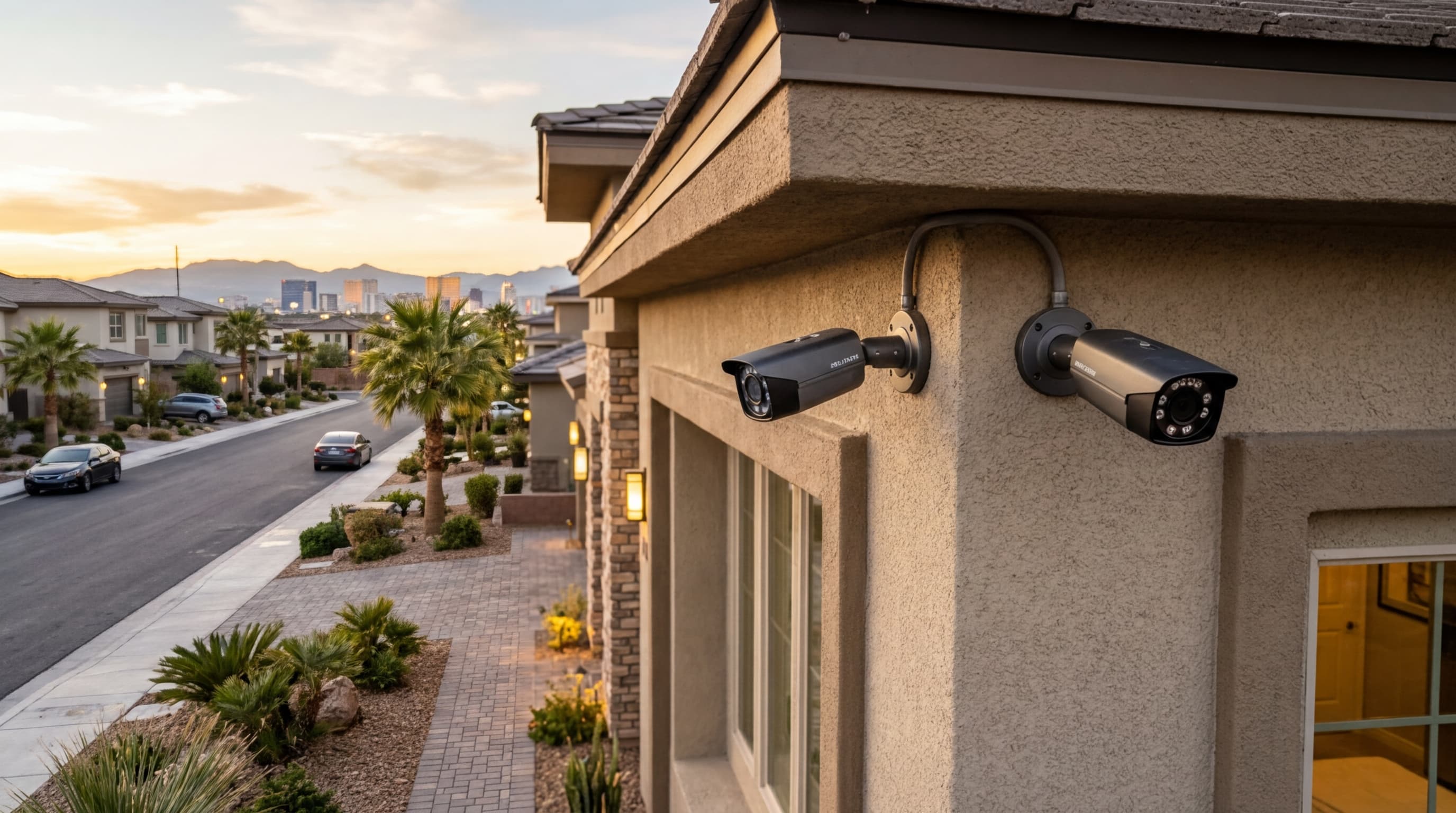
If cameras are part of the project, document the required view rather than asking for a generic “gate camera.” A vehicle overview, driver interaction area, pedestrian gate, credential reader, and license-plate view are different compositions and should not be assumed from one camera. The Las Vegas security camera guide offers practical questions about placement, lighting, recording, accounts, and support.
Also decide who is authorized to view or export recordings, how requests are routed, and which provider supports the camera system. Do not rely on informal access shared among current board members. The association should use its approved governance and professional guidance for privacy, records, and community policy decisions.
Test the Full Workflow Before Final Acceptance
Final testing should cover more than whether the gate opens once. Use the approved scenarios and test each relevant user group, opening, schedule, credential, administrator function, and support path.
The handoff should include:
- A final opening, device, and credential inventory
- Administrator accounts owned by the association or its authorized management
- A demonstration of adding, changing, disabling, and reporting credentials
- Normal, after-hours, visitor, vendor, and service workflows
- Gate, door, reader, intercom, schedule, and related camera checks
- System diagrams, device information, configuration records, and support contacts
- Warranty, subscription, service, and renewal documentation
- Backup and recovery procedures appropriate to the installed system
- Training for authorized administrators and operational staff
- A written list of deferred, excluded, or unresolved items
Have the board or its authorized representative compare the installed work with the approved proposal and change orders. Record corrections with an owner and due date before final acceptance. The goal is a system the association can operate and govern after the installation team leaves—not simply equipment that powers on.
Frequently Asked Questions
What should an HOA board document before requesting access control proposals?
Document every controlled opening, current equipment, normal users, visitor and vendor workflows, recurring failures, credential inventory, available records, and the association’s approval process. Give each provider the same baseline so proposals can be compared on equivalent scope.
Should an HOA use one credential type for every entry?
Not automatically. Vehicle gates, pedestrian gates, amenities, staff areas, and vendor access may involve different users and operating conditions. Define each entry’s purpose first, then evaluate compatible credential and management options for that workflow.
How should an HOA handle lost or unreturned credentials?
Adopt a written process for reporting, disabling, replacing, and documenting credentials. Responsibilities, authorization levels, fees if applicable, and the treatment of former residents, tenants, staff, and vendors should be clear before the system goes live.
What belongs in an HOA access control project handoff?
The handoff should include an opening and device inventory, administrator ownership, credential records, approved user roles, operating instructions, support contacts, warranty and service documents, backup procedures, and a list of unresolved or deferred items.
Bring the Community Entry Inventory to the Consultation
ASAP Security is locally owned and has served Southern Nevada since 2003. The company is a First Alert PRO / Resideo partner, holds Nevada Contractor License #0058622, and maintains a BBB A+ rating. Its office is at 3170 Polaris Avenue, Suite 4, Las Vegas, NV 89102.
For help reviewing an HOA’s gates, controlled doors, credentials, cameras, and administrator workflow, request a no-pressure access control consultation or call (702) 870-8880. Bring the opening inventory, current credential list, known service records, and board-approved questions so the discussion starts with the community’s actual operations.