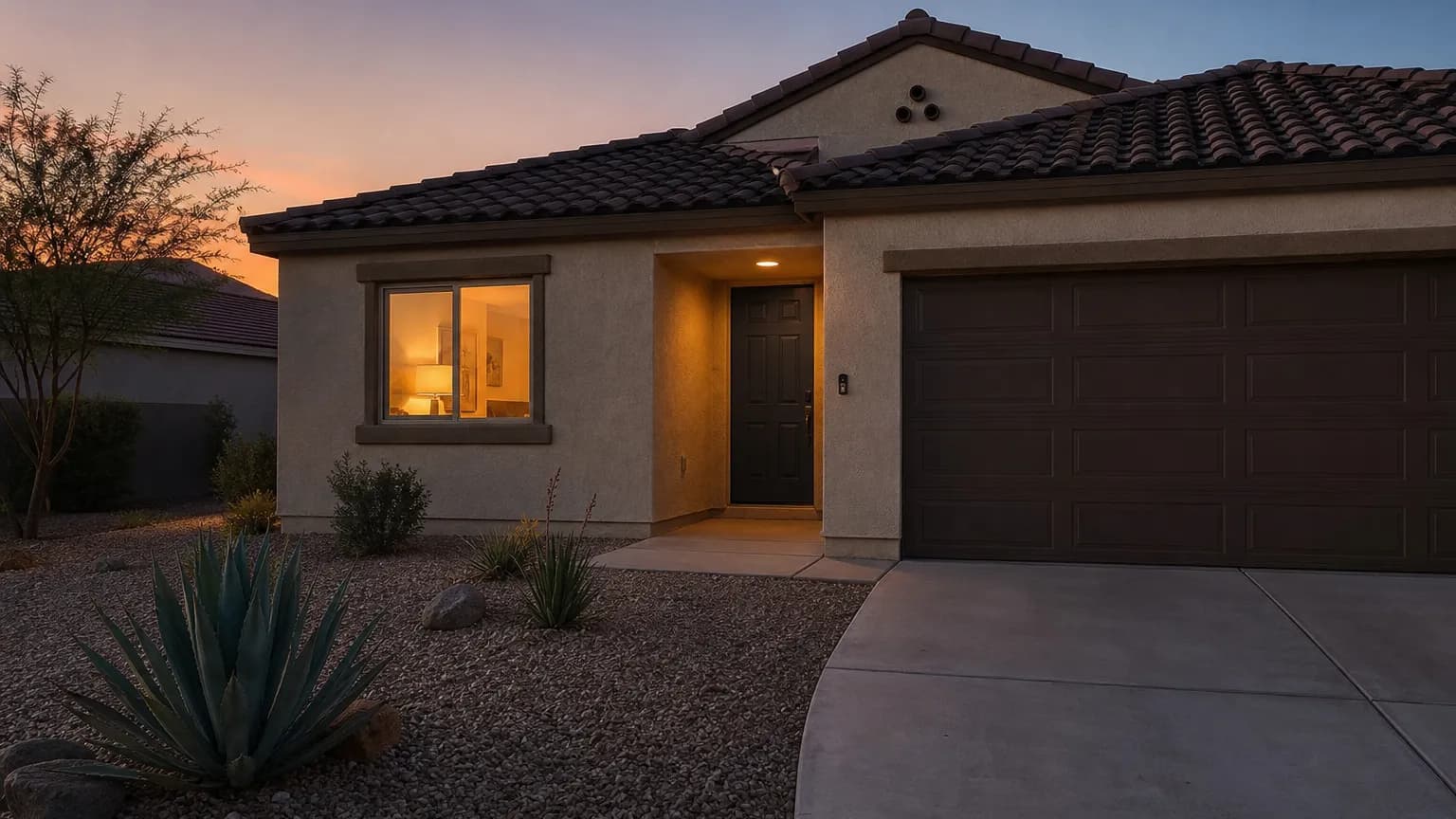
A house that looks empty is the easiest one on the block to target, and Las Vegas homeowners leave for long stretches more often than they realize: summer trips, holiday visits, conventions, and time away for work. Home security while traveling is mostly about removing the signals that say nobody is home, then making sure the equipment you already own actually works. ASAP Security is locally owned and has served Southern Nevada since 2003, and the checklist below is the one we walk homeowners through before a long trip.
- Test your alarm, cameras, and phone notifications before you leave, not after
- Make the home look lived in: lighting, a tidy driveway, and no piled-up mail or packages
- Tell one trusted person your dates, and keep real-time travel posts off social media
- Check doors, garage, side gates, and windows once more, and change any shared codes
- Plan for a power or internet outage while you are away
Why Home Security While Traveling Needs Its Own Plan
Everyday security assumes someone is home to notice a noise, a delivery, or a door left unlatched. When you travel, that human layer disappears for days, so the system has to do more of the work, and the house has to avoid advertising the gap.
Our broader guide to home security in Las Vegas covers how alarms, cameras, and locks fit together for everyday protection. This article is narrower: what to check and change in the week before you leave.
Test Your Alarm and Cameras Before You Leave
The most common travel-week problem isn’t a missing device. It’s a device that has been offline for weeks without anyone noticing: a dead camera battery, a router that changed settings, or an alarm keypad showing a trouble message nobody read.
A short pre-trip test:
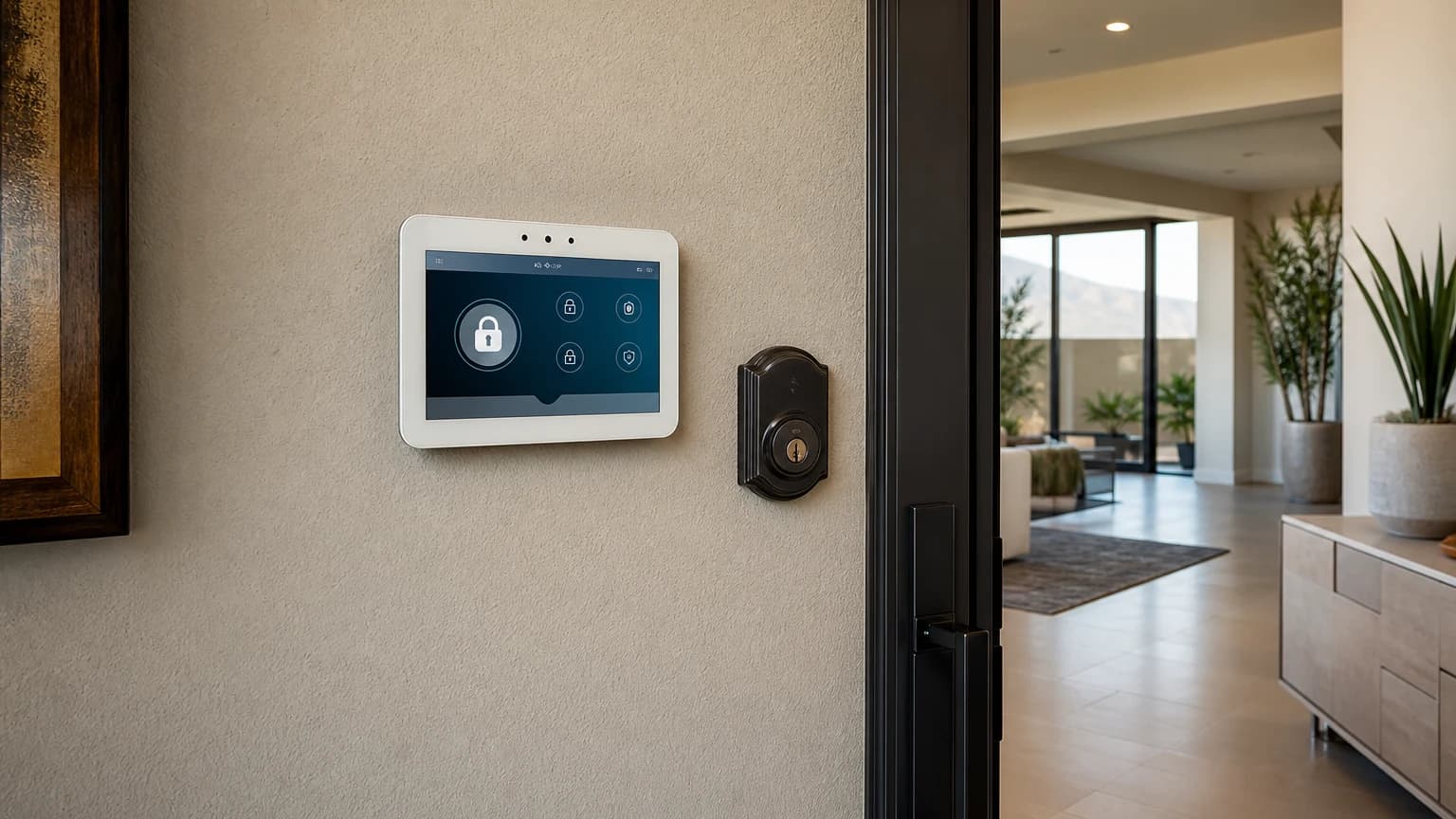
- Arm the alarm the way you will while away, then disarm it and confirm the keypad shows no trouble or low-battery message
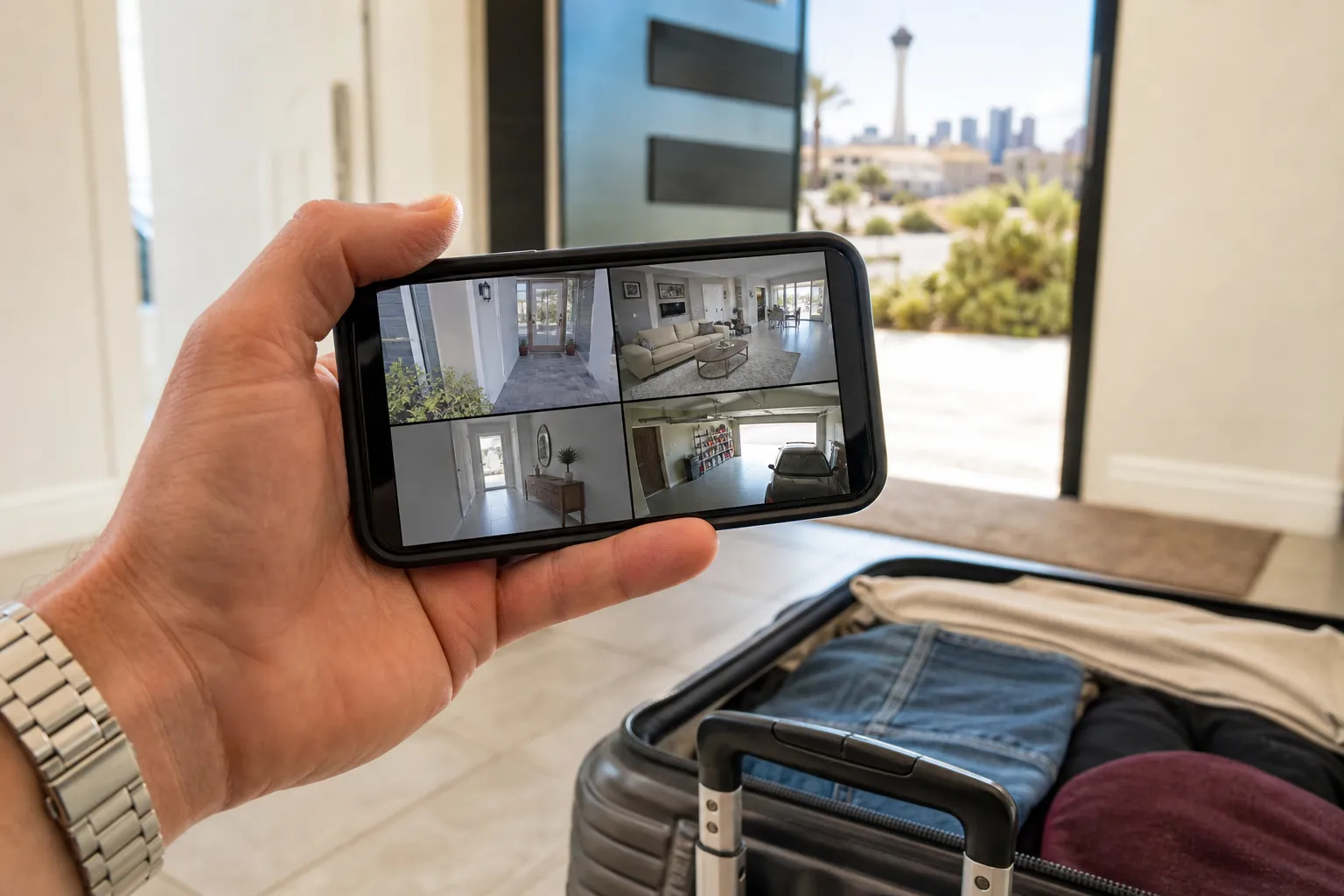
- Open your camera app and confirm every camera shows a live or recent view
- Check phone notifications, including that the app is allowed to send alerts and that your phone is not on a mode that silences them
- Confirm who else gets alerts: a second household member or a trusted contact should know how to reach you and what to do
- Update the contact list on your alarm account if a phone number has changed
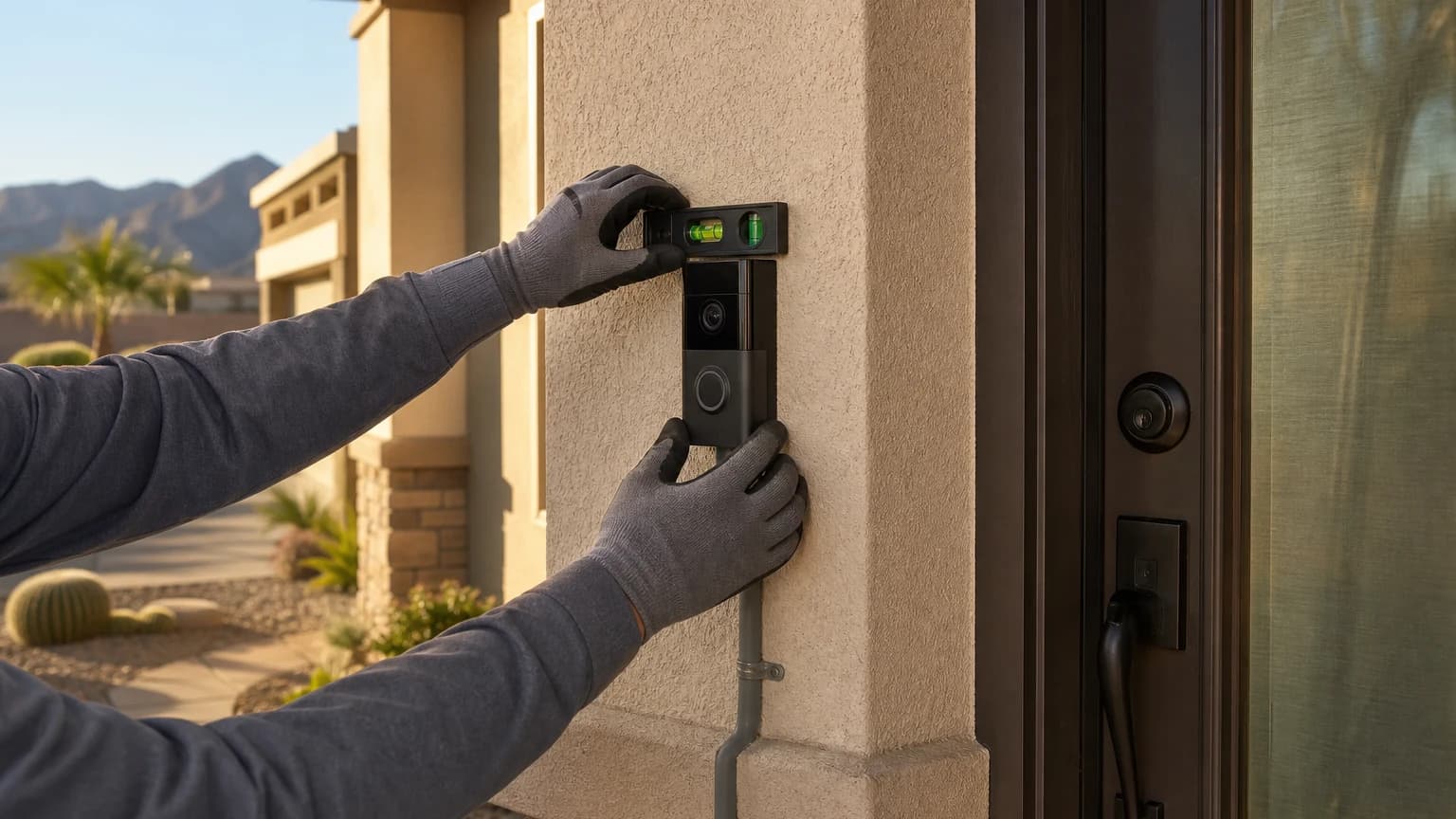
If you use a video doorbell, check that it is connected to Wi-Fi and that motion and doorbell alerts still reach your phone. A doorbell that misses a visitor at the door is a common gap on trips.
Make the House Look Lived In
Burglars and opportunistic thieves often look for signs of absence. You can remove most of them without spending much.
- Lighting: Use timers or smart plugs so a lamp or two comes on in the evening and goes off at a normal hour. A single light left on around the clock looks like a trip, not a person.
- Exterior lights: Make sure front and back fixtures work, and consider motion-activated lighting near side yards and garages.
- Driveway and curb: Ask a neighbor or friend to move a vehicle now and then, and to put trash bins out and bring them in on your normal schedule.
- Landscaping and irrigation: Desert landscaping needs little attention, but a dead sprinkler timer or overgrown plants can signal that nobody has been by.
- Blinds and curtains: Close them the way you normally would. Fully closed blinds on every window for a week can be as revealing as fully open ones.
Mail, Packages, and Deliveries
Packages on the porch are the clearest signal that no one is home, and they are a target on their own.
- Ask a neighbor to pick up packages, or hold deliveries at a pickup location when the carrier offers that option
- Use the United States Postal Service hold mail option if you’ll be away long enough that a mailbox will fill
- Pause non-essential deliveries, such as subscription boxes, until you’re back
Our Las Vegas rental property security checklist makes a similar point for empty units between tenants: a visibly untended property attracts attention.
Doors, Garage, Gates, and Windows
Do a walk-through of every opening the day before you leave, and again on the day you go.
- Deadbolts: Confirm every exterior door is locked with the deadbolt, not just the knob lock.
- Garage door: Close it and test that it stays closed. If you use a garage remote or keypad, take a moment to remove a spare remote from a car parked in the driveway.
- Side gates and patio doors: Latch gates, and place a bar or a cut dowel in the track of sliding patio doors as a low-cost backup.
- Windows: Lock them all, including small bathroom and second-story windows people often forget.
- Codes and keys: If a former roommate, contractor, or house sitter has a keypad code or a spare key, change the code or talk with a locksmith about rekeying before you leave.
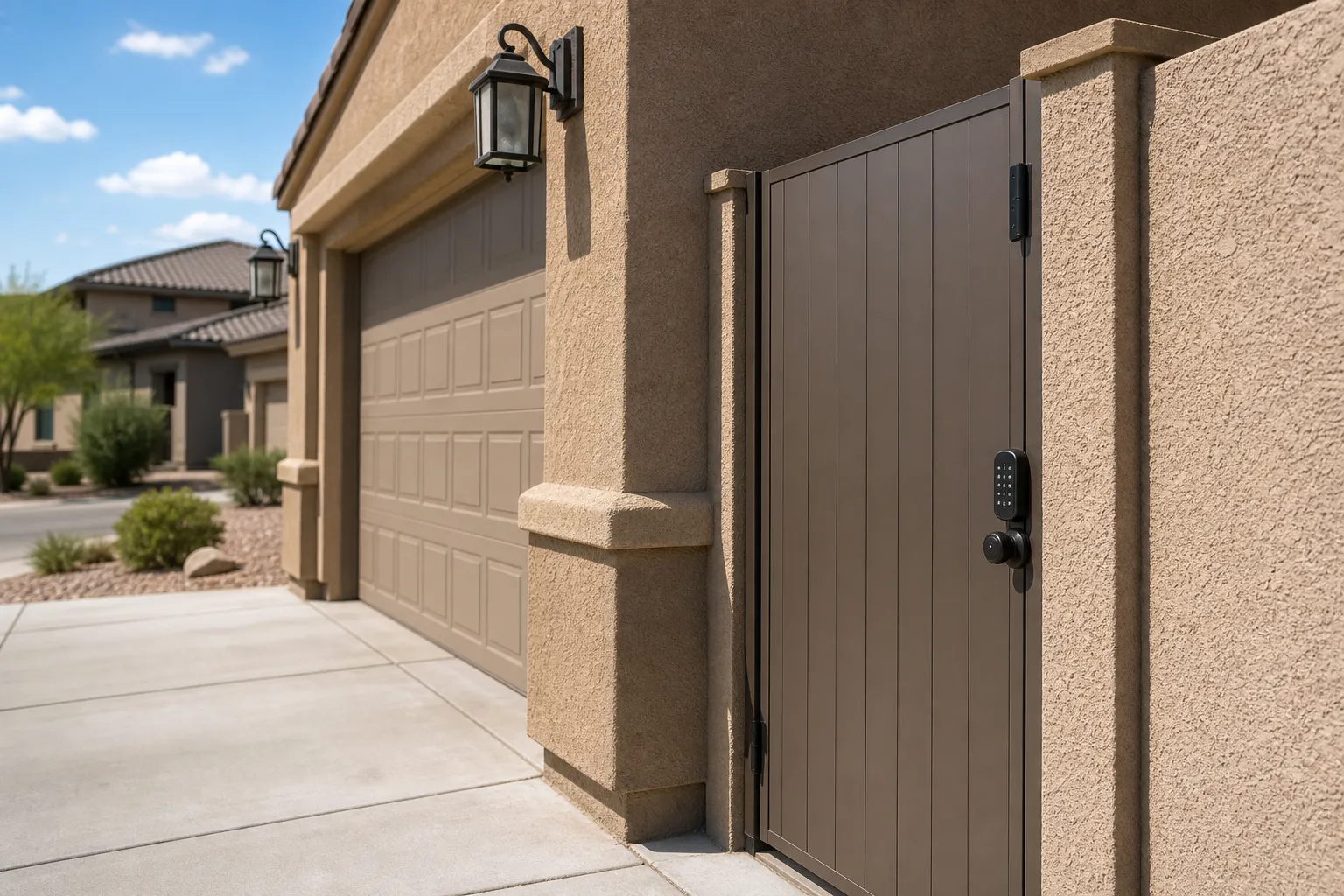
A keypad or smart lock can make it easier to give a house sitter a temporary code and remove it when you return, without handing out a physical key. Ask your provider how your specific lock handles temporary codes.
Plan for a Power or Internet Outage
Wi-Fi cameras and app-based alerts depend on your internet connection and power. A router that goes down while you are away can leave you blind to the house without any warning.
Before you leave:
- Ask your alarm provider whether your panel has a backup battery and how it communicates when the internet is down
- Confirm your router and any hub are on a stable outlet and won’t be unplugged by a cleaner or house sitter
- Learn how your camera app shows an offline device, so a missing feed doesn’t get ignored
- Give your trusted contact a way to reach you if an offline alert appears
If you’re interested in a system built around monitoring and a professional response path, our residential security page outlines home alarm options, and a free consultation can help you match equipment to how often you travel.
Who to Tell, and Who Not to Tell
Tell one or two people you trust: a neighbor, a family member, or a house sitter. Give them your dates, your phone number, and a clear idea of what to check, such as packages, the garage door, and any alert you might forward.
Keep the circle small. Posting a photo from the airport or a beach while the house is empty broadcasts your location and your absence to a wide audience. Save trip photos for when you’re home.
If a neighbor notices something unusual, the safest instruction is to call the police first and then let you know, rather than confronting anyone.
Frequently Asked Questions
What is the most important step for home security while traveling?
Confirm your alarm and cameras are working before you leave, not after. Arm the system, open your camera app, and check that each device is online and that notifications reach your phone. A system that failed quietly last month protects nothing on this trip.
Should I tell neighbors I’m leaving town?
Tell one trusted neighbor or friend, and give them your travel dates and a phone number. They can notice packages, an open garage door, or an unfamiliar vehicle. Avoid posting real-time travel updates publicly, since that tells strangers the house is empty.
Do I need a monitored alarm system if I travel often?
Monitoring adds a response path when you can’t answer a notification yourself, such as during a flight or a time-zone gap. If you travel regularly, it is worth discussing with a licensed provider. We can walk through monitoring options during a free consultation.
Can I leave my Las Vegas home’s lights and thermostat alone while I’m gone?
Leaving everything exactly as is can make the home look untouched for days. Smart plugs or scheduled lighting help a house look lived in, and a moderate thermostat setting is easier on the home than shutting cooling off entirely during a Las Vegas summer. Check with your HVAC provider about the right setting for your home.
Protect Your Las Vegas Home Before Your Next Trip
ASAP Security is locally owned and has served Southern Nevada since 2003. The company is a First Alert PRO / Resideo partner, holds Nevada Contractor License #0058622 and Locksmith License LV L0600194-E107635, maintains a BBB A+ rating, and is based at 3170 Polaris Avenue, Suite 4, Las Vegas, NV 89102.
If you’d like a second set of eyes on your alarm, cameras, or locks before you travel, request a free quote or call (702) 870-8880.