Video doorbell installation Las Vegas homeowners can rely on starts before a device is attached to the wall. The useful questions are not limited to camera resolution or app ratings. A good plan accounts for the existing wiring, the shape of the entry, Wi-Fi coverage, afternoon glare, household alert preferences, privacy, and whether the doorbell should work with a broader security system.
A video doorbell has one focused job: help a household see and manage activity at its primary entry. It should provide a clear, practical view without duplicating every other camera or overwhelming the household with notifications. ASAP Security’s Las Vegas video doorbell installation service begins with the entry and the homeowner’s routine, then matches the device and installation approach to those conditions.
- Confirm wiring, power, chime, mounting surface, and network coverage before selecting a doorbell
- Plan the viewing angle around the actual approach path, door swing, porch, and package area
- Decide which alerts matter and who should receive them before the system goes live
- Review privacy, account ownership, recordings, and user removal as part of installation
- Treat the doorbell as one front-entry layer within a coordinated residential security plan
Video Doorbell Installation Las Vegas Homes: Start With the Entry
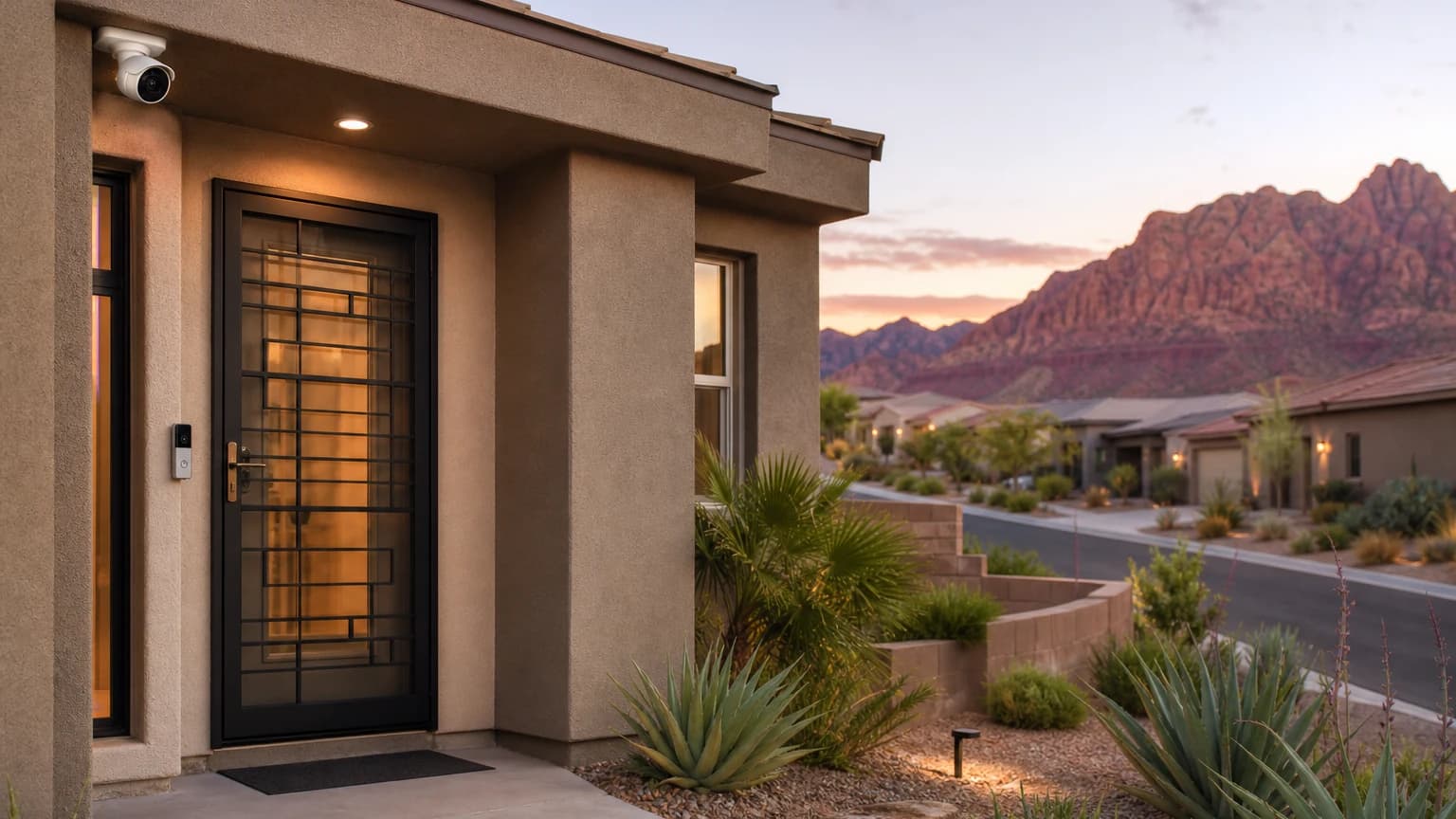
Stand where a visitor, delivery driver, or service technician normally approaches the door. Then look back at the wall where the doorbell may be mounted. A device can be level and securely attached yet still produce an unhelpful view if a column, deep recess, screen door, decorative trim, or the main door’s swing blocks the angle.
Document the entry before choosing equipment:
- Which walkway or driveway brings visitors to the door?
- Is the front door flush with the exterior wall or recessed in a courtyard?
- Does a security screen or storm door open across the proposed view?
- Where are packages normally placed?
- Is the existing button on the latch side or hinge side of the door?
- Will a wall, planter, railing, or parked vehicle block part of the approach?
- Does direct sun or a strong porch light face the camera at certain times?
The answers help determine whether the doorbell can mount flat or may need an angled mounting solution. They also reveal when a separate camera should handle a wider driveway or side-yard view. The related residential perimeter security guide explains how a doorbell, outdoor cameras, security screens, and entry sensors can cover different parts of the property without unnecessary overlap.
Ask What the Existing Wiring Can Support
An existing doorbell button does not automatically mean every replacement device will work with the current wiring, transformer, and indoor chime. Before installation, identify what is present and whether the selected system expects a wired, battery-powered, or other approved configuration.
A pre-installation review should answer:
- Is usable low-voltage doorbell wiring already present at the entry?
- Where does that wiring terminate inside the home?
- Is there an existing chime, and should it remain part of the setup?
- Does the selected doorbell have specific power or chime requirements?
- If the old button is removed, will the wall need a compatible mounting plate or a careful finish repair?
- If new wiring is required, what route keeps the installation protected and visually clean?
Do not hide an unresolved power question behind a battery-powered workaround without considering maintenance. A battery device may be appropriate for some homes, but the household should know who will check its status and how charging or replacement fits into normal use. A wired installation may reduce that recurring task, but only when the existing or proposed power path is compatible and properly installed.
Check Wi-Fi and App Ownership at the Door
The phone may show a strong network signal in the living room while the exterior door sits behind stucco, masonry, metal, or a recessed wall. Test connectivity at the proposed mounting location with the door closed. If the signal is inconsistent, resolve that before treating the doorbell as a dependable notification layer.
Connectivity planning should include more than signal strength. Decide which person owns the main account, which household members need access, and what happens when a resident changes phones, moves, or no longer needs entry video. Use separate authorized users where the platform supports them instead of sharing one password across the household.
Ask the installer to demonstrate:
- How each authorized user signs in
- How live view and recorded events are accessed
- Which settings control motion and doorbell-press alerts
- How a user is removed without disrupting the primary account
- What functionality depends on internet service or a subscription
- How the household can confirm the device is online
These details belong in the installation handoff. A mounted camera with unclear account ownership is not a complete setup.
Plan the View for People, Packages, and the Door
The best view is not necessarily the widest view. It is the view that answers the household’s front-entry questions. Can you see a visitor’s face at a normal standing position? Is the package area visible? Can you understand whether someone approached, waited, or left? Does the image remain useful when the main door or a security screen is partly open?
Review the live image during installation rather than relying only on the device’s stated field of view. Have someone walk the normal approach, stand at the door, and place a box where deliveries usually go. Check the image again after dark with the home’s normal porch lighting. If a light produces glare or deep shadow, adjust placement or lighting rather than assuming software will correct every condition.
Keep the doorbell focused on the home’s entry. Avoid framing more of a neighbor’s door, window, yard, or daily activity than the homeowner needs for entry awareness. If the property belongs to an HOA, review applicable architectural guidance before drilling or mounting visible equipment. ASAP Security works with Las Vegas residential security systems and can account for the entry device within a larger home plan.
Choose Alerts the Household Will Actually Use
More alerts do not automatically create more awareness. Repeated notifications for ordinary sidewalk movement, landscaping, headlights, or every household arrival can make people ignore the app. Before finalizing the setup, identify the events that matter and tune the system around those priorities.
Use a simple notification plan:
- Doorbell press: Decide which household members should receive it and during what hours.
- Entry-zone motion: Focus on movement that enters the porch or defined approach rather than the broadest possible area.
- Package area: If the selected system supports a relevant setting, test it with the household’s normal delivery location.
- Quiet periods: Choose whether late-night or work-hour behavior should differ from daytime settings.
- Device health: Ensure at least one responsible person receives offline, low-power, or service notifications where available.
After a few days of normal use, review what generated alerts and make restrained adjustments. The goal is a signal the household respects, not a constant stream of low-value activity.
Decide Whether the Doorbell Should Integrate With Other Security Layers
A video doorbell can operate as a focused entry device, but many homeowners want one app or a more coordinated workflow. Confirm that expectation before purchase. Compatibility should be verified for the exact device and the home’s actual security platform rather than assumed from similar brand names or broad marketing language.
Ask practical integration questions:
- Can authorized users reach the doorbell and other cameras through the intended app?
- Will doorbell activity appear alongside relevant security events?
- Can the household manage user access consistently?
- What continues to work if internet service is unavailable?
- Who provides support when the doorbell, network, and security system involve different vendors?
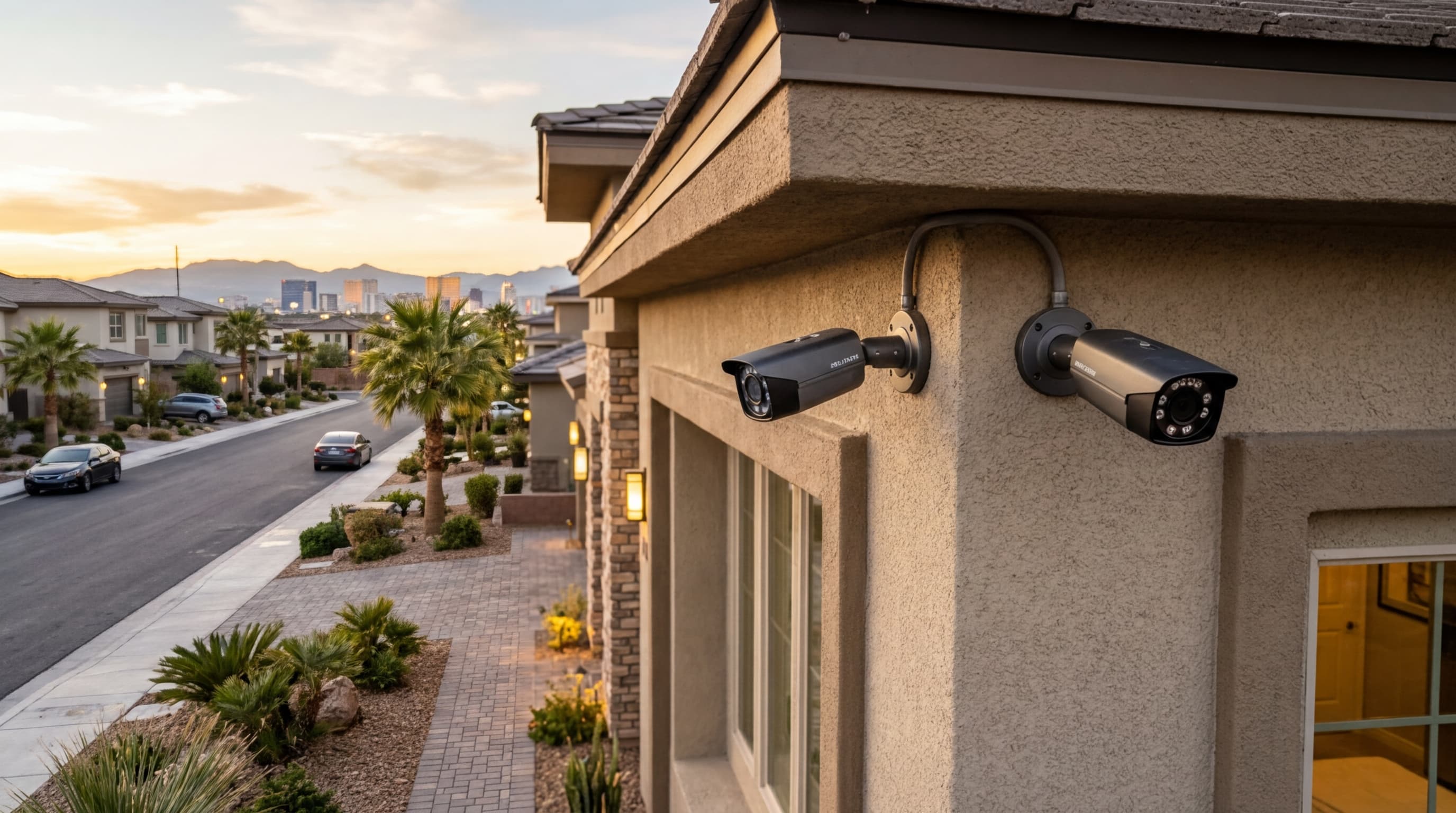
The answers determine whether a stand-alone doorbell is sufficient or whether a coordinated setup will be easier to manage. For wider exterior coverage, compare the doorbell’s front-entry role with a professionally planned Las Vegas security camera installation. The doorbell should not be forced to cover a driveway, side gate, and front door simultaneously when separate views would be clearer.
Review Privacy, Recordings, and Household Access
Every household should understand what the doorbell records, where recordings are stored, who can view them, and how long access remains active. Those answers may depend on the selected platform, account settings, and service plan, so verify them during setup rather than relying on assumptions.
Create a short handoff record that includes:
- Primary account owner
- Authorized household users
- General coverage area and package location
- Notification settings selected at installation
- Recording or storage configuration
- Power and network dependencies
- Support contact and device identification
- Date of the next household access review
Do not place passwords or sensitive recovery information in an unsecured general checklist. The handoff should explain ownership and process without creating a new access risk.
Test the Complete Installation Before Sign-Off
Finish with a real-use walkthrough. Press the doorbell, approach from the sidewalk or driveway, stand at normal visitor distance, open the primary door, and move a package through the intended delivery area. Confirm that the correct people receive the expected alerts and that the live view answers the questions the household identified at the start.
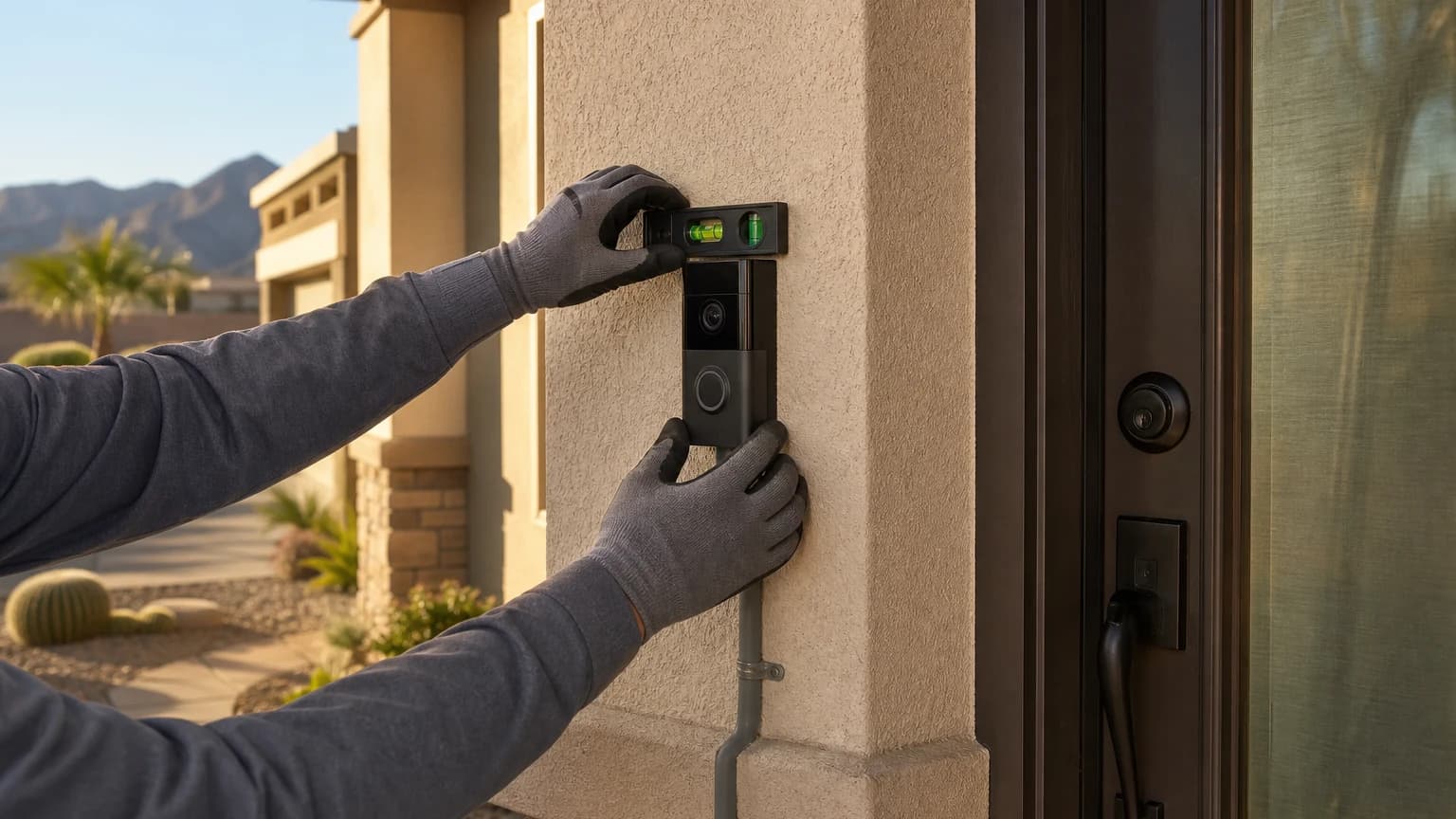
Also check the physical work. The device should sit securely, the chosen angle should remain fixed, wiring or conduit should be protected and neat, and the door, trim, weather sealing, lock, and any screen door should operate normally. The installer should explain how to recognize an offline device, how users are managed, and where to request service.
A short final test catches the difference between a device that powers on and an entry system the household can actually use.
Frequently Asked Questions
Can a video doorbell use my existing doorbell wiring?
Sometimes. The installer should identify the existing wiring and power source, confirm that they are compatible with the selected device, and address any transformer or chime requirements before mounting the doorbell.
Where should a video doorbell be mounted?
The best location depends on the entry layout, approach path, door swing, lighting, and wall surface. The goal is a useful view of visitors and packages without creating avoidable blind spots or capturing more neighboring property than necessary.
Does a video doorbell replace an outdoor security camera?
Usually not. A doorbell focuses on the front-entry interaction, while an outdoor camera can cover a driveway, side gate, yard, or wider approach. The devices should have distinct coverage jobs within one residential security plan.
Can a video doorbell connect with a monitored security system?
Integration depends on the selected doorbell, platform, account, and security system. Confirm compatibility before purchase and ask the installer to demonstrate the final app, notification, and user-access setup.
Plan the Entry Before Choosing the Device
ASAP Security is locally owned and has served Southern Nevada since 2003. The company is a First Alert PRO / Resideo partner, holds Nevada Contractor License #0058622 and Locksmith License LV L0600194-E107635, and maintains a BBB A+ rating. Its office is at 3170 Polaris Avenue, Suite 4, Las Vegas, NV 89102.
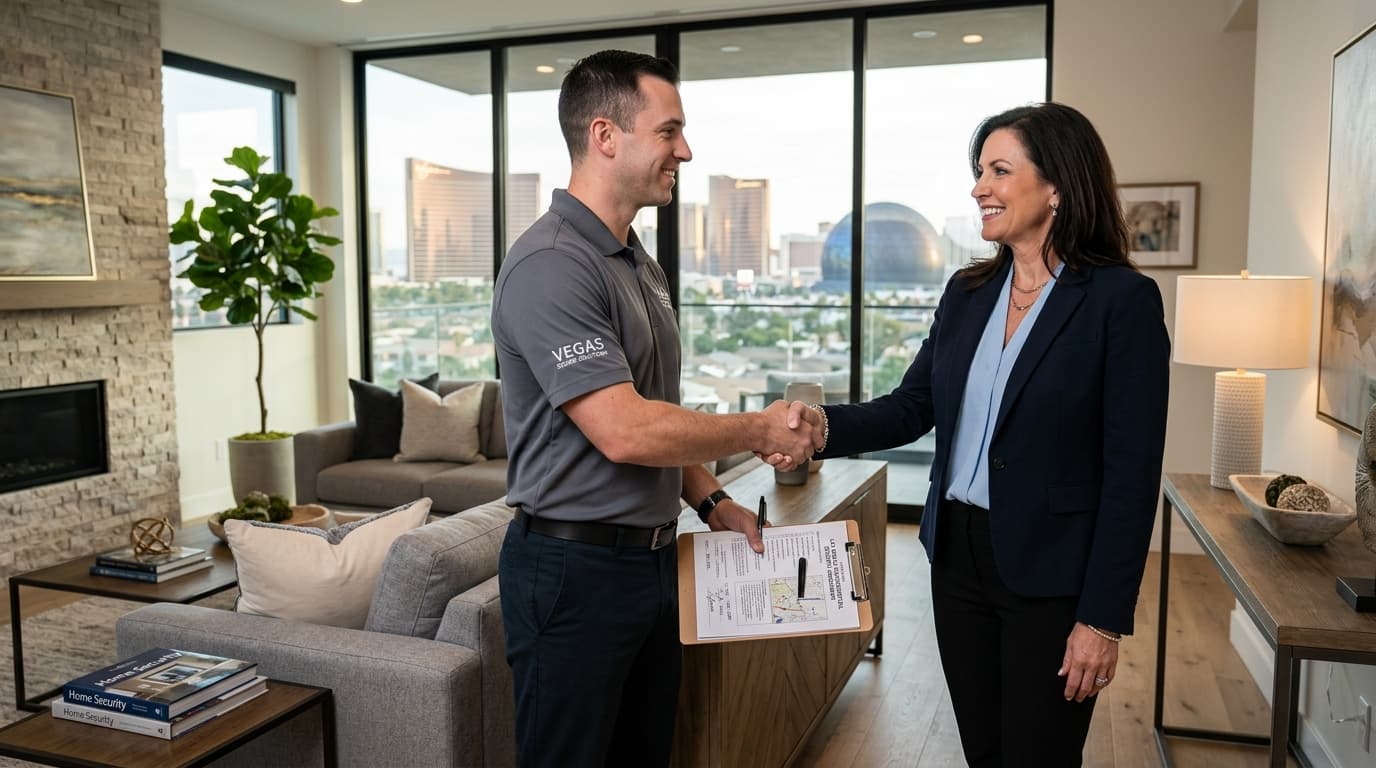
For help evaluating wiring, placement, connectivity, alerts, and security-system integration, request a no-pressure video doorbell consultation or call (702) 870-8880. Bring a photo of the entry and note where visitors and deliveries normally approach so the conversation begins with the property rather than a generic product list.