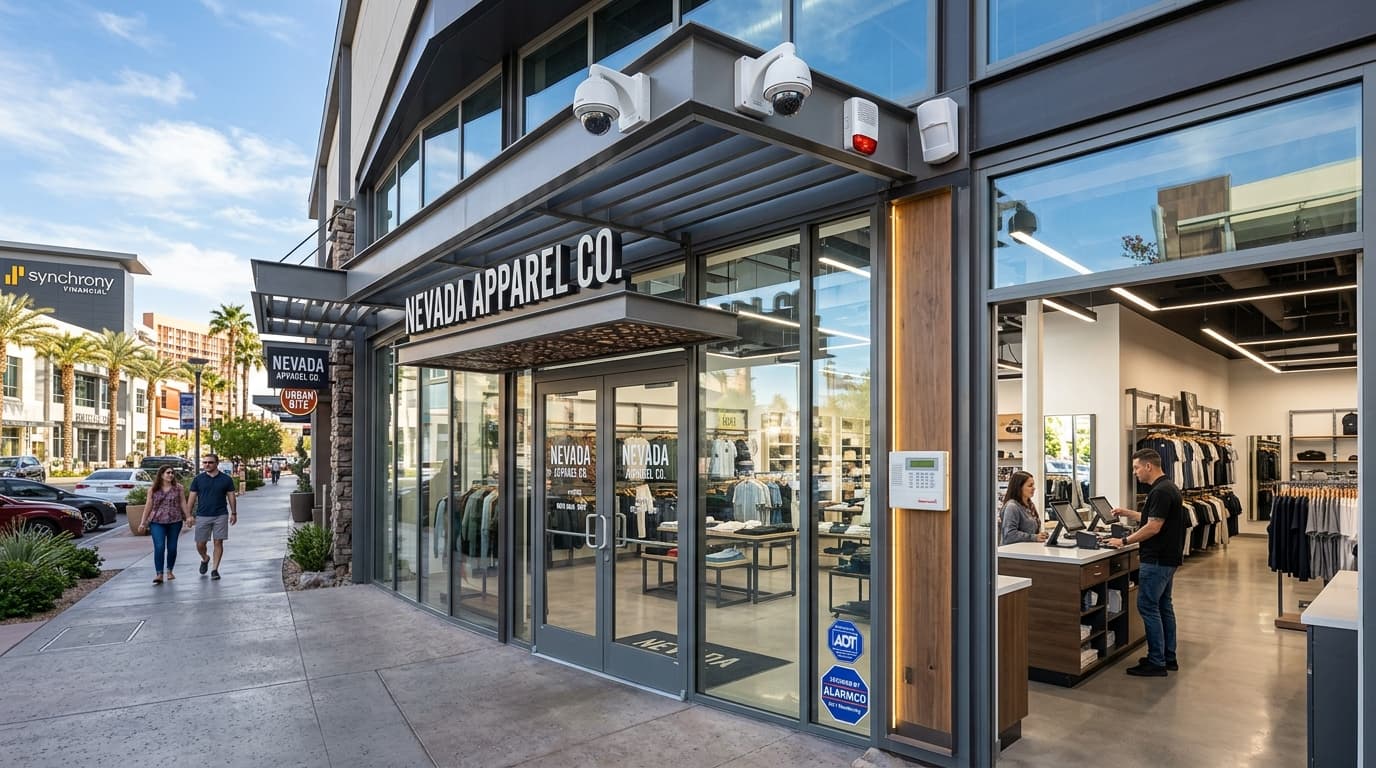
Small business security systems Las Vegas owners consider should fit the way the property actually operates—not a generic equipment bundle. A neighborhood retailer with one public entrance, an office with staff-only rooms, and a light-industrial shop with a yard and loading door each need a different plan. ASAP Security’s Las Vegas business security services provide an early local starting point for mapping those needs before selecting alarms, cameras, locks, or access-control equipment.
The right-sized approach begins with people, openings, schedules, assets, and everyday routines. It gives every proposed security layer a defined job, records who will manage it, and separates immediate gaps from upgrades that can be phased later. That discipline helps a small business request comparable proposals without inventing a device count before the site has been reviewed.
- Map people, entrances, restricted areas, business hours, assets, and daily routines before discussing products
- Give alarms, cameras, locks, access control, lighting, and procedures separate, clearly documented jobs
- Prioritize the gaps that affect normal opening, closing, visitor, employee, vendor, and after-hours workflows
- Compare written proposals on the same site inventory, scenarios, placement plan, installation scope, and support responsibilities
- Finish with testing, staff training, administrator ownership, records, and a scheduled review instead of treating installation as the end
Small Business Security Systems Las Vegas: Start With Operations
Walk through a normal business day before walking through a product catalog. Document who arrives first, which door they use, when the public enters, where deliveries go, which rooms are restricted, how vendors are admitted, who closes, and what remains active after hours. Repeat the exercise for weekends, special events, shift changes, and periods when one employee works alone.
Create a simple site and operations inventory:
- Public, employee, delivery, service, emergency, and seldom-used entrances
- Exterior gates, yards, parking areas, alleys, loading zones, and shared corridors
- Customer-facing areas, offices, stockrooms, cash-handling points, equipment rooms, and records storage
- Existing locks, alarm contacts, keypads, cameras, access readers, intercoms, lighting, and network equipment
- Business hours, cleaning schedules, deliveries, contractor visits, and other recurring access windows
- Current keys, codes, cards, fobs, mobile credentials, administrator accounts, and authorized holders
- Known blind spots, unreliable hardware, recurring false alerts, shared credentials, and undocumented workarounds
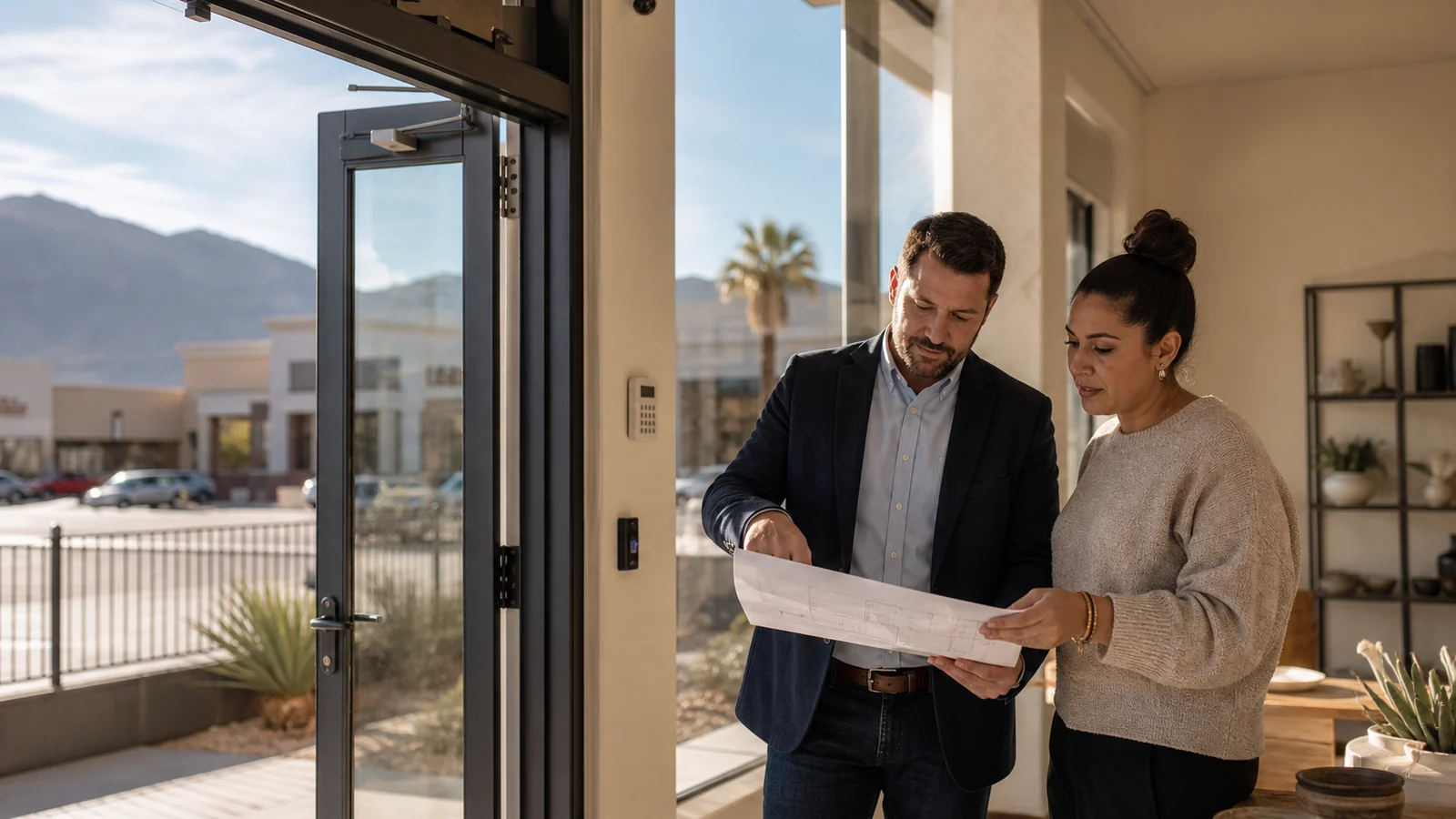
Use a floor plan or a clear hand sketch and label each opening and area consistently. “Rear Door R1” is more useful in a proposal, test record, and service call than “the back door.” Photograph existing devices without recording passwords, access codes, key details, or other sensitive information in a general planning file.
This inventory also prevents a common scope problem: two people using the word “front” to mean different doors, cameras, or parking views. A provider can recommend more precisely when the business identifies the exact opening, approach, activity, and outcome it wants reviewed.
Define the Events the Business Needs to Manage
Security planning becomes clearer when each concern is written as an event or workflow instead of a vague request for “more security.” Examples include an exterior door opening after closing, a former employee retaining a credential, a delivery arriving before staff, a customer entering an employee-only area, or an owner needing to review an incident at a specific counter or entrance.
For each scenario, answer:
- What normal activity should the system or procedure allow?
- What condition should be deterred, restricted, detected, or recorded?
- Which person is responsible for responding or reviewing?
- What information would that person need?
- What happens if power, internet, a device, or a credential is unavailable?
- How will the business test the workflow and document the result?
Do not assume one technology handles every step. A lock controls a physical opening. Access control manages assigned credentials and permissions where the selected system supports them. An alarm reports configured conditions. A camera provides a defined view and recording. Lighting supports visibility. Staff procedures determine how people use and respond to those layers.
The Cybersecurity and Infrastructure Security Agency offers a flexible Security Planning Workbook for developing a foundational facility security plan. A small business can use that planning principle without assuming that every resource, threat category, or protective measure applies to its property.
Match Alarms, Cameras, Locks, and Access to Specific Jobs
Once the scenarios are clear, assign each proposed layer a specific purpose and location. Avoid lists such as “eight cameras, one alarm, and two readers” until the business can explain what each item is expected to cover.
Intrusion alarm planning
Identify the openings, rooms, and schedules that may need detection. Document who can arm and disarm, who receives notifications, what contact process applies, and how authorized testing will be performed. Ask the provider to explain communication paths, account ownership, monitoring responsibilities, user management, and what changes when the business adds a shift or location.
Camera planning
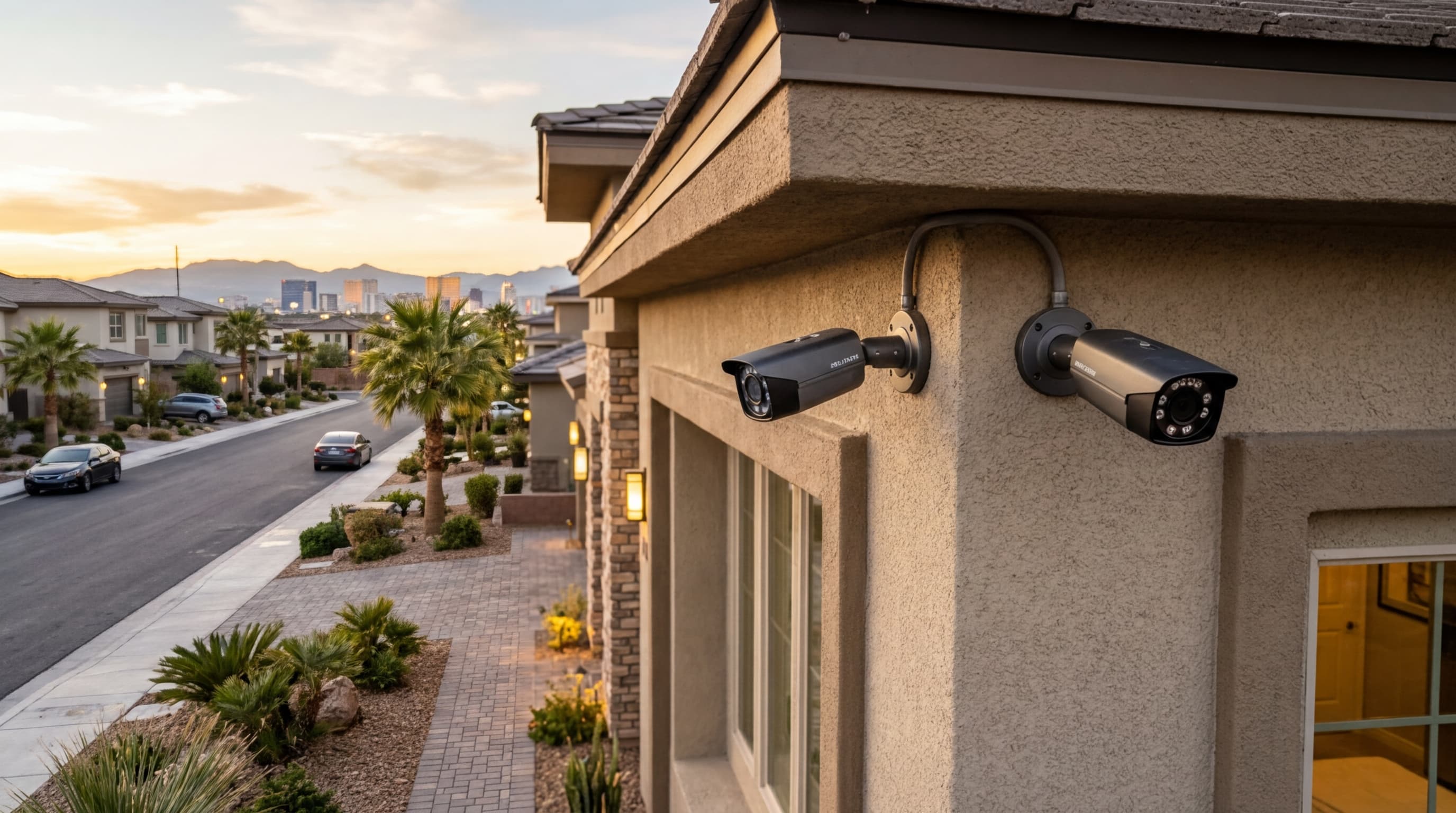
Describe the view rather than only the camera location. An entrance overview, face-level entry view, register area, loading door, parking approach, and inventory aisle have different purposes and lighting conditions. The Las Vegas security camera installation overview explains the service context, while the related business camera planning guide helps frame questions about placement, wiring, recording, remote access, and account ownership.
Avoid promising that a camera will identify every person, plate, object, or event under all conditions. Ask the provider to demonstrate the expected field of view and image under representative lighting. Confirm who may view or export recordings, how access is removed, and what storage or subscription assumptions belong in the written scope.
Mechanical locks and door hardware
Inspect the door as an assembly. The frame, latch, strike, closer, hinges, cylinder, handle, panic hardware, weather exposure, and normal traffic all affect operation. A strong lock does not solve a door that fails to close or latch. Record key quantities and authorized holders without placing unrestricted key-system details in an open planning document.
Access control
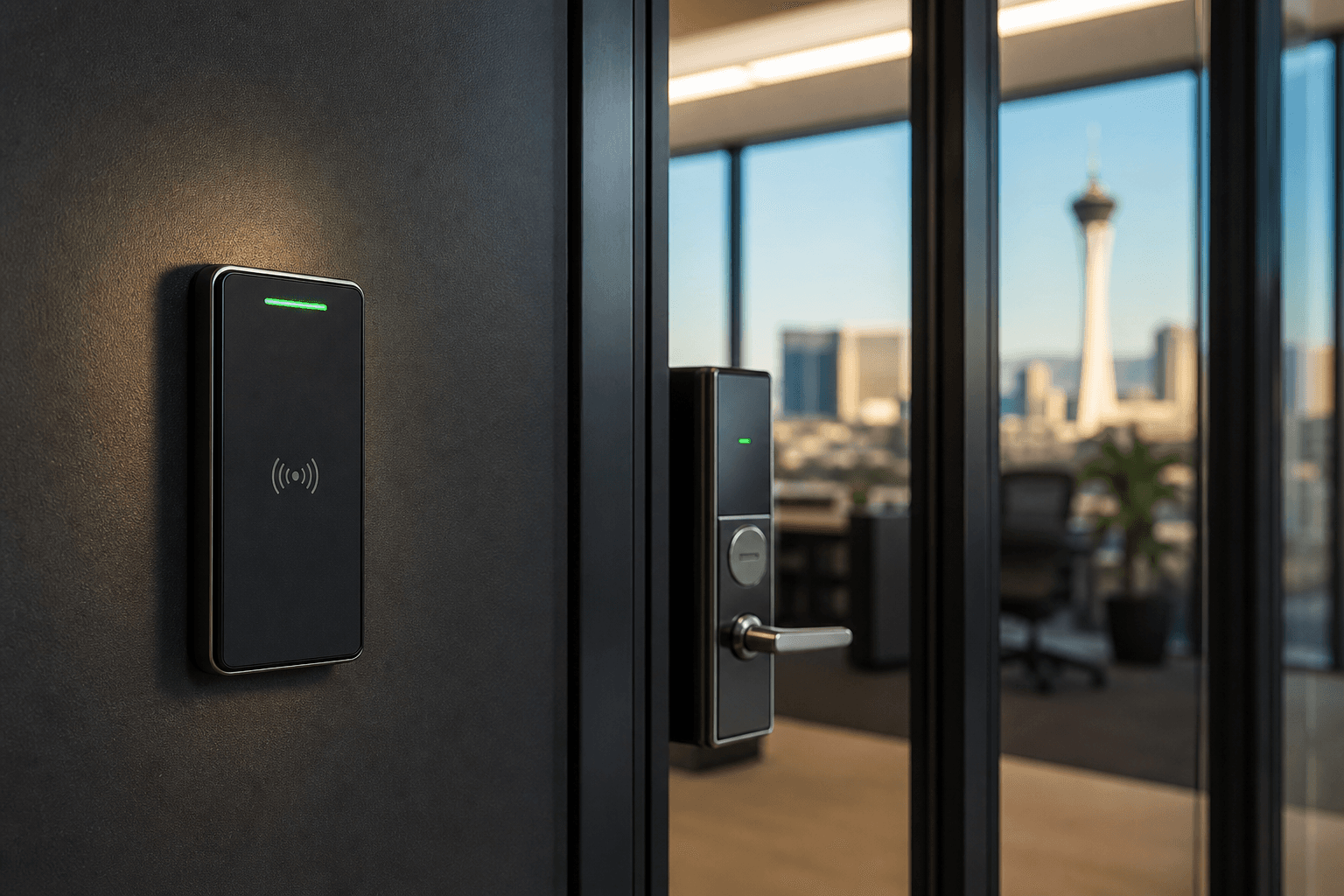
Use access control where individually managed permissions, schedules, credential removal, or activity records match a defined operating need. List each controlled opening, user group, approved schedule, visitor or vendor process, administrator, and fallback workflow before comparing readers or credentials. The Las Vegas business access control guide provides a deeper set of questions for those decisions.
ASAP Security’s broader commercial security services can connect alarms, cameras, access control, and commercial lock planning when the property requires more than one layer. The written plan should still keep each layer’s job clear so the business can test it independently.
Prioritize Gaps Without Overbuilding the First Phase
Not every identified improvement belongs in the first installation. Rank gaps by the importance of the affected people or operation, the frequency of the workflow, the current control, and the consequence of leaving the question unresolved. Keep the ranking specific to the business rather than assigning unsupported universal risk scores.
A practical first phase may focus on:
- Doors that do not close, latch, or lock consistently
- Keys, codes, credentials, or administrator accounts without clear ownership
- Opening and closing procedures that depend on one person’s memory
- Restricted areas that are not clearly separated from public or vendor traffic
- Camera views that do not match the incident or area the business expects to review
- Alarm users, call lists, schedules, or tests that are out of date
- Unsupported equipment or recurring device failures that have not been documented
Separate corrections from enhancements. Restoring a failing door closer, removing a former user, updating an alarm contact list, and documenting administrator ownership may be corrections. Adding another camera, changing credential technology, or extending coverage to a new yard may be an enhancement. Both can matter, but combining them into one undefined “security upgrade” makes priorities and proposals harder to compare.
The article on security mistakes Las Vegas businesses make covers related gaps such as poor camera placement, weak access practices, and systems that are not maintained as operations change.
Build a Written Scope Providers Can Price Consistently
Give every provider the same baseline: site inventory, labeled openings, operating scenarios, existing equipment, desired outcomes, known constraints, and phase priorities. Ask each proposal to state what is included and excluded instead of relying on product names alone.
The scope should address:
- Exact doors, areas, views, devices, and user groups covered
- Existing equipment to be reused, removed, repaired, replaced, or left unchanged
- Device placement and the purpose assigned to each location
- Power, wiring, conduit, network, mounting, patching, finish, and cleanup responsibilities
- User, credential, alarm-zone, camera, schedule, and notification setup
- Accounts, subscriptions, administrator ownership, and renewal responsibilities
- Training, testing, documentation, support, warranty, and service terms in writing
- Business preparation, access, downtime, and coordination requirements
- Optional items, allowances, exclusions, and change-approval process
Compare proposals line by line. A lower total may omit wiring, network work, credential enrollment, staff training, surface repair, or final documentation. A higher total may include a broader scope. Resolve those differences before deciding that two proposals describe the same result.
Avoid unverified assumptions about pricing, installation duration, insurance effects, police response, recording retention, product compatibility, or legal compliance. Those details depend on the selected system, property, provider scope, service agreement, and other parties. Ask the responsible provider or qualified professional to document the answer that applies to the business.
Plan Around Las Vegas Property and Operating Conditions
Southern Nevada businesses may operate in direct sun, high exterior heat, dust, monsoon weather, shared shopping centers, mixed-use buildings, gated yards, or leased suites where mounting and wiring changes require coordination. A downtown storefront, Spring Valley professional office, Henderson warehouse, and Summerlin service business should not inherit the same placement plan simply because they share a ZIP-code region.
During the site review, document:
- Sun angle, reflections, nighttime lighting, shade, and contrast at intended camera views
- Exterior mounting surfaces, weather exposure, dust, drainage, landscaping, and vehicle movement
- Available power, network ownership, equipment-room access, and cable routes
- Landlord, property-manager, HOA, or shared-facility coordination that the business must obtain
- Doors, gates, or hardware that require separate trade, property, fire, accessibility, or code review
- Where staff can safely operate, test, and service devices without blocking normal business activity
Do not turn a general security article into a code or lease interpretation. Property-specific life-safety, accessibility, privacy, employment, recording, insurance, and legal questions should be directed to the appropriate authority or qualified adviser. The goal of the plan is to make those questions visible early enough to assign an owner.
Preparedness should also connect security equipment to business operations. Ready.gov’s Ready Business guidance encourages businesses to plan for likely hazards, communications, continuity, training, and exercises. A security-system handoff is stronger when it identifies how staff will communicate and continue essential operations if a device, utility, or normal access path is unavailable.
Assign Ownership Before Installation Begins
Small businesses often rely on one owner or manager to hold every password, vendor contact, alarm code, and system decision. That arrangement becomes fragile when the person is unavailable or leaves. Name roles for the system before equipment is installed.
Define who may:
- Approve the final scope and changes
- Hold primary and backup administrator access
- Add or remove users and credentials
- Change schedules, contacts, or notification rules
- Review or export recordings
- Authorize service and receive documentation
- Lead staff training and recurring tests
- Maintain the opening, device, key, credential, and account inventory
Use separate authorized accounts where the selected platform supports them instead of one broadly shared login. Store recovery and administrator information in the business’s approved secure system, not in a public binder, an open maintenance ticket, or an unprotected floor plan.
Create a removal checklist for employees, vendors, tenants, or managers whose access ends. Include physical keys, alarm users, cards, fobs, mobile credentials, camera access, remote apps, lockbox codes, and administrator roles that apply to the person. The checklist should record completion without exposing the credentials themselves.
Test Real Workflows and Schedule the Next Review
Final acceptance should reproduce the scenarios defined at the beginning. Do not stop after confirming that devices power on. Have authorized staff open and close the business, use designated entrances, arm and disarm through the approved test process, present each credential type, review intended camera views, receive expected notifications, and follow a representative vendor or delivery workflow.
The closeout should include:
- Final labeled site, opening, and device inventory
- Approved camera-view and controlled-opening list
- Authorized administrators and account ownership
- User and credential setup record without exposed secrets
- Training attendance and operating instructions
- Test scenarios, results, corrections, and deferred items
- Equipment, subscription, warranty, service, and support documentation
- Final scope, approved changes, and unresolved exclusions
- Date and owner for the next review
Review the plan after meaningful changes such as a move, remodel, new entrance, staffing change, schedule change, added tenant, new inventory area, recurring service problem, or platform transition. Also schedule a routine review so old users, contact lists, access schedules, and undocumented workarounds do not remain indefinitely.
Frequently Asked Questions
What should a small business include in a security plan?
Start with the people, property, entrances, restricted areas, opening and closing routines, key or credential holders, and the events the business needs to detect or review. Then assign a clear job to each proposed alarm, camera, lock, access-control device, lighting improvement, and operating procedure.
Does every Las Vegas small business need the same security equipment?
No. A retail shop, office, restaurant, warehouse, and professional practice have different layouts, schedules, assets, visitor patterns, and access needs. The useful scope is based on the specific property and operation rather than a standard device count.
Should a small business install cameras or an alarm first?
The answer depends on the business’s most important risks and current gaps. An alarm can report selected events, while cameras provide views and recordings. Many businesses use both as separate layers, but the sequence should follow a documented priority list and practical installation plan.
How can a business compare security proposals fairly?
Give each provider the same site inventory, operating scenarios, desired outcomes, existing-system information, and known constraints. Ask for an itemized written scope that identifies equipment, placement, wiring, accounts, subscriptions, training, testing, support, exclusions, and closeout documentation.
Bring the Business Workflow to the Security Conversation
A right-sized plan begins with how the business opens, serves customers, receives deliveries, controls staff and vendor access, closes, and responds when something does not work. Bring the labeled floor plan, opening inventory, user roles, current equipment list, priority scenarios, and known constraints to the consultation. That information produces a more useful conversation than beginning with a device quantity or package name.
ASAP Security is locally owned and has served Southern Nevada since 2003. The company is a First Alert PRO / Resideo partner, holds Nevada Contractor License #0058622, and maintains a BBB A+ rating. Its office is at 3170 Polaris Avenue, Suite 4, Las Vegas, NV 89102.
For help reviewing a Las Vegas small business’s alarms, cameras, locks, access control, and daily security workflow, request a restrained, no-pressure quote or call (702) 870-8880. The first goal is a clear scope that fits the property—not more equipment than the business can explain, manage, and test.