Quick Summary
- Do security cameras need wifi? Not always. Wired cameras can send video over a network cable, and some cameras record to a card or a recorder without any internet at all.
- Every camera needs power. Wi-Fi is only one way to move video from the camera to where it is stored or viewed.
- Local recording can keep running during an internet outage if the camera, storage and any local connections still work. Viewing away from home and uploading to the cloud need internet access.
- A card inside a camera is not a backup, and a card that is not built for constant recording can wear out sooner.
- The right setup depends on your walls, your router and how many cameras you need.
Do security cameras need wifi? Not always. A camera on a network cable does not use Wi-Fi to send video, and a properly configured camera with working local storage can keep recording if the internet drops, provided the necessary equipment still has power. ASAP Security’s security cameras page shows the systems we install, and the sections below explain how each setup works.
What does a security camera actually need to work?
A camera needs three things: power, a way to send video, and a place to put it. Wi-Fi only covers the second one.
Power can come from an outlet, a battery, or the network cable itself. The video can travel over Wi-Fi or over a cable. It can be stored on a card in the camera, on a recorder in your home, or on a cloud service. Mixing and matching these is why two cameras that look alike can behave very differently when the internet goes out.
Can security cameras work without Wi-Fi?
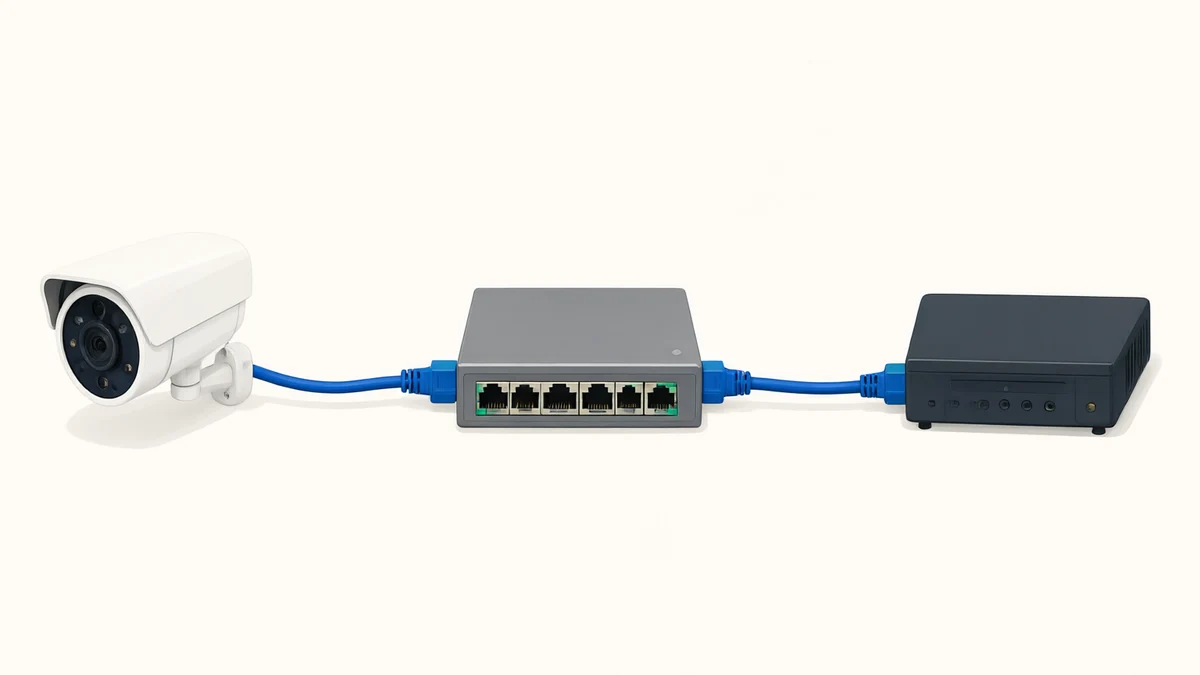
Yes. A wired camera can send video without Wi-Fi, and a camera configured for supported local storage can record without internet access. Some models still need an internet connection for initial setup, so check the manual before buying.
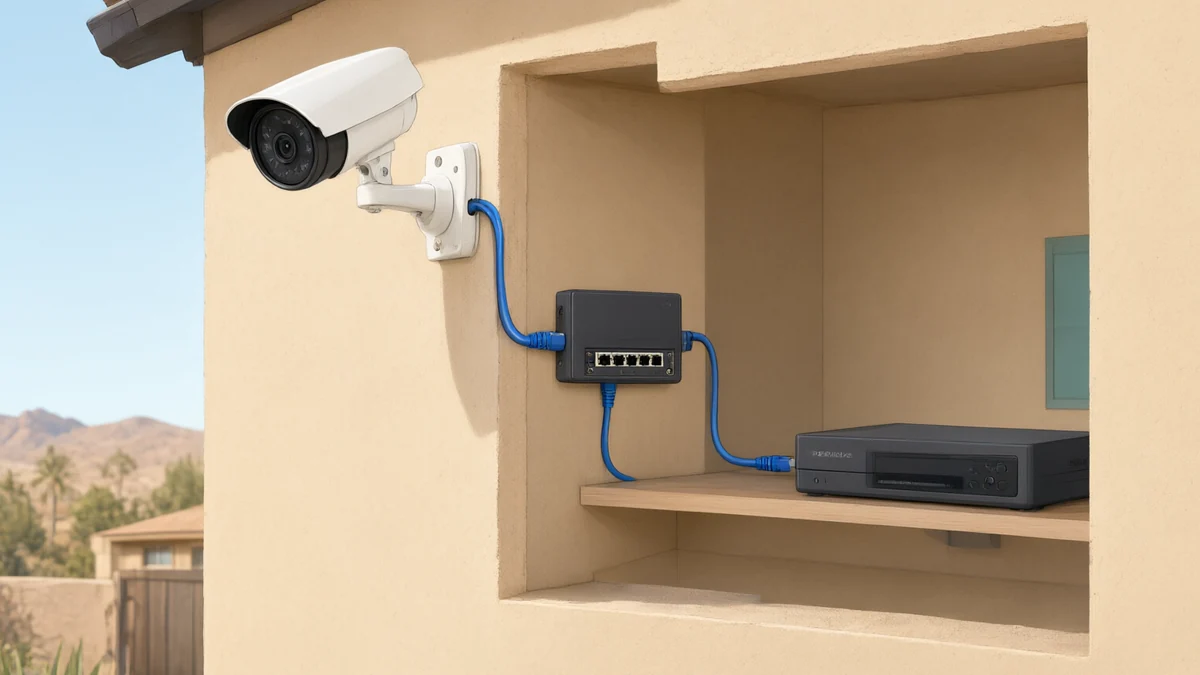
The most common wired option is Power over Ethernet, usually shortened to PoE. As ASAP’s guide to choosing a camera system explains, a PoE camera draws power and sends data over a single Ethernet cable, so it does not depend on Wi-Fi signal or batteries. Our guide to security cameras in Las Vegas covers wired PoE and coax systems side by side with wireless ones.
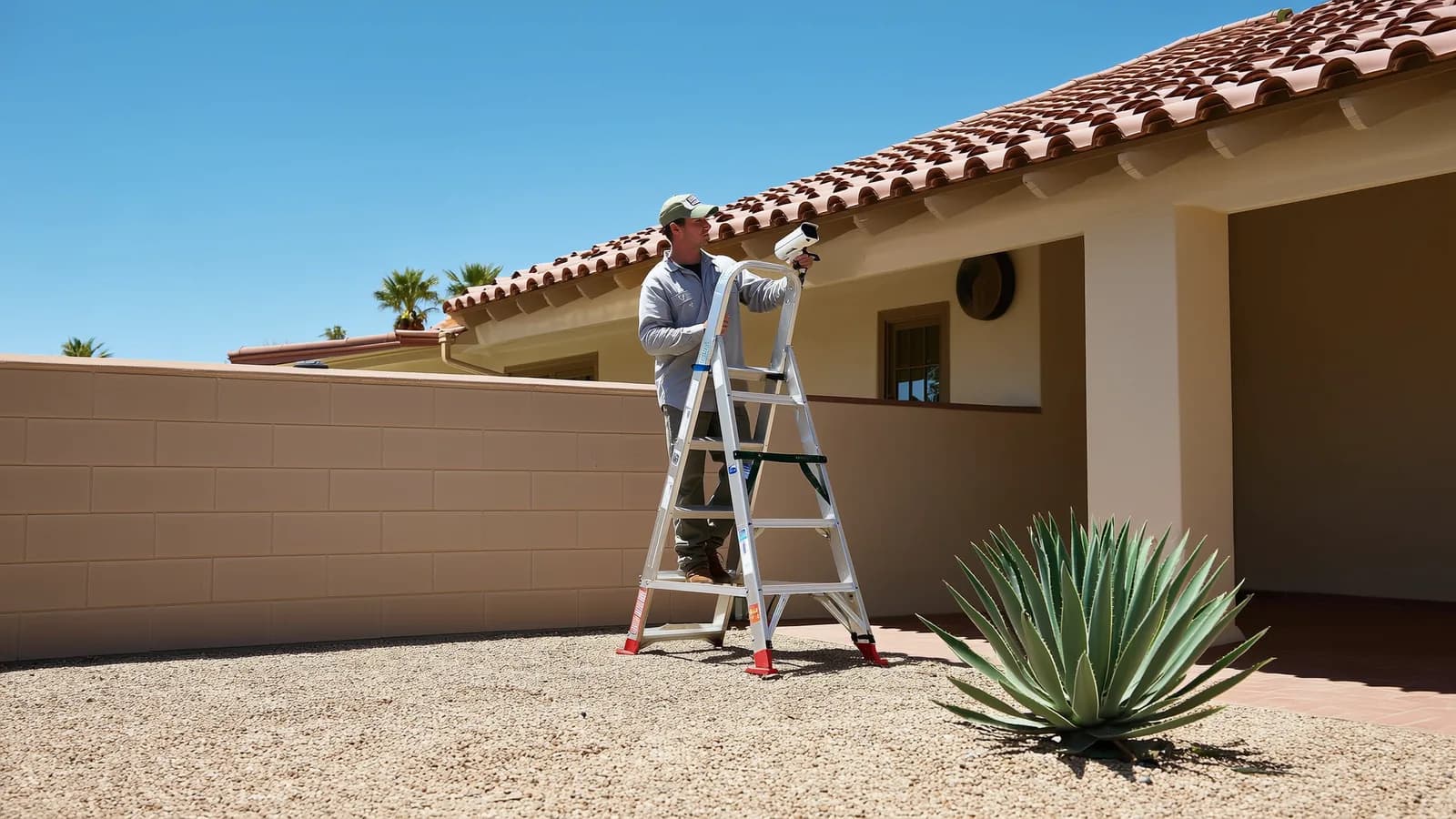
Wired does not mean unlimited. NETGEAR’s explanation of standard copper Ethernet PoE cabling gives a maximum length of 100 m (about 328 ft), with cable quality and the power requirements affecting the design. This is a standard cable-run limit, not a promise that every installation will work at that distance. A long run to a detached garage or a back wall should be planned, not guessed.
How does a camera record without the internet?
It records to local storage. That can be a recorder in your home, called an NVR or DVR, or a card inside the camera.
Axis describes this as edge storage: video is saved close to where it is created, such as on an SD card inside the camera. In its words, local recording can usually continue even if the network connection is interrupted, provided the camera has power and the card is functioning.
That has limits. The same Axis article says you generally need a network connection to view or retrieve footage remotely, so local recording may continue during an internet outage while remote access is unavailable until connectivity returns. It also says an SD card provides local onboard storage but is not a backup, so important footage may also need to be copied to a central recorder or other storage.
What stops working when the internet or Wi-Fi goes down?
An internet outage is different from a Wi-Fi failure or a loss of power. The table assumes each camera is already set up and its power supply, storage and any required local network connections are working. It is a general comparison, not a promise about a particular model.
| What you are doing | Wired PoE camera with local recorder | Wi-Fi camera with a configured card | Cloud-dependent camera |
|---|---|---|---|
| Camera gets power | Needs a powered PoE source | Needs a working power supply or charged battery | Needs its supported power supply or battery |
| Video reaches storage | Over the working local cable connection | Camera writes to its own working card | Needs internet access for new cloud uploads |
| Recording during an internet outage | Can continue while the camera, recorder and local connection work | Can continue if the camera supports offline recording | Cloud uploads stop; any temporary offline recording depends on the model |
| Watching from your phone away from home | Needs internet access | Needs internet access | Needs internet access |
Some models also allow phone viewing on the same working local network without internet access; others depend on a cloud service. A Wi-Fi failure can interrupt a wireless camera’s connection to a separate recorder even while the internet service itself is available. Some cloud-focused models buffer video locally and upload it after reconnecting, so do not assume every cloud camera loses all footage during an outage. Check the manufacturer’s documentation for the model and app you use.
A camera that loses all power cannot record. A charged battery or suitable backup power may keep equipment running during a mains outage, but a local recorder and any required network equipment also need power. Ask during a consultation which parts of your proposed system would keep working and for how long.
Why can Wi-Fi cameras be a poor fit for some Las Vegas homes?
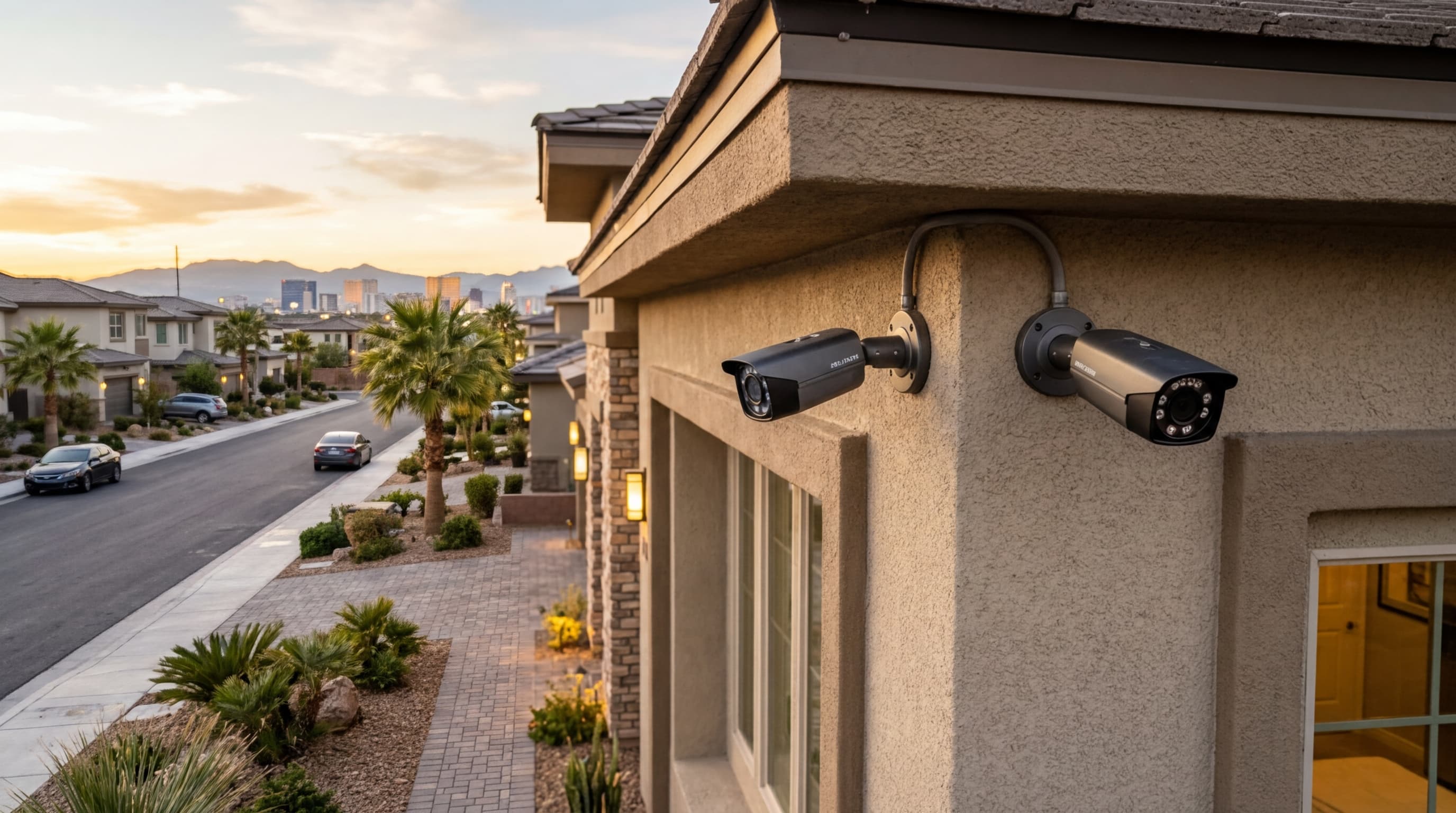
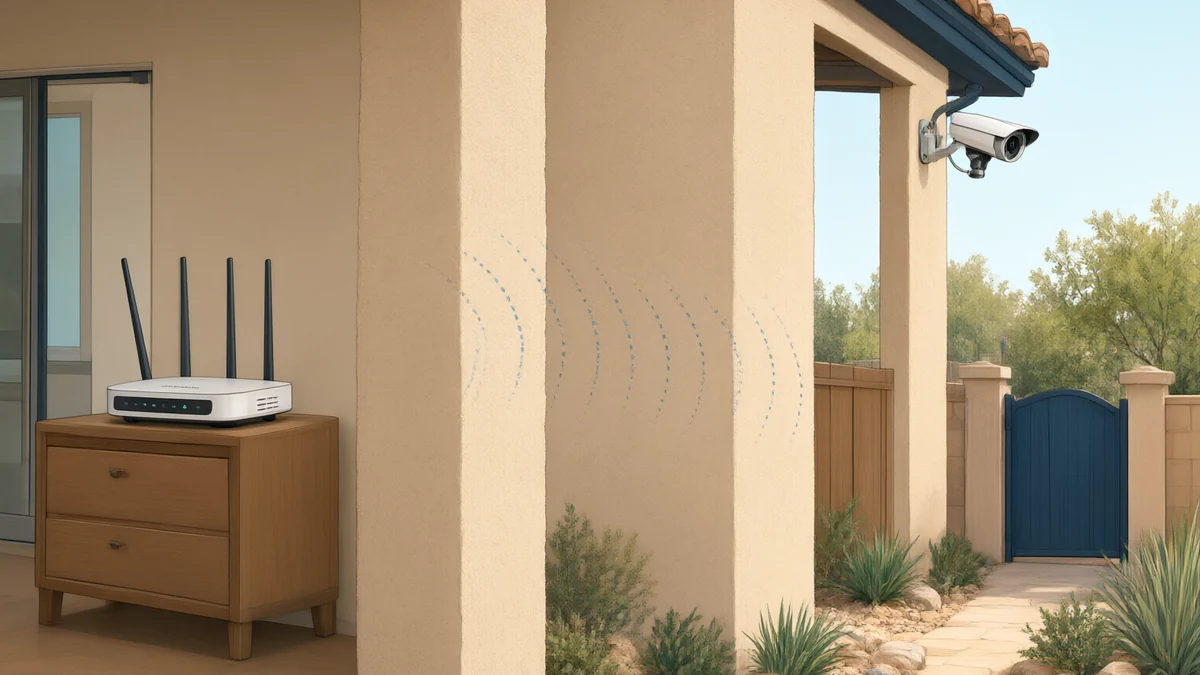
A Wi-Fi camera is only as steady as the signal that reaches it. ASAP’s guides list “dependent on Wi-Fi signal strength” and battery charging as downsides of wireless systems. The choosing guide adds that thick stucco walls, common in Las Vegas homes, can attenuate Wi-Fi signals.
That does not make wireless the wrong choice. ASAP’s guide says wireless works well for renters or when you need cameras quickly. If you rent, our guide to home security systems for renters covers the questions to ask your landlord first. The point is to match the camera to the place: a backyard corner far from the router is a harder job for Wi-Fi than a front porch.
What about video doorbells and cameras you mount yourself?
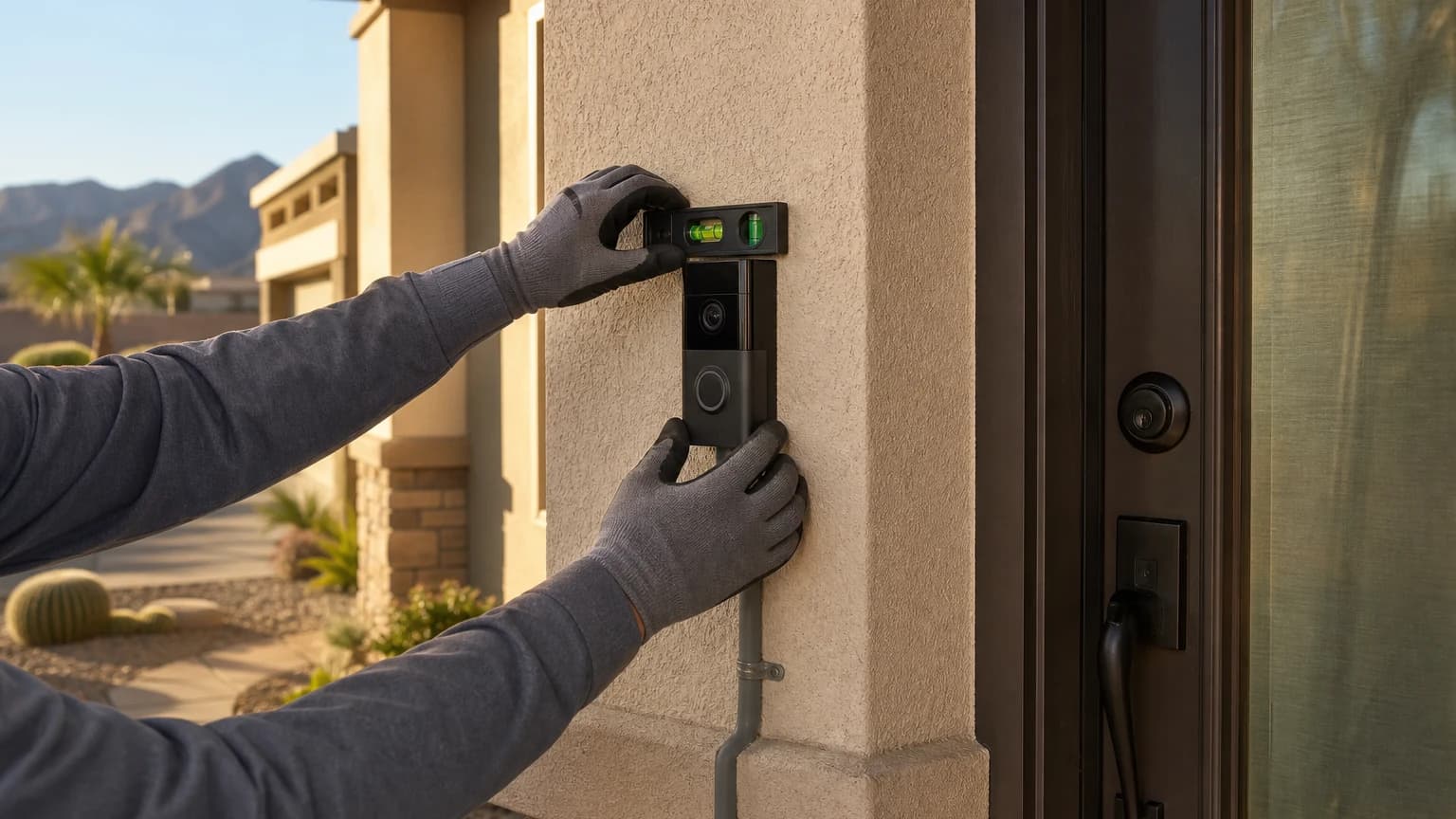
Wi-Fi cameras and doorbells depend on the signal at the exact spot where you mount them. Our video doorbell installation guide points out that a phone may show a strong signal in the living room while the exterior door sits behind stucco, masonry, metal or a recessed wall. It advises testing connectivity at the proposed mounting location with the door closed.
How a particular model behaves when it loses its connection varies by product, so check the manufacturer’s manual for the one you own.
How can you plan for a connection that drops?
Treat the connection as one part of the system, not the whole system. A few questions cover most of it.
- Where does the video get stored? Ask whether your model can record locally without internet access and which equipment must stay powered and connected.
- Is there a second copy? The Axis guidance above says a card is not a backup, so important footage may need a second home. ASAP’s camera placement guide notes that systems can use cloud storage, a local recorder or both.
- Is the card built for constant recording? Axis says consumer-grade cards generally wear out sooner under continuous recording and recommends a card the camera manufacturer supports and that is built for sustained video writing.
- What happens at the router? If every camera depends on one router, ask how the cameras will be connected and where that router sits.
Frequently Asked Questions
Do security cameras need wifi to record?
Not always. A camera configured for supported local storage can record without internet access if it has power, working storage and any required local connection. Viewing from a phone away from home needs internet access; some models also support viewing on the same local network without it.
Can I use security cameras without internet at all?
Yes, with a suitable system. A wired camera and local recorder can record without internet access while their power and local connection work. Some products require internet access for initial setup. Viewing away from home and new cloud uploads need internet access.
Are wired cameras better than Wi-Fi cameras?
ASAP’s guides recommend wired PoE for permanent installations because it does not depend on Wi-Fi signal or batteries, and suggest wireless for renters or quick installs. The better choice depends on your home, so ask for a plan for your property.
Will my cameras keep recording during a power outage?
No camera records without power, whether it uses Wi-Fi or a network cable. If you want a system that keeps running during an outage, ask your installer what backup power options fit your setup.
Talk to ASAP Security About Your Cameras
Not sure which setup fits your home? ASAP Security has served Southern Nevada since 2003, including Las Vegas, Henderson, North Las Vegas, Summerlin, Spring Valley, Pahrump and Boulder City, and offers a free on-site consultation. Get Free Quote or call (702) 870-8880.
This article is general information. It is not a product recommendation, and it does not replace the manual for a specific camera or advice from a qualified installer.
Sources
- Axis Communications: Challenging 5 common myths of SD cards for security cameras (read 2026-11-16)
- NETGEAR: PoE cable types and maximum length (read 2026-11-16)
- TP-Link: Tapo camera setup, features and settings (read 2026-11-16; model examples, not an ASAP product offer)
- Google: How Nest cameras store recorded video (read 2026-11-16; model examples, not an ASAP product offer)
ASAP Security has served Southern Nevada since 2003.