Most HOA boards start thinking about security cameras only after something happens at the pool, clubhouse, or parking area — a break-in, a vandalism report, or a liability question the board can’t answer with confidence. HOA common-area security cameras work best when they’re planned before an incident, not installed as a reaction to one. ASAP Security has designed camera and alarm systems for Las Vegas Valley HOA and condo communities since 2003, and the associations that get the most value from their systems are the ones that plan coverage, governance, and monitoring together instead of buying a camera package and hoping it covers what the board actually needs.
- Prioritize pool, clubhouse, mailroom, and vehicle entry areas before other amenities
- Plan pool and clubhouse coverage around traffic flow, not just doorways
- Never point cameras into restrooms, changing areas, or private patios and windows
- Pair cameras with alarms and access control for after-hours amenity protection
- Adopt a written recording and footage-access policy before installation, not after
Where HOA Common-Area Security Cameras Belong First
Not every amenity needs the same camera treatment, and most associations don’t have an unlimited budget to cover everything at once. The boards that get this right start with the areas that carry the most foot traffic, the most liability exposure, or the most history of incident reports, then expand from there.
For most Las Vegas Valley communities, that priority order looks like this:
- Pool and clubhouse entrances, where non-residents are most likely to attempt entry and where liability questions come up most often
- Mailroom and parcel areas, a frequent target for package theft in larger communities
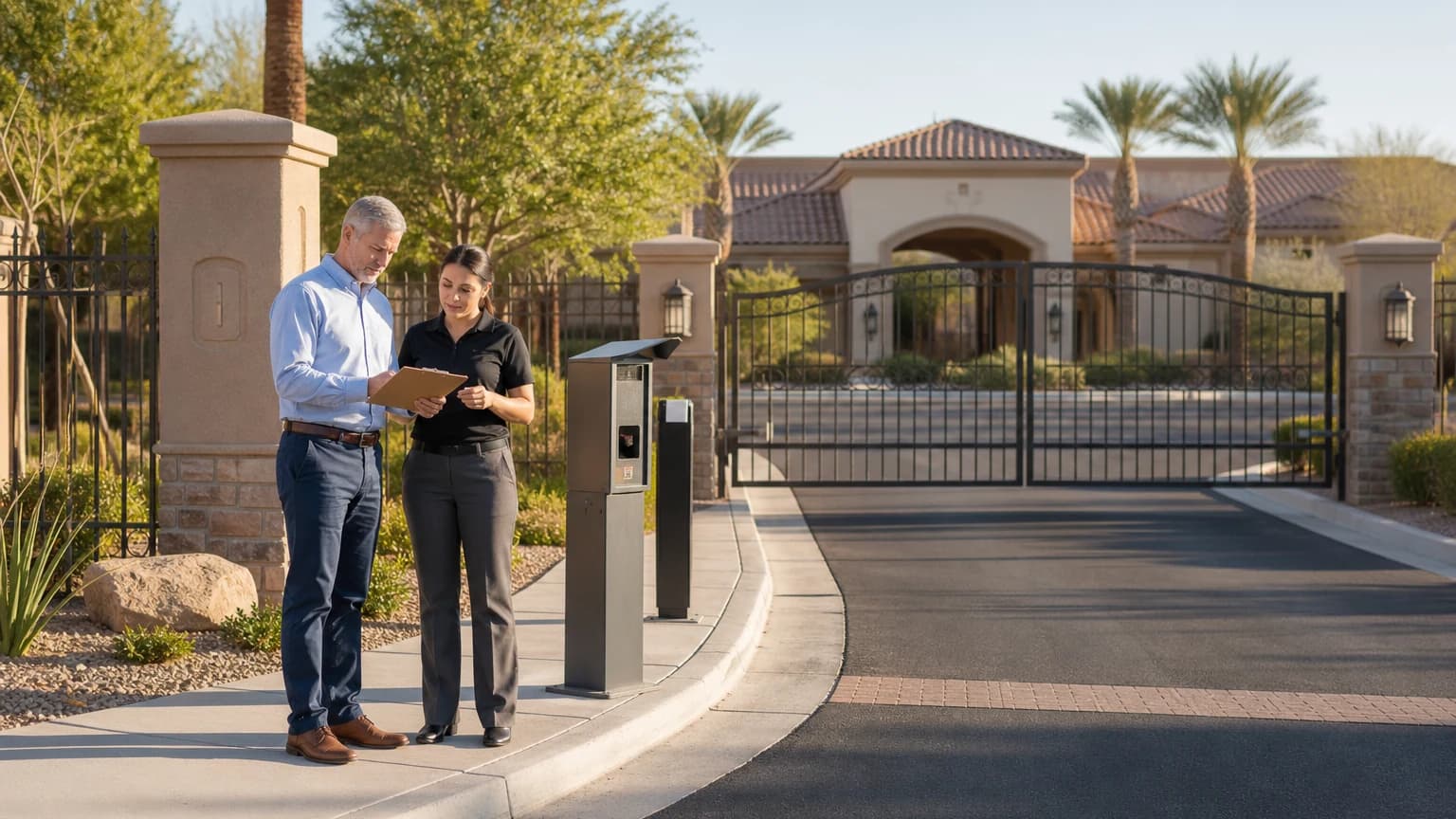
- Vehicle entrances and gates, which double as a record of who came and went if an incident happens anywhere on the property
- Parking structures and guest lots, especially areas without direct sightlines from units
- Playgrounds, dog parks, and other open amenities, where coverage is more about deterrence and liability documentation than access control
Our HOA and community security team works directly with boards and management companies to map these priorities against the community’s actual layout and budget, rather than starting from a generic camera count.
Camera Coverage for Pools, Clubhouses, and Fitness Rooms
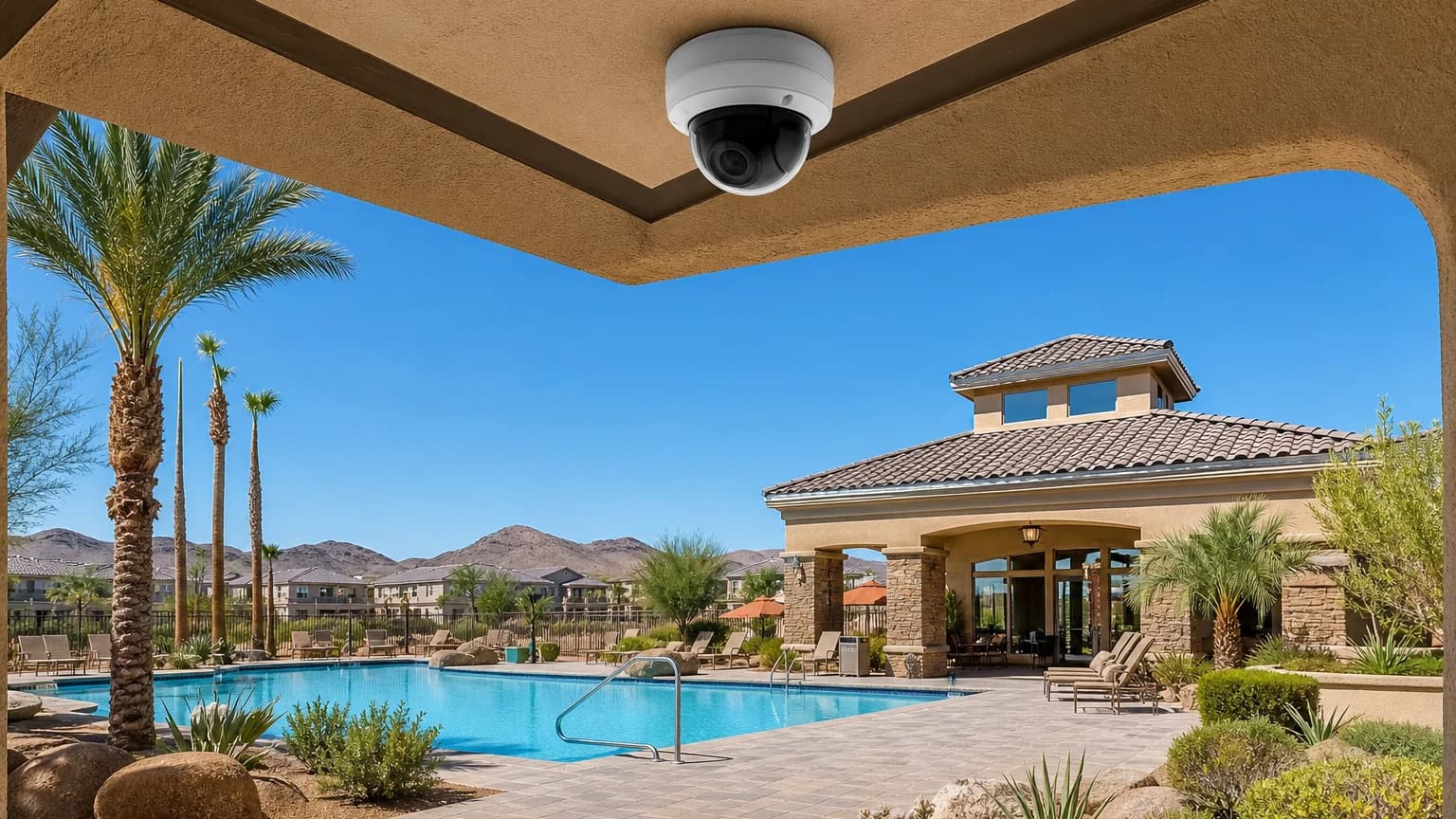
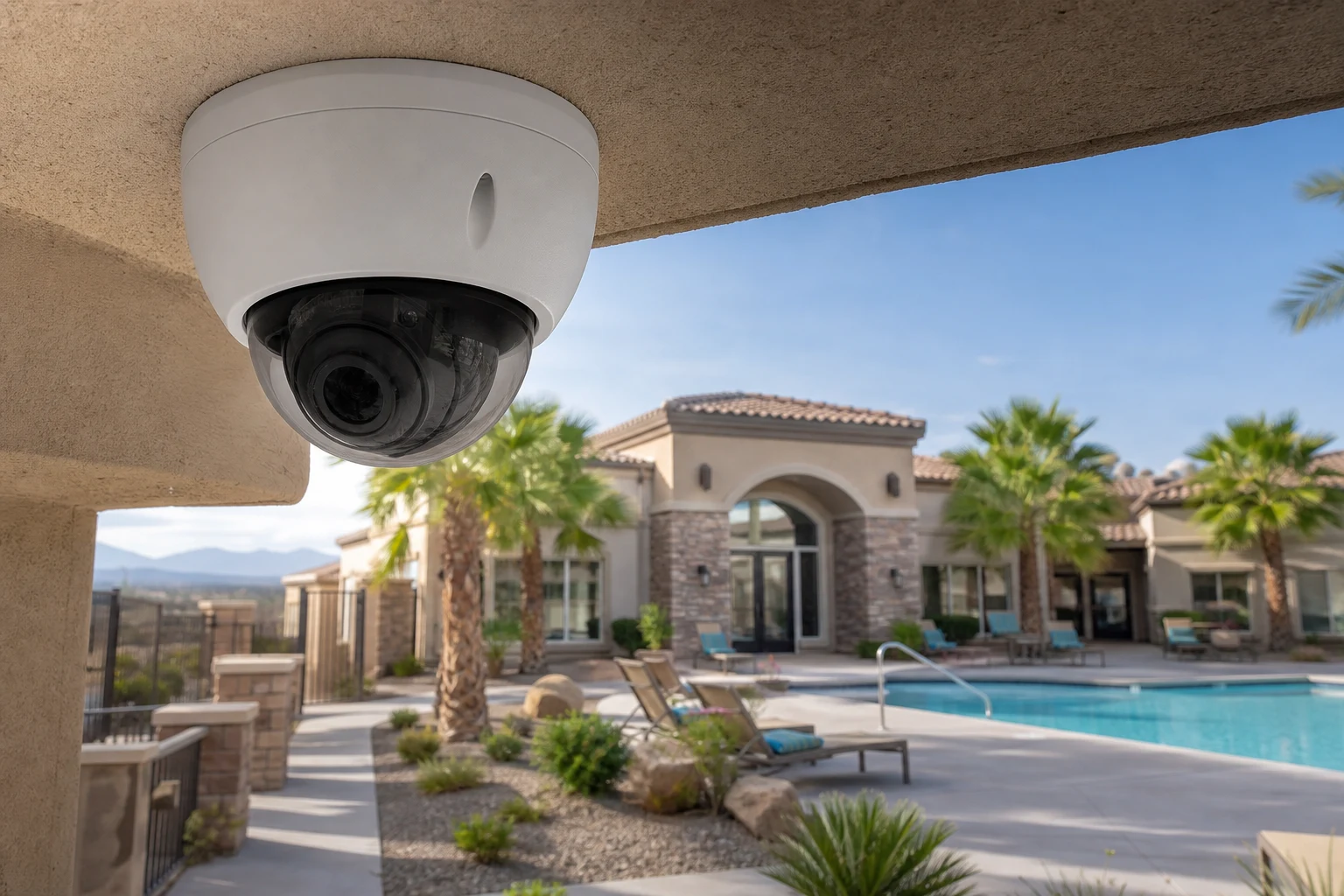
Pool and clubhouse areas are usually the highest-traffic amenities in a community, and they’re also where boards get the most questions after an incident. Effective coverage typically includes:
- Entry and exit gates or doors, positioned to capture faces, not just the tops of heads
- The pool deck perimeter, angled to cover the full deck without staring directly at any single unit’s windows or patio
- Equipment and chemical storage room doors, which are a common target for vandalism and a liability concern if tampered with
- Fitness room and clubhouse interior doors, covering entry rather than the workout floor itself
One rule applies everywhere on this list without exception: cameras never point into restrooms, changing areas, or any space where residents have a reasonable expectation of privacy — not directly, and not indirectly through a mirror or reflective surface. A board that gets this wrong isn’t just risking resident trust; it’s creating a liability problem that’s harder to fix than the one the camera was meant to solve.
Parking Areas, Guest Lots, and Vehicle Entrances
Parking-related incidents — break-ins, vandalism, and disputes over guest parking — generate a disproportionate share of the camera footage requests boards field each year. A few placement decisions make the difference between footage that actually helps and footage that’s technically recording but not useful:
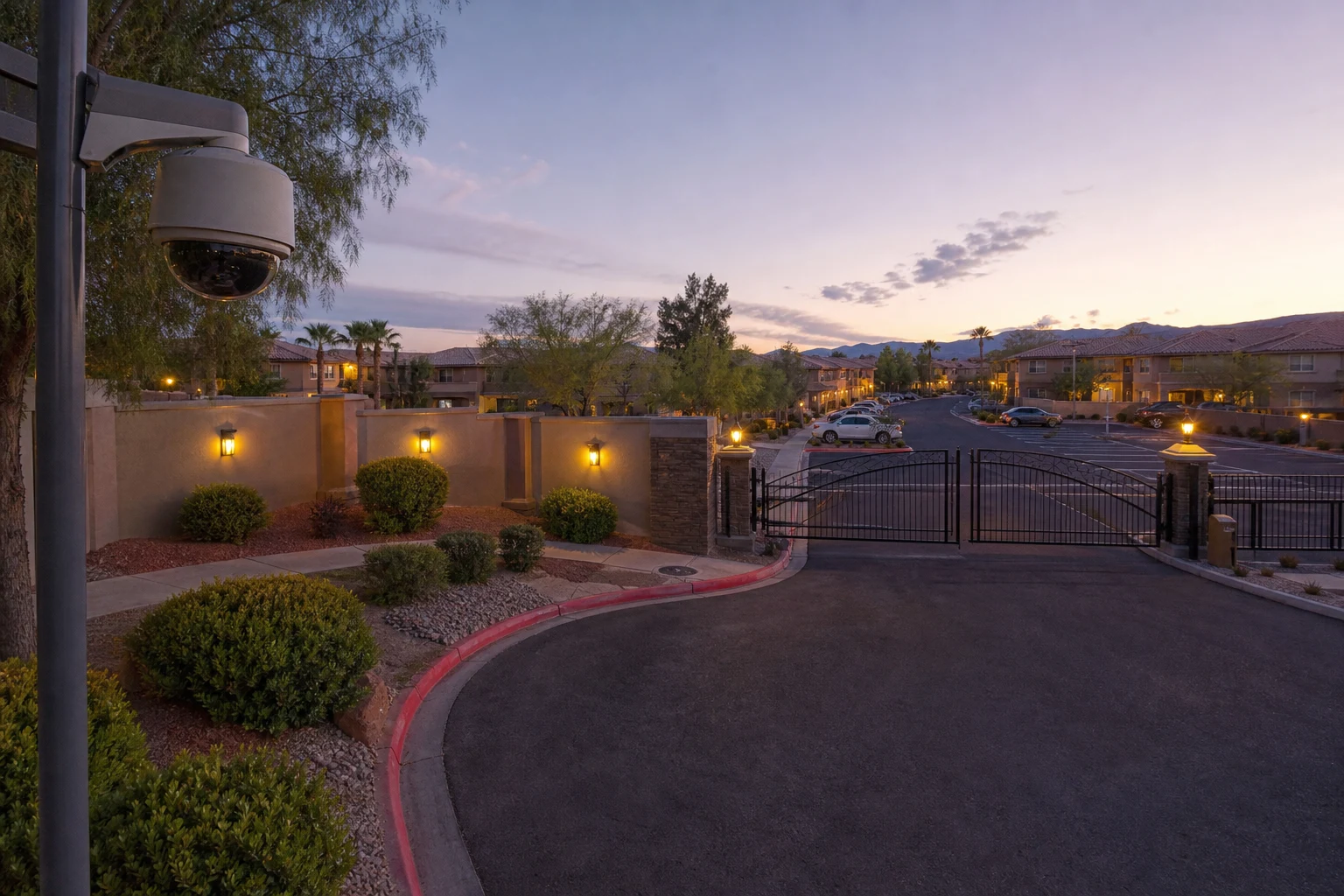
- Cover drive lanes and aisles, not just parking stall centers, so a camera captures movement rather than a static row of bumpers
- Position at least one camera to capture vehicles entering and exiting each gated entrance, ideally with enough resolution to read plates in daylight
- Cover guest and visitor lots separately from resident parking, since these areas typically see the most turnover and the least natural surveillance from residents
- Light the area well enough that night footage is usable — a camera without adequate lighting is a much weaker deterrent after dark
Our security camera installation team maps drive lanes, gates, and lot layouts before recommending camera count and placement, which is a different exercise from covering a single-entrance retail storefront or office.
Pairing Cameras with Access Control and Alarms at Amenities
Cameras and access control solve different problems, and boards get the most value when they treat them as one plan instead of two separate purchases. Access control decides who can open a clubhouse, gym, or gate door; cameras document what happened at that door. Alarms add a third layer: notification when something happens outside of an authorized schedule.
For amenities with defined operating hours — a clubhouse, fitness room, or pool gate — a door alarm that flags an entry after closing time or a door left propped open gives the board and management company something to act on before a minor issue becomes a bigger one. Our Las Vegas HOA access control guide walks through how boards typically plan credential and gate decisions for a community; camera coverage is usually the next conversation once that foundation is in place.
Heat, Glare, and Other Las Vegas Factors for Outdoor Amenity Cameras
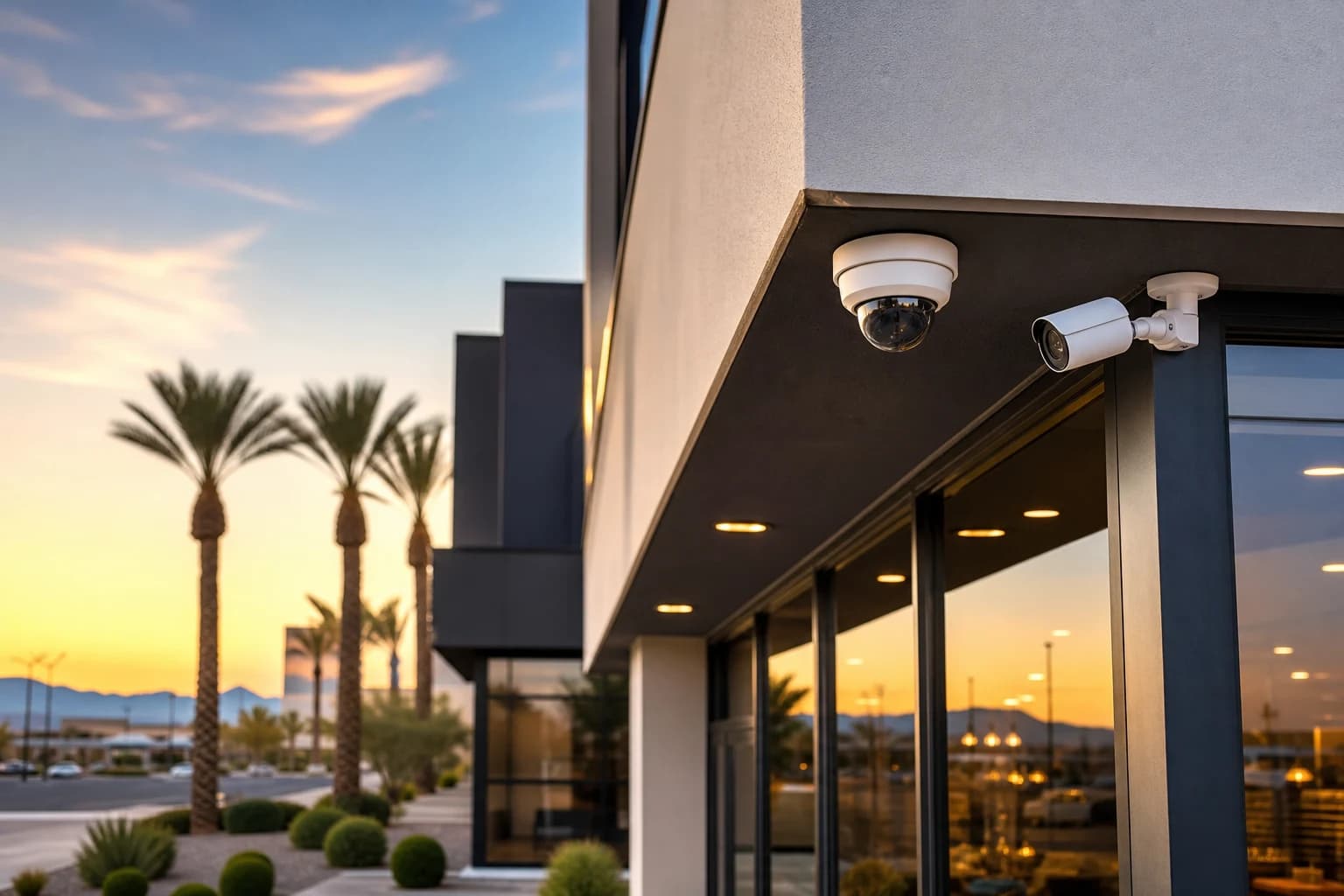
Outdoor cameras at a pool or parking area face the same environmental stress every other outdoor camera in the Las Vegas Valley deals with, and a camera that isn’t rated for it will underperform long before the association expects to replace it.
A few local factors that affect amenity camera selection and placement:
- Heat tolerance: Cameras mounted in direct summer sun should be rated for operation at or above 140°F (60°C), not the 122°F (50°C) rating found on many budget models
- Sun glare: West-facing cameras at a pool deck or parking lot can be washed out for hours during summer afternoons; mounting under an overhang or choosing a camera with wide dynamic range helps
- Weatherproofing: Look for an IP66 or IP67 rating on any camera exposed to pool chemicals, sprinklers, or direct weather
- Dust and monsoon debris: Exposed lenses near open parking areas and pool decks need periodic cleaning to stay effective, which is worth building into the community’s maintenance schedule
Recording Policy, Footage Access, and Resident Privacy
A camera system without a written policy tends to create more disputes than it resolves. Before installation, the board should document:
- What gets recorded and where — a clear list of covered areas, and an explicit list of areas that are never covered
- How long footage is retained, and who is responsible for storage costs and management
- Who can request footage, how a request is submitted, and who approves it — this should not default to “whichever board member answers the phone first”
- How the association responds to law enforcement requests, ideally established in advance rather than decided in the moment
Cameras should also never be aimed at private patios, unit windows, or balconies, even incidentally while covering a shared walkway or parking area. If a placement can’t avoid capturing a private space, the camera angle or location needs to change — not the resident’s expectation of privacy. Associations should have their management company and legal counsel review the final policy before it’s adopted, since HOA governing documents and Nevada community association law vary by property.
Storage and Monitoring Options for Community Cameras
Most HOA camera systems work best with a mix of storage and monitoring options rather than a single approach:
- Local NVR storage covers continuous recording across every camera without a recurring subscription cost — a meaningful factor for associations managing a shared budget
- Cloud backup protects key clips even if a recorder is damaged, stolen, or fails, and gives management remote access without a site visit
- Professional monitoring on gate and clubhouse door alarms means an operator is notified of an after-hours entry or forced door, rather than the incident only showing up on footage the next time someone checks
The right combination depends on the community’s size, budget, and how actively management staff can review footage day to day. A 200-unit community with an on-site manager has different needs than a 40-unit association run by a volunteer board.
Building a Common-Area Camera Plan: Where a Board Should Start
Every community’s layout is different, so the right starting point is a walkthrough rather than a standard package. During a free on-site assessment, our team typically covers:
- A full amenity and entry-point inventory, including pools, clubhouses, mailrooms, gates, and parking areas
- Existing camera and access control equipment, so the board knows what to reuse and what to replace
- Coverage priorities based on incident history and budget, rather than assuming every amenity needs equal investment
- Draft language for a recording and footage-access policy, for the board and its counsel to review and adopt
- Storage and monitoring recommendations that fit how the community is actually managed day to day
From there, we put together a proposal the board can compare against other bids on equal terms, itemized by area and equipment rather than a single bundled price.
Frequently Asked Questions
Can HOA common-area cameras cover the pool without recording inside changing rooms or restrooms?
Yes, and they should be designed that way from the start. Camera placement around a pool or clubhouse should cover entry points, gates, and the general deck area while excluding restrooms, changing areas, and any space where residents have a reasonable expectation of privacy — including indirectly through a mirror or window.
Who should have access to HOA common-area camera footage?
That should be defined in a written board policy before installation, not decided case by case. Most associations limit footage requests to a documented process involving management and, when relevant, the board — rather than leaving access open to whoever asks first.
Do HOA common-area cameras need to be professionally monitored?
They don’t have to be, but professional monitoring adds real value on gate and clubhouse door alarms, where an operator can flag an after-hours entry or a door left open instead of the issue only surfacing when someone reviews footage later.
Can common-area cameras be combined with the community’s gate and access control system?
Yes. Cameras and access control are typically planned together so gate and door footage lines up with entry records, giving the board and management company a complete picture of who accessed an area and when.
Plan Your Community’s Camera Coverage With ASAP Security
ASAP Security is locally owned and has served Southern Nevada communities since 2003. The company is a First Alert PRO / Resideo partner, holds Nevada Contractor License #0058622 and Locksmith License LV L0600194-E107635, maintains a BBB A+ rating, and is based at 3170 Polaris Avenue, Suite 4, Las Vegas, NV 89102.
If your board or property management company is planning camera coverage for a Las Vegas Valley community, request a free on-site walkthrough or call (702) 870-8880 to talk through your amenities, budget, and current equipment.