Quick Summary
- Restaurant security cameras should follow your day, not your floor plan: deliveries, service, the cash count and closing up.
- Start with the front door, the register or host stand, the back door and the spot where cash is counted.
- Poor lighting and glare can make faces hard to see, especially near a glass front door.
- Tell your staff where the cameras are, keep them out of restrooms, and ask an attorney before recording sound.
- Check the system on a schedule. A camera that stopped recording last month does not help tonight.
Restaurant security cameras work best when they cover the moments that matter most to an owner: the delivery at the back door, the rush at the register, the cash count at closing. If you run a restaurant in Southern Nevada, ASAP Security’s commercial security team can walk your space during a free on-site consultation. The sections below follow a restaurant day from open to close, so you can see where cameras earn their place.
What should restaurant security cameras cover first?
Cover four places first: the front door, the register or host stand, the back door and the spot where cash is counted. Together they show who comes in, who handles money, what comes in and out the back, and what happens at the end of the night.
Add the dining room, the kitchen and the outside of the building after that, based on your layout. A small counter-service shop may need only a handful of views. A restaurant with a bar, a patio and a separate storage building will need more. A walkthrough of the real space beats any fixed package.
What should cameras see at the back door before you open?
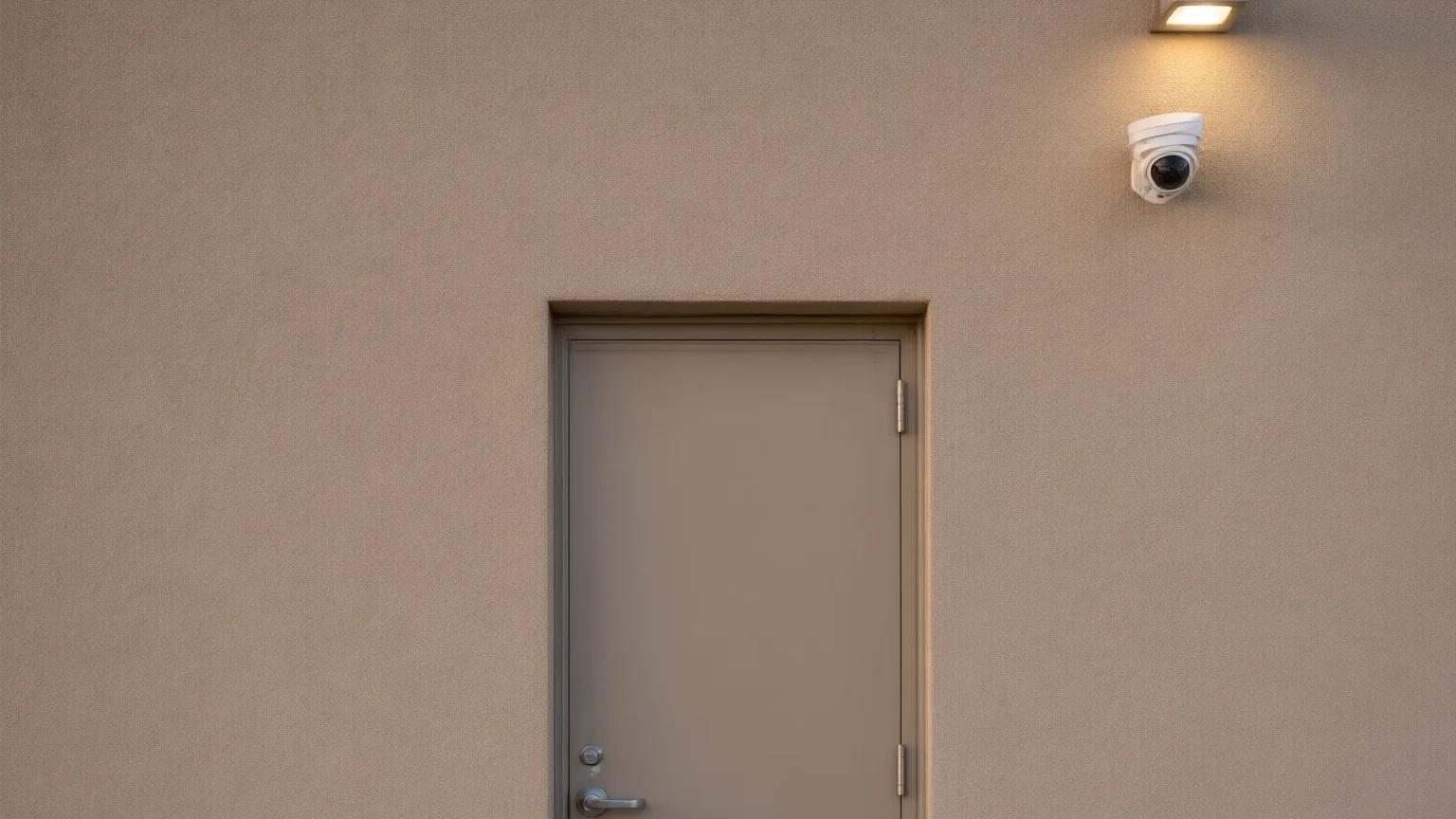
A back door camera should show the door, the person using it and the area right outside. Deliveries, trash runs, staff breaks and vendor visits all pass through it.
Put a second view inside, facing the delivery area, so you can see what was brought in and who handled it. If you accept deliveries before the dining room is open, that view settles questions about short shipments without relying on memory. For storage rooms that only some staff should enter, access control can limit which staff can open the door, and a fob or code can be turned off when someone leaves. It works alongside cameras instead of replacing them.
How do cameras cover the front door and register during service?
During service, the front door camera should show faces as guests arrive and leave, and the register camera should show the transaction area and the person using it. Both need a clear, steady view, not a wide shot from across the room.
For the front door, the guidance from the Scientific Working Group on Digital Evidence says entrance and exit cameras should have enough depth of field to stay in focus at three feet and beyond, so people walking in are not a blur. For the register, frame the counter, the cash drawer and the staff member, and keep the keypad out of the picture. If your guests enter a card number or PIN at the counter or table, ask your installer to aim the view so it never shows the screen or keypad.
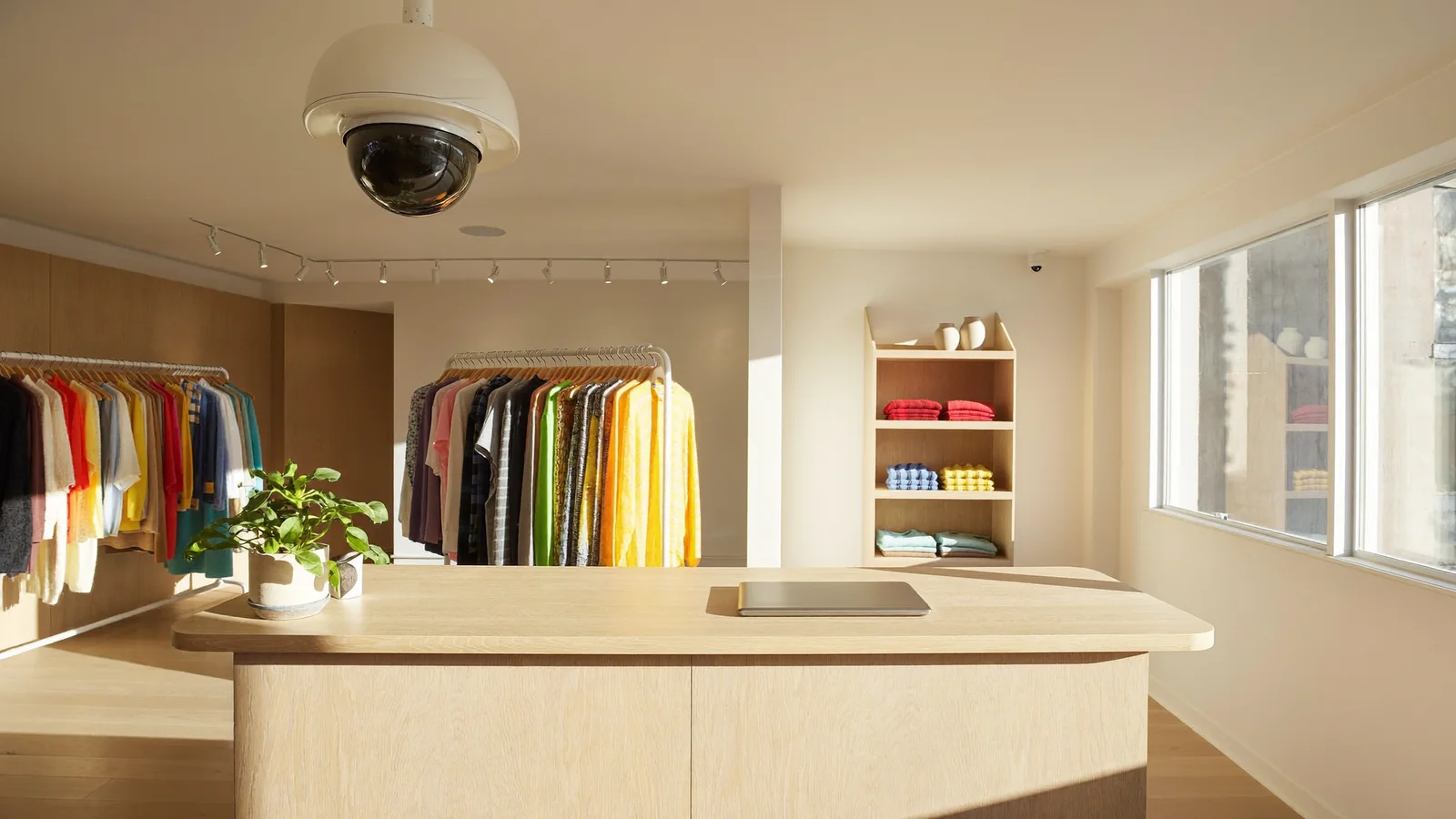
The dining room may benefit from wider views where the layout and your security needs call for them. The goal is to see the room’s layout and traffic; those views do not replace clear images at doors and transaction areas.
Do restaurant kitchens and storage rooms need cameras?
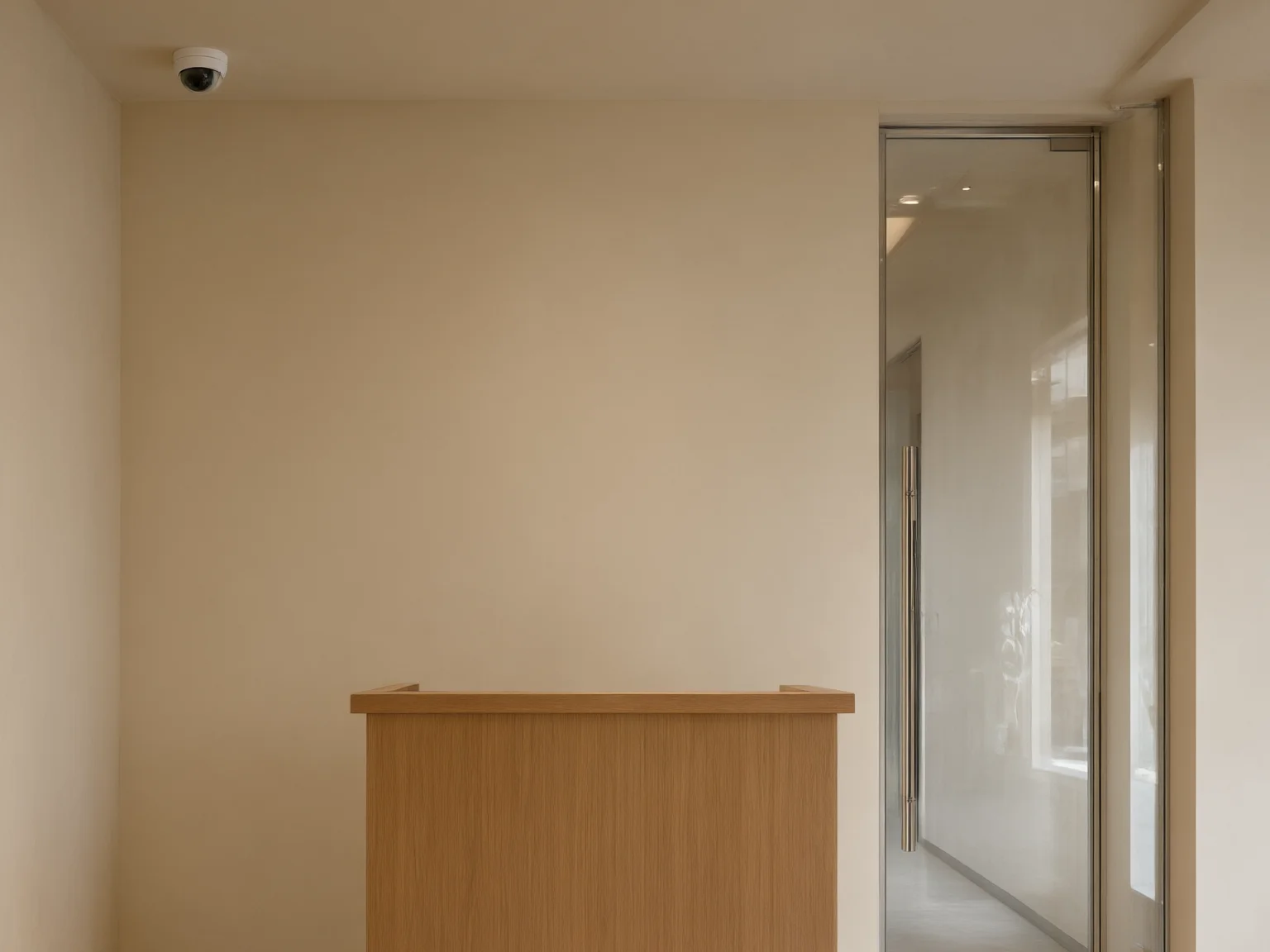
Often yes, especially at doors and storage areas. A kitchen view should cover the door to the dining room, the back-of-house exit and any walk-in cooler or dry storage entrance, rather than every cooking station.
Heat, steam and grease are hard on equipment. Ask your installer which cameras and housings suit your kitchen, and where to mount them so they stay clear and out of the way of the cooks. Our guide to commercial security cameras in Las Vegas explains camera types if you want the background first.
How can you cover the cash count at closing?
Point one camera at the place where you count cash and one at the safe or office door. Closing is often when cash and keys are handled, and a clear record protects you and the employee who does the count.
Decide ahead of time who closes, who counts and who sets the alarm. The National Restaurant Association’s Always Ready: Public Safety overview emphasizes planning, employee training and clear response procedures. Cameras can support that plan, but they do not replace it. You can also check your restaurant from your phone afterward. ASAP Security’s security camera page lists remote access and cloud storage among its camera options, so ask about both at your consultation.
Does lighting change what a restaurant camera can see?
Yes. The SWGDE guidelines call poor lighting the most common factor that degrades video quality. They also warn that strong backlighting or high-contrast lighting can leave a person’s face in shadow, which makes identification difficult or impossible.
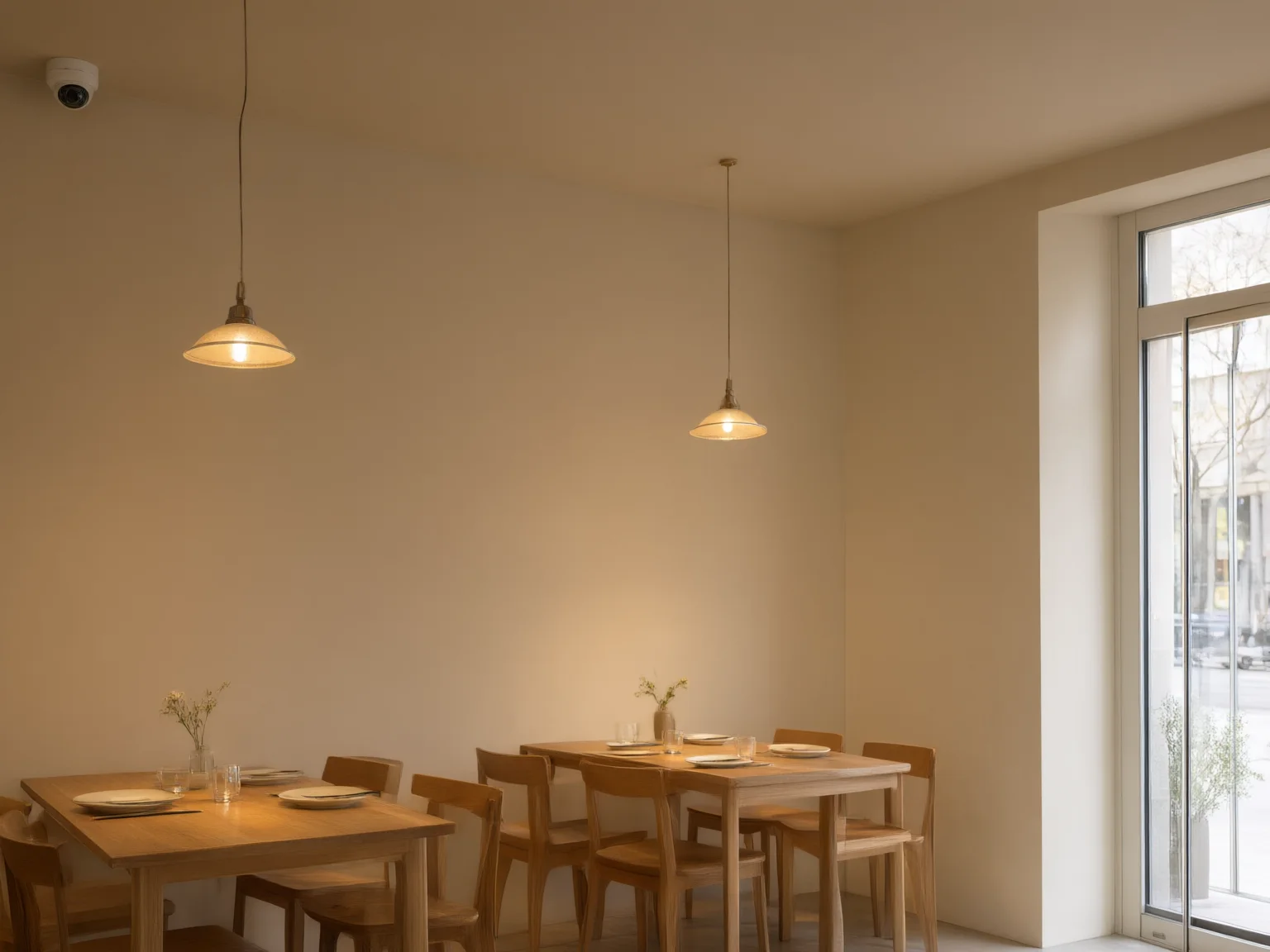
Restaurants run into both. A glass front door lets afternoon sun flood the entry, and a dim, candlelit dining room gives a camera very little to work with. Before you settle on a camera spot, look at the picture from that spot at the time of day you care about, including after dark. Ask about cameras that handle low light and bright backgrounds, and about adding light where a view needs it.
What should you tell staff and guests?
Be open about the cameras. Tell your team where they are and what they are for, and post a clear sign near the entrance. Keep cameras out of restrooms and any other area where people expect privacy.
Rules about recording, especially sound, can be specific. If a camera or recorder can capture audio, talk to your attorney before you turn that feature on. A security installer can’t advise on that, and this article is general information, not legal advice.
How do you keep a restaurant camera system working?
Set a maintenance schedule with your installer and follow the equipment maker’s cleaning instructions. SWGDE’s 2015 Version 1.0 guide gives this example schedule for video security systems:
- Daily: play back about 30 seconds of recorded video to confirm every camera is recording, check that each camera is aimed properly, in focus and not blocked, and confirm the date and time are correct.
- Monthly: clean the lenses and housings, more often if your location is dusty or greasy.
- Yearly: have a qualified video security technician complete a full preventive maintenance check.
Grease on a lens or a camera someone bumped out of position can make a recording unusable. A daily check can reveal missed recordings or changed views before you need the footage.
Frequently Asked Questions
How many security cameras does a restaurant need?
It depends on the size and layout. A small counter-service restaurant needs fewer views than a full-service restaurant with a bar, a patio and storage rooms. The best way to get a real number is a walkthrough of your space with an installer.
Should restaurant cameras cover the dining room?
Wider views can help show the dining room’s flow and the doors. The number and placement depend on the layout and what you need to see, balanced against guests’ and staff members’ privacy. Tell your team about any cameras in work areas.
Can I watch my restaurant from my phone?
Professional systems can offer remote viewing, and ASAP Security’s camera page lists remote access among its features. Ask who in your business gets access, since owners, managers and staff do not all need the same view.
Do cameras and door access control work together?
They cover different things. Cameras show what happened, and access control limits who can open a door. Many businesses use both on storage rooms and offices. Our guide to common business security mistakes covers camera placement, maintenance and how the pieces fit into one plan.
Talk to ASAP Security About Your Restaurant
Not sure where cameras belong in your restaurant? ASAP Security has served Southern Nevada since 2003, including Las Vegas, Henderson, North Las Vegas, Summerlin, Spring Valley, Pahrump and Boulder City, and offers a free on-site consultation. Get Free Quote or call (702) 870-8880.
This article is general information. It is not legal advice, and it does not replace the instructions for a specific camera system or the advice of a qualified installer.
Sources
- SWGDE: Recommendations and Guidelines for Using Video Security Systems, Version 1.0 (September 29, 2015) (read 2026-11-12)
- National Restaurant Association: Always Ready: Public Safety, public overview (September 4, 2026) (read 2026-11-12)
ASAP Security has served Southern Nevada since 2003.