Quick Summary
- Security cameras for retail stores work best when they cover the places where people, product and money move: the front door, the checkout counter, the sales floor, the stockroom and the back door.
- Walk the store as a customer, an employee and a stranger would, and note every spot where you can’t see from the register.
- Use fewer, well-aimed cameras where faces and hands show up, not many cameras pointed at the same aisle.
- Remote viewing matters most if you own more than one location or are rarely in the store.
- A free walkthrough of the actual floor plan beats a fixed package.
Security cameras for retail stores should follow the path of your customers, your cash and your inventory. For a Las Vegas shop, that usually starts at the front door and ends at the back door, with the checkout counter and stockroom in between. ASAP Security’s commercial security team can look at your floor plan and suggest coverage during a free on-site consultation.
Where should cameras go in a retail store?
Start with the five places most stores have in common: the entrance, the checkout counter, the sales floor, the stockroom and the back door. Cover those first, then add cameras only where you find a gap.
The easiest way to find the gaps is to walk the store three times. First walk it as a customer would. Then walk it as an employee closing at night. Then stand at the register and note every area you cannot see.
What should a camera at the entrance see?
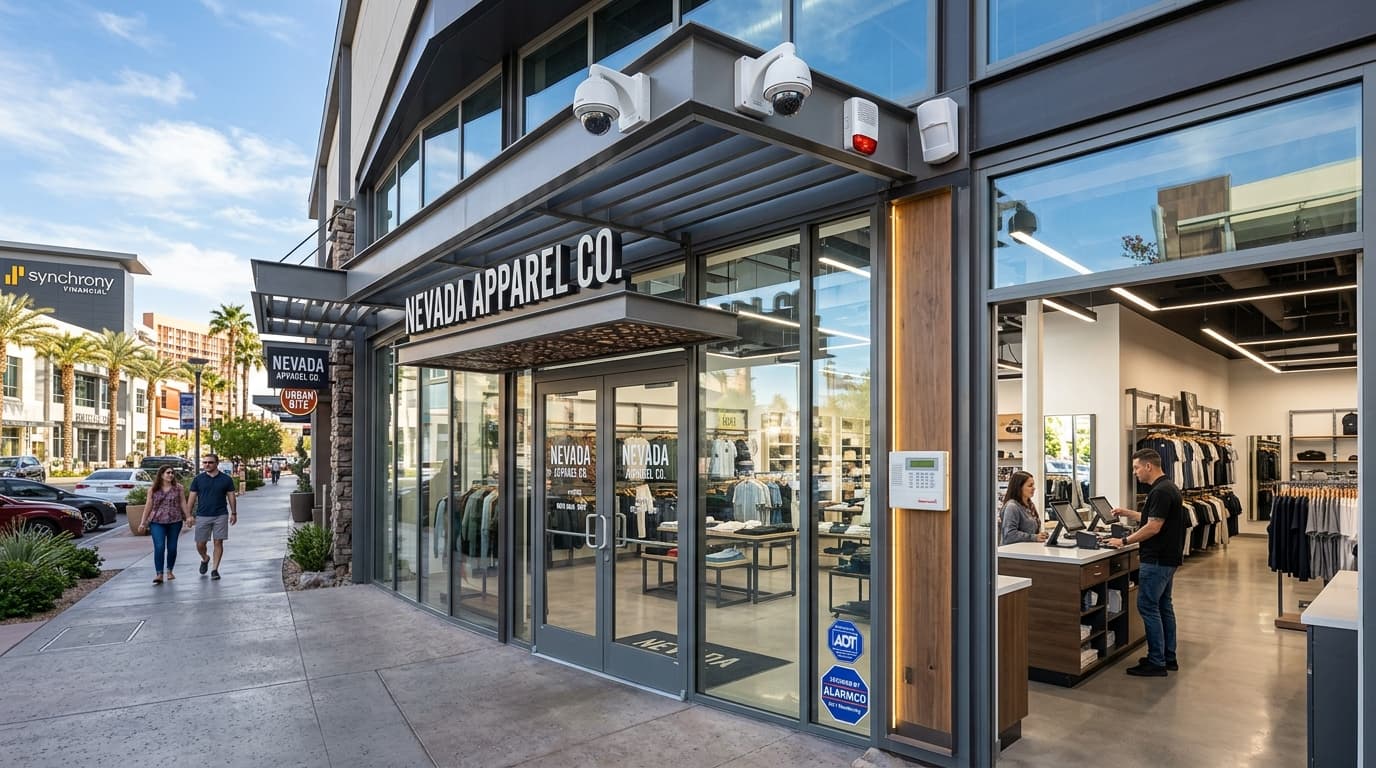
An entrance camera should show faces as people come in and leave. Mount it at a height and angle that captures a face, not just the top of a head, and avoid pointing it straight into glass where sun glare can wash out the picture.
A security camera system can also include a second camera outside if your storefront faces a walkway or parking area. Also decide whether you want a second look at the doorway from inside the store. Two angles at the same door often tell the story better than one.
How do you cover the checkout counter?
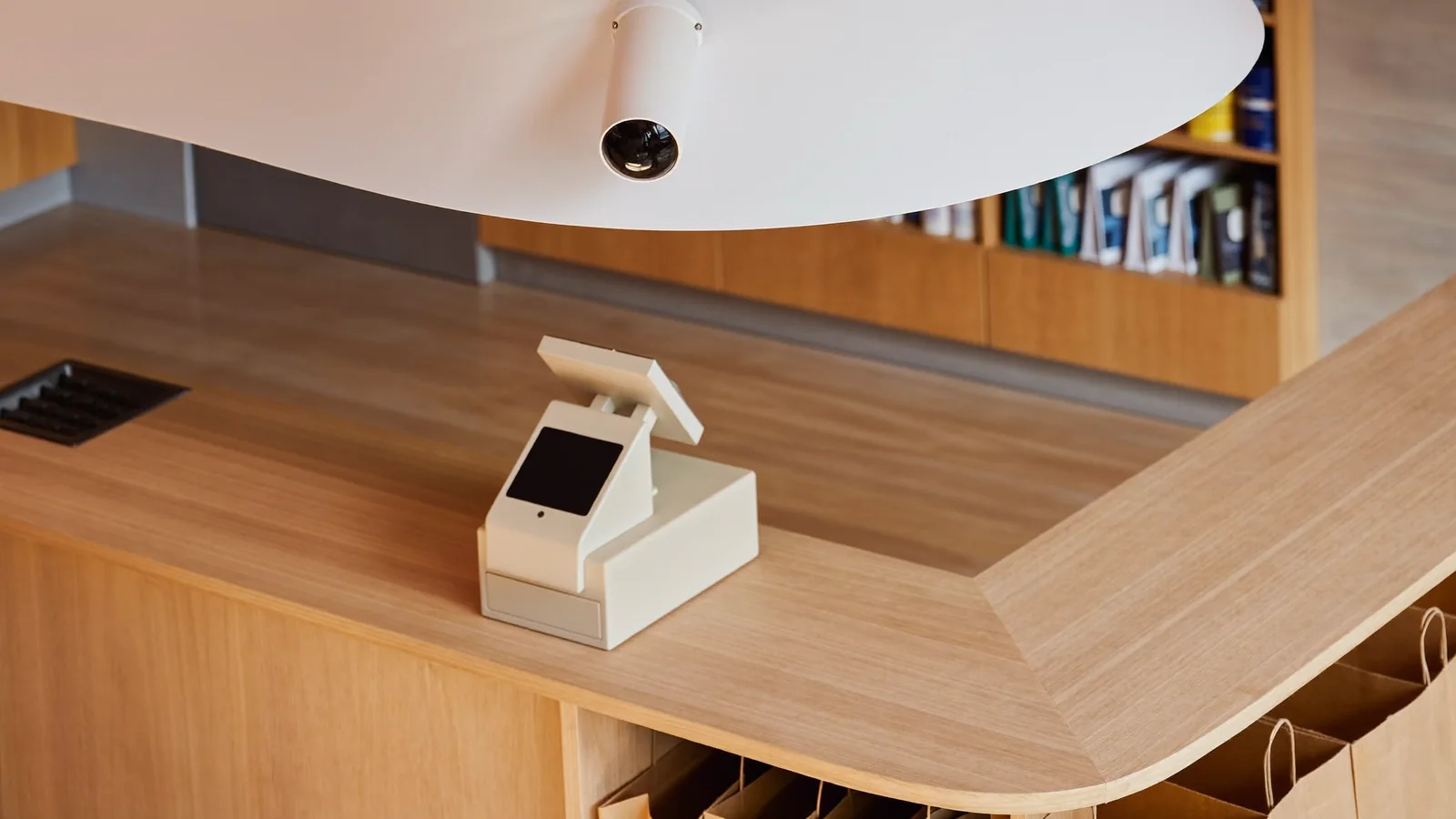
Aim a checkout camera at the register area so it shows the transaction surface, the cash drawer and the person using it. A clear view of the register can help when you need to review a cash, return or account question.
Keep the counter camera away from anything that shows customers typing a PIN. If you take cards at the counter, ask your installer to frame the shot so it covers the counter and the people, not the keypad.
How many cameras does the sales floor need?
The sales floor needs enough cameras to see down each aisle and across the open space, and the number depends on your layout. Tall shelving, end caps and display tables create blind spots that one wide camera can’t solve.
Think in lines of sight, not square footage:
- Look down each aisle from the end where people enter it.
- Check the corners behind tall displays.
- Cover the spots where small, high-value items are kept.
- Make sure at least one camera sees the whole room from above.
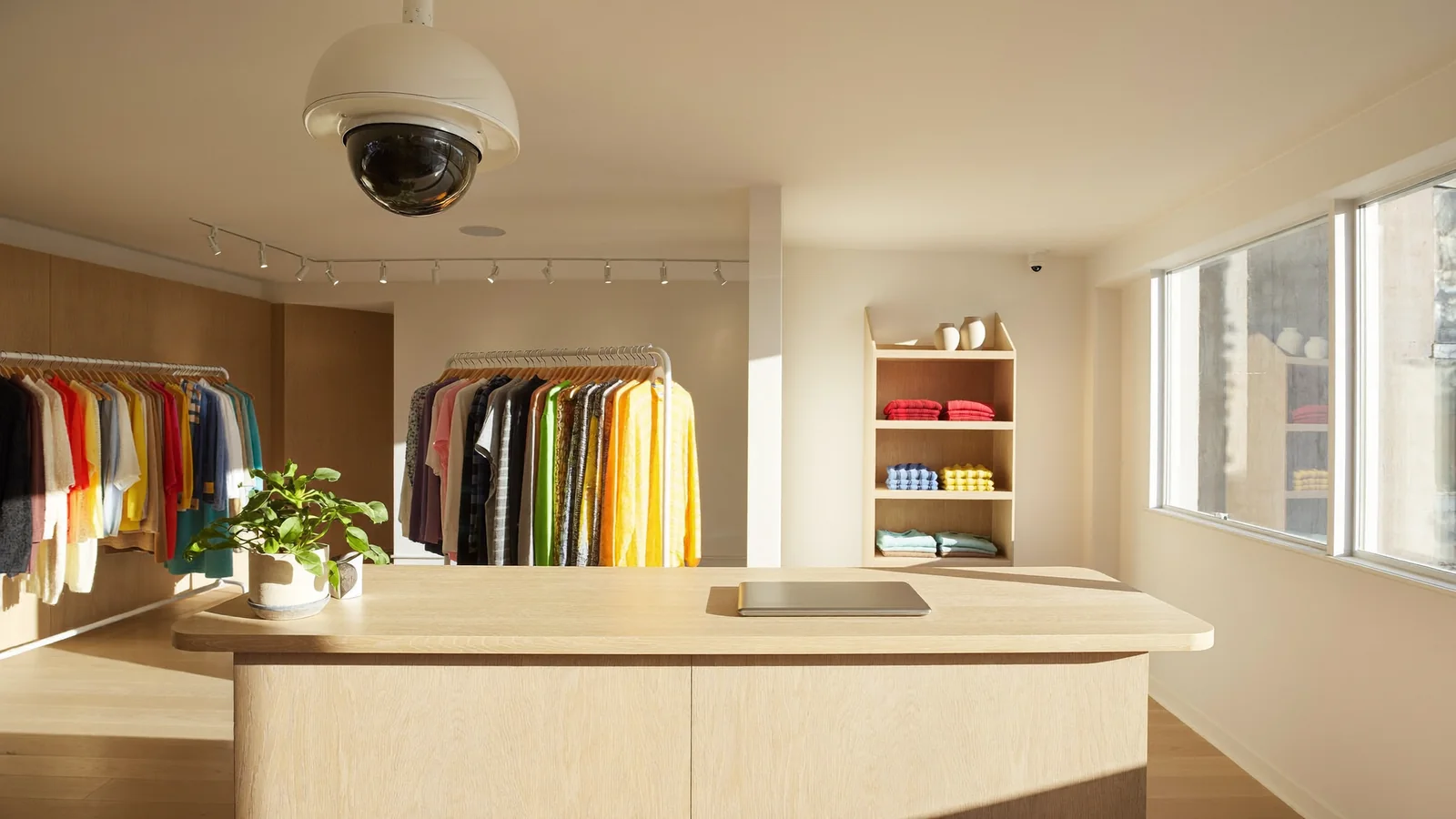
A dome camera on the ceiling suits many sales floors, but the right type depends on ceiling height and lighting. Our guide to commercial security cameras in Las Vegas explains the camera types, so we won’t repeat them here.
Do you need cameras in the stockroom and at the back door?
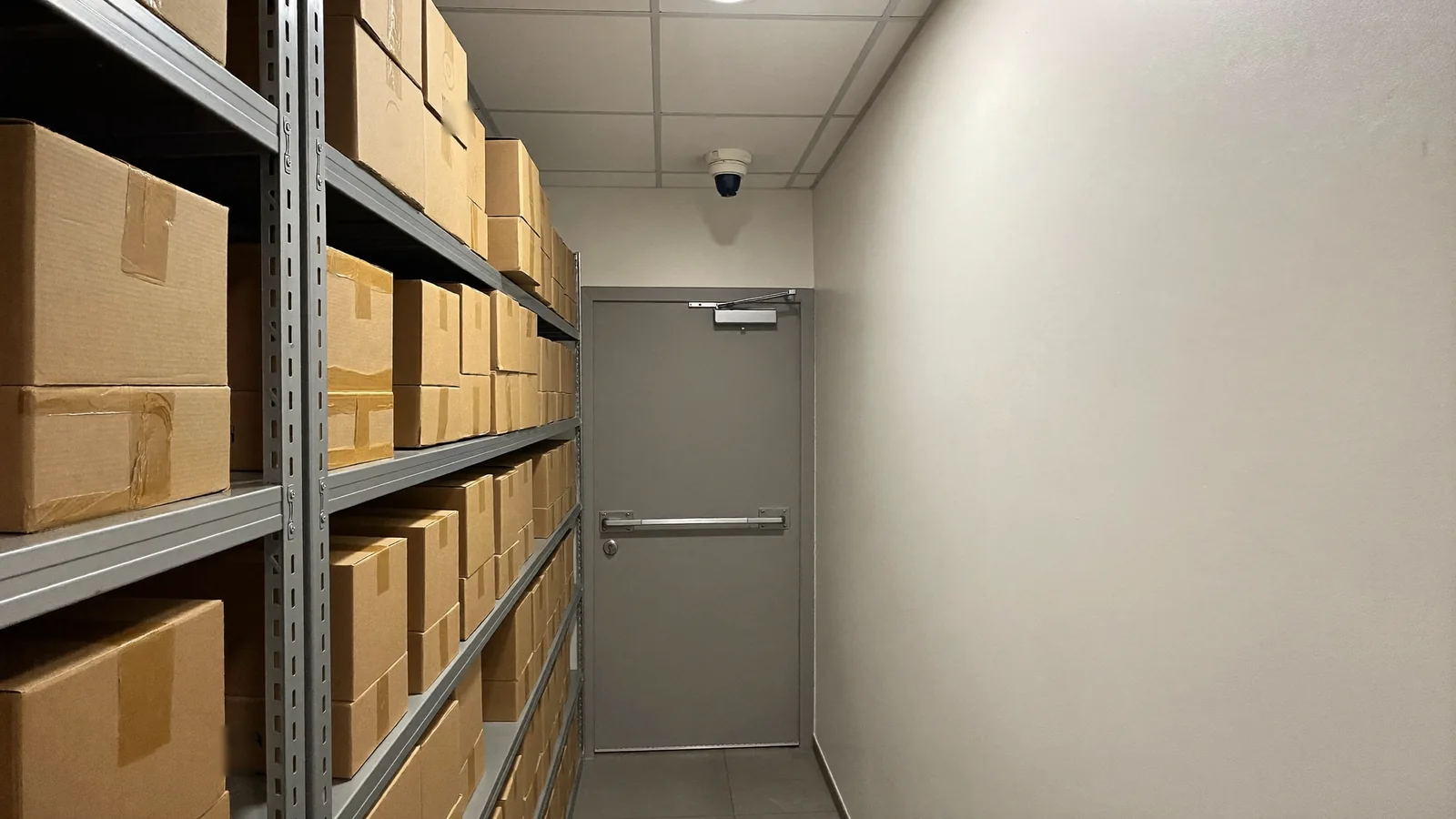
Yes, in most stores. The stockroom and back door are usually the least watched part of a shop, and deliveries, trash runs and staff breaks all pass through them.
Put one camera on the back door and one inside the stockroom facing the shelves and the door. If you accept deliveries at the back, you will also have a record of what arrived and who signed for it. For stockrooms or offices where only some staff should enter, access control can show who opened the door and when, and it works alongside cameras.
What about the parking lot and storefront?
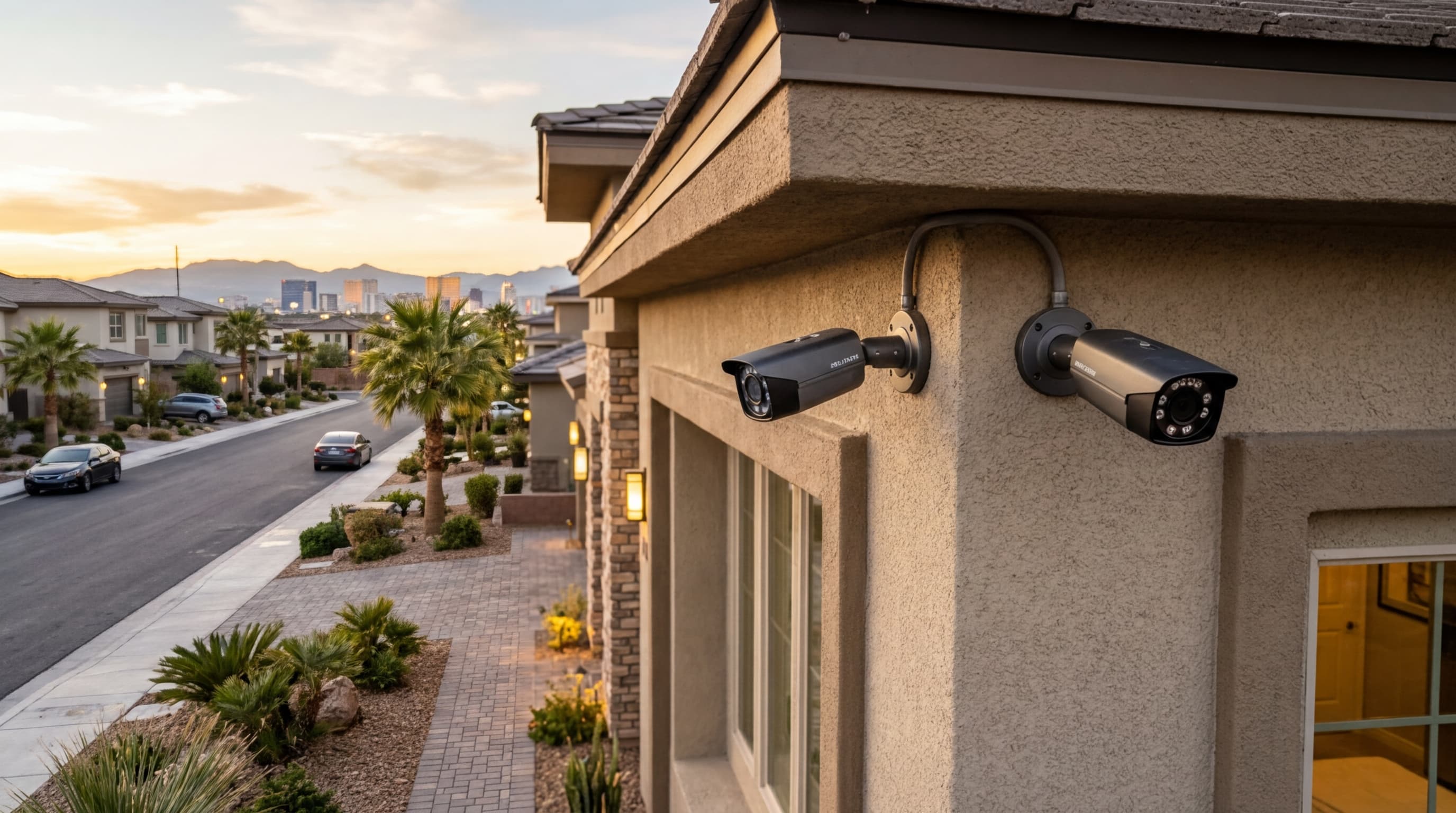
If your lot or walkway is part of your property, a wide outdoor camera on the building can show the front of the store after hours. ASAP Security’s commercial page also lists security screens as an added physical barrier for storefronts and customer-facing entries.
Las Vegas sun and heat affect outdoor equipment, so ask about mounting under an eave and about the temperature rating before you buy.
Can you watch more than one store from your phone?
Yes. Professional systems can offer remote viewing, so you can check a live view or review footage from your phone or computer, and multi-site setups can bring several locations into one place.
If you own two shops, or you aren’t always in the store, ask about remote access and storage before you choose equipment. Ask who can see what: owners, managers and staff don’t all need the same access.
What should you tell employees and customers?
Be open about recording. Post a clear sign that the store is under video surveillance, and tell new employees where cameras are and why. Keep cameras out of restrooms, fitting rooms and break rooms.
Recording rules, especially for audio, can be specific. If a camera can record sound, check with your attorney before you turn that feature on. That part isn’t something a security installer can advise on, and this article is general information, not legal advice.
Frequently Asked Questions
How many security cameras does a small retail store need?
It depends on the size and layout of the space. A small shop may need only a handful to cover the door, register, sales floor and back door, while a larger store needs more. A walkthrough of the actual floor plan is a better starting point than a fixed number.
Should the checkout camera show the cash drawer?
Usually yes, so you can resolve disputes about cash and returns. Frame it so it shows the counter and the people, and keep it off any card keypad.
Do retail stores need a camera at the back door?
In most stores, yes. The back door and stockroom see deliveries, staff traffic and trash runs, and they are often the least watched part of the store.
Can I check my store cameras from my phone?
Many professional systems offer remote viewing on a phone or computer. Ask your installer how live view, alerts and recorded footage will work in your store before you sign.
Talk to ASAP Security About Your Store
Want a second set of eyes on where your cameras should go? ASAP Security has served Southern Nevada since 2003 and offers a free on-site consultation. Get Free Quote or call (702) 870-8880.
ASAP Security has served Southern Nevada since 2003. Nevada Contractor License #0058622 (Bid Limit $50,000) | Locksmith License: LV L0600194-E107635.